
Guide formats
Create step-by-step guides, interactive walkthroughs, or video demos from the same content so you can choose the format that fits the job.

Guidejar is interactive walkthrough software for teams creating step-by-step guides, SOPs, product demos, and help center content. Capture in browser or desktop, then customize, share, embed, and track.
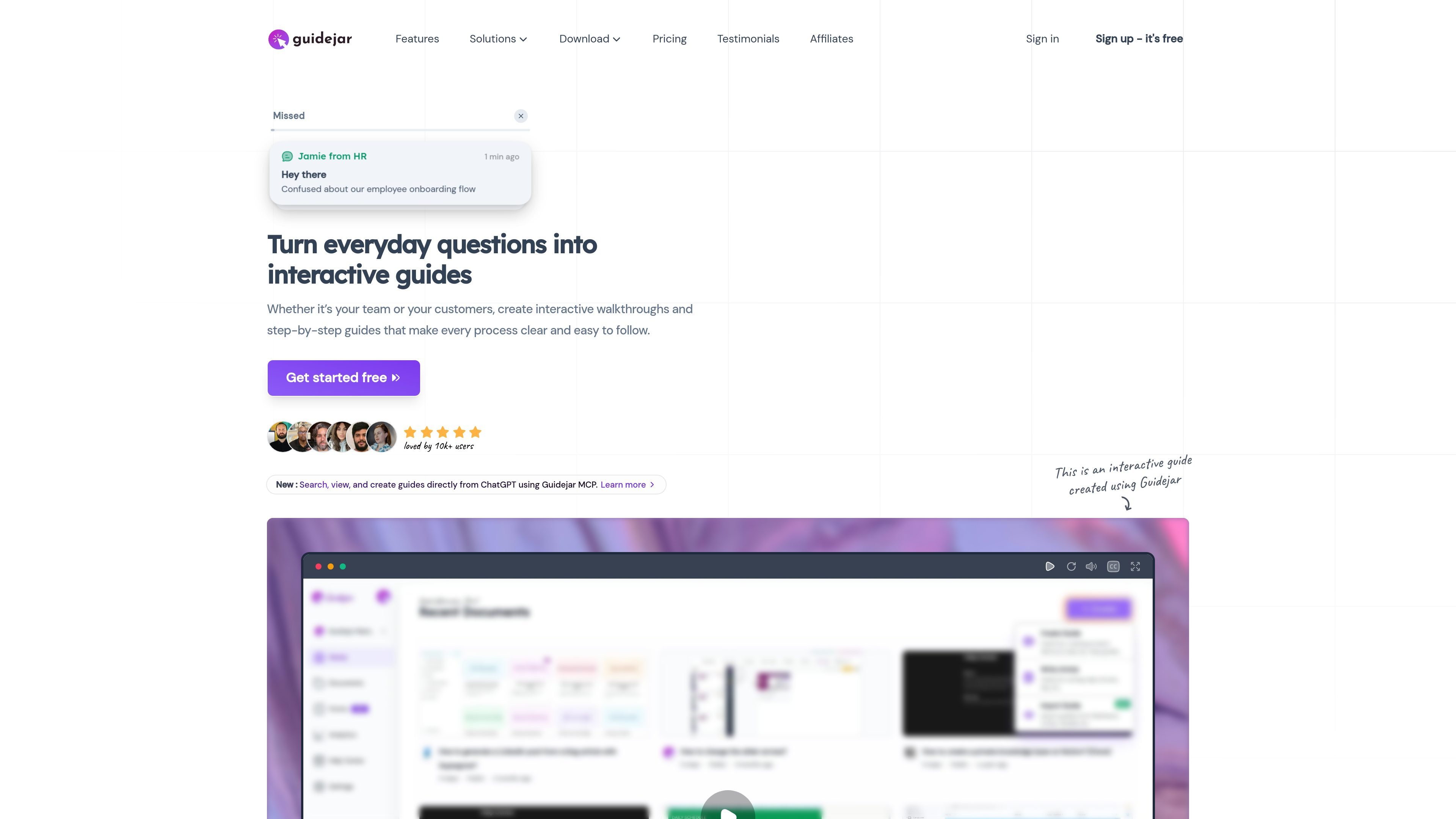
Guidejar is interactive walkthrough software for teams that need to document processes, explain products, and support users with step-by-step content. It is built around recording a workflow once and turning it into guides, walkthroughs, video demos, or help center content that can be shared inside products or on the web.
The product supports both internal and external use cases, including SOPs, onboarding, product marketing, and customer support. Users can capture a process with the Chrome extension or desktop app, then customize the output with branching, chapters, voiceover, branding, and access controls before sharing it by link, embed, or help center widget.
Create step-by-step guides, interactive walkthroughs, or video demos from the same content so you can choose the format that fits the job.
Add chapters, conditional branching, dynamic variables, and access control to shape how people move through content and who can see it.
Use AI voiceover, translation, paraphrasing, auto-generated FAQs, summary generation, and imported documents or video-to-guide creation to speed up production.
Capture browser-based workflows in supported chromium browsers, or use the Windows and Mac desktop apps for desktop application recording.
Share guides with links, embed them on websites or help docs, and publish a help center widget for contextual in-product support.
Track views, completions, and feedback to understand how guides perform and where users may need clearer instructions.
Capture internal workflows and standard operating procedures in a format that teammates can follow without asking for repeated explanations.
Create interactive product experiences that explain value, highlight features, and help prospects understand the product before a sales call.
Guide new customers through setup and first use so they can complete key actions with less friction.
Publish a help center or widget so employees or customers can search for guides, articles, and FAQs from inside your site.
Guidejar records step-by-step guides and interactive walkthroughs from the Chrome extension or desktop app, then lets you customize, share, or embed them.
Yes. The source says the browser extension works with chromium-based browsers including Google Chrome, Opera, Brave, Arc, Comet, and Microsoft Edge.
Yes. Guidejar has desktop apps for Windows and Mac, and the desktop capture feature is included on the Plus and Business plans.
Yes. Guidejar supports team collaboration through workspace invitations and role-based access control.
Yes. Guides can be shared by link and embedded on websites or help docs with a code snippet.