
Persistent VM sessions
Grass runs agents on a persistent GrassVM so sessions can keep going even when your laptop sleeps or the app is closed.

Grass is an always-on VM for AI coding agents that keeps sessions running after your laptop sleeps or closes. Start tasks anywhere, approve requests on mobile, and return to diffs and results later.
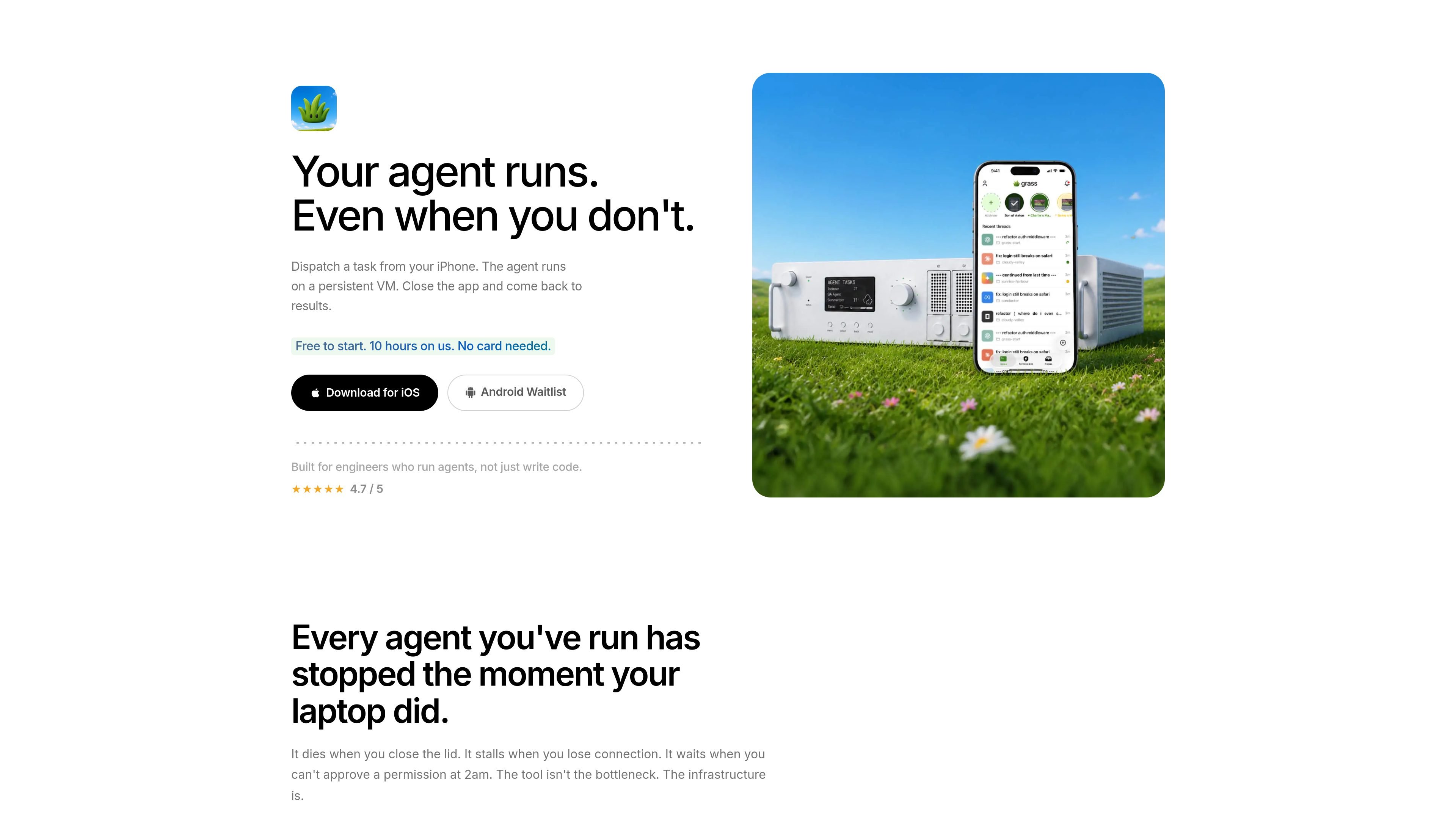
Grass is an always-on VM for AI coding agents. It gives developers a persistent machine so a task can keep running after they close their laptop, leave the app, or lose connection.
The product is aimed at engineers who run agents rather than just write code. Its workflow centers on dispatching work from a phone, receiving permission prompts on mobile, and returning later to diffs and results without babysitting the terminal.
Grass runs agents on a persistent GrassVM so sessions can keep going even when your laptop sleeps or the app is closed.
Permission requests are sent to your phone as push notifications, letting you approve or reject work without staying at the terminal.
You can review added, modified, deleted, and renamed files from your phone, with repo-organized diffs rather than a terminal-style log.
The product is described as working with Claude Code and Opencode, so it fits common AI coding-agent workflows.
Grass shows your machines in one place and lets you switch between GrassVM, a Mac, and a server without losing context.
Start an agent task from your phone, close the app, and return later when the work has finished on the persistent VM.
Approve or reject permission requests from a push notification instead of waiting at a desk for the next terminal prompt.
Review per-line file changes on mobile when an agent has added, modified, deleted, or renamed files during a run.
Keep long-running sessions alive overnight or through interruptions such as meetings and Wi‑Fi drops.
Switch between GrassVM, a Mac, and a server in one place when you want to keep context across machines.
Grass is presented as a persistent, always-on VM for running AI coding agents so work can continue after you close your laptop or leave the app.
The source says Grass works with Claude Code and Opencode.
The pricing page says Grass is free to start and includes 10 hours on us with no card needed.
Permission requests are surfaced as push notifications on your phone so you can approve or reject them remotely.
The source highlights iOS and Android downloads, plus a waitlist flow.