
Business email with domain identity
Gmail supports custom business email on your company domain, along with branded layouts and mail merge on higher plans.

Google Workspace is a cloud-based productivity and collaboration suite for businesses and teams, with business email, docs, meetings, chat, storage, and AI in one subscription.
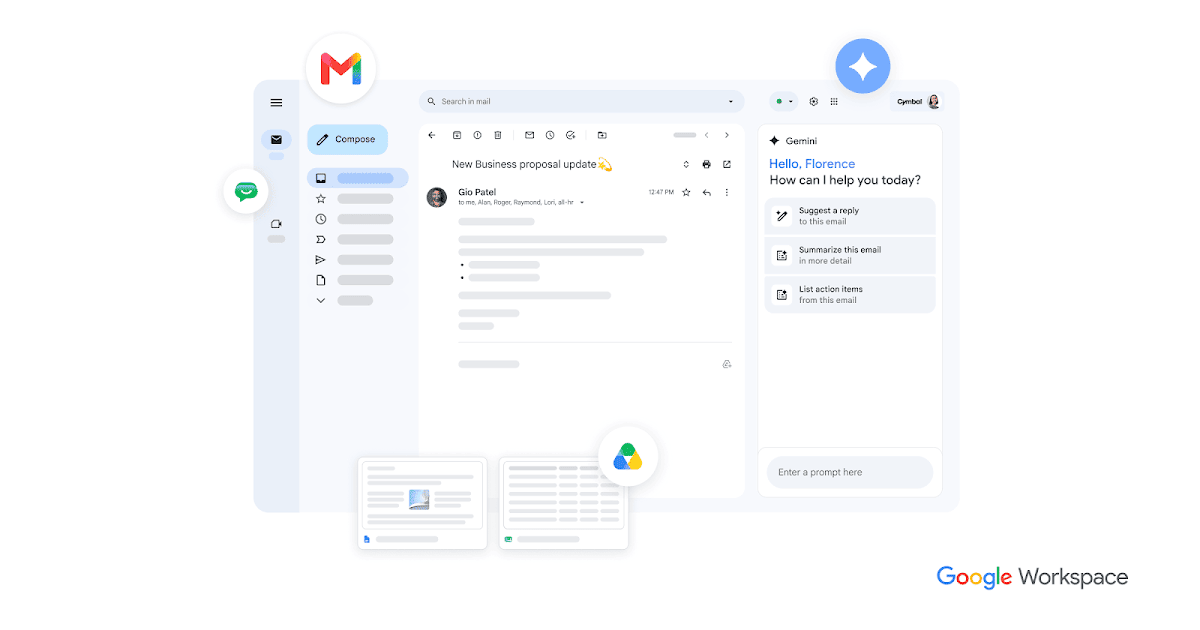
Google Workspace is Google’s cloud productivity and collaboration suite for businesses. It combines business email, calendar, cloud storage, meetings, chat, documents, spreadsheets, presentations, forms, sites, and related tools in one subscription.
The product is built around real-time work across devices, with shared calendars, automatic saving, file sharing, and centralized security and administration. The site also highlights Gemini AI features, migration tools, and add-ons such as Voice for teams that want to extend their setup.
Gmail supports custom business email on your company domain, along with branded layouts and mail merge on higher plans.
Docs, Sheets, and Slides let multiple people edit the same file in real time, with automatic saving and built-in comments and chat.
Drive stores files in the cloud so teams can access, share, and keep versions current across computer, phone, and tablet.
Meet supports video conferencing with features such as recording, noise cancellation, attendance tracking on higher plans, and live streaming on Enterprise.
Gemini is integrated across Workspace apps to help draft content, summarize information, generate insights, and support research workflows.
Security and admin tools include 2-step verification, single sign-on, endpoint management, retention controls, eDiscovery, DLP, and context-aware access on selected plans.
Use Gmail, Calendar, Meet, and Chat to coordinate schedules, send invites, and move quickly from planning to face-to-face discussion.
Work together in Docs, Sheets, and Slides with live editing, comments, and automatic saving when people are in different locations or time zones.
Store files in Drive, share access without email attachments, and keep versions current for everyone who needs the latest copy.
Use security and admin controls such as endpoint management, retention, and access policies to help protect company data and managed devices.
Use Gemini and related AI features to draft, summarize, research, and create content inside the Workspace apps your team already uses.
Google Workspace is a suite of cloud-based productivity and collaboration tools centered on business email, calendar, file storage, meetings, chat, and document creation. It also includes AI features through Gemini and related tools.
The source pages show a 14-day free trial and monthly billing for paid plans. Business Starter, Standard, and Plus can be purchased for up to 300 users, while Enterprise has no minimum or maximum user limit.
The site describes Google Workspace as a cloud-first platform for working in real time across devices. It is designed for teams that need shared calendars, online collaboration, file storage, and centralized admin and security controls.
Google Workspace includes built-in collaboration apps such as Gmail, Drive, Meet, Chat, Calendar, Docs, Sheets, Slides, Forms, and Sites. The pricing page also mentions Gemini in Workspace apps and the Workspace marketplace/add-ons area mentions Voice as a separately sold add-on.
The source pages emphasize cloud collaboration, AI assistance, security and management controls, and migration tools. They do not provide full setup steps or a complete list of every integration, so those details should be confirmed on the relevant plan and support pages.