
Two Google Gen AI service targets
Create clients for either the Gemini Developer API or the Gemini Enterprise Agent Platform APIs, using an API key for the former or an enterprise project and location for the latter.

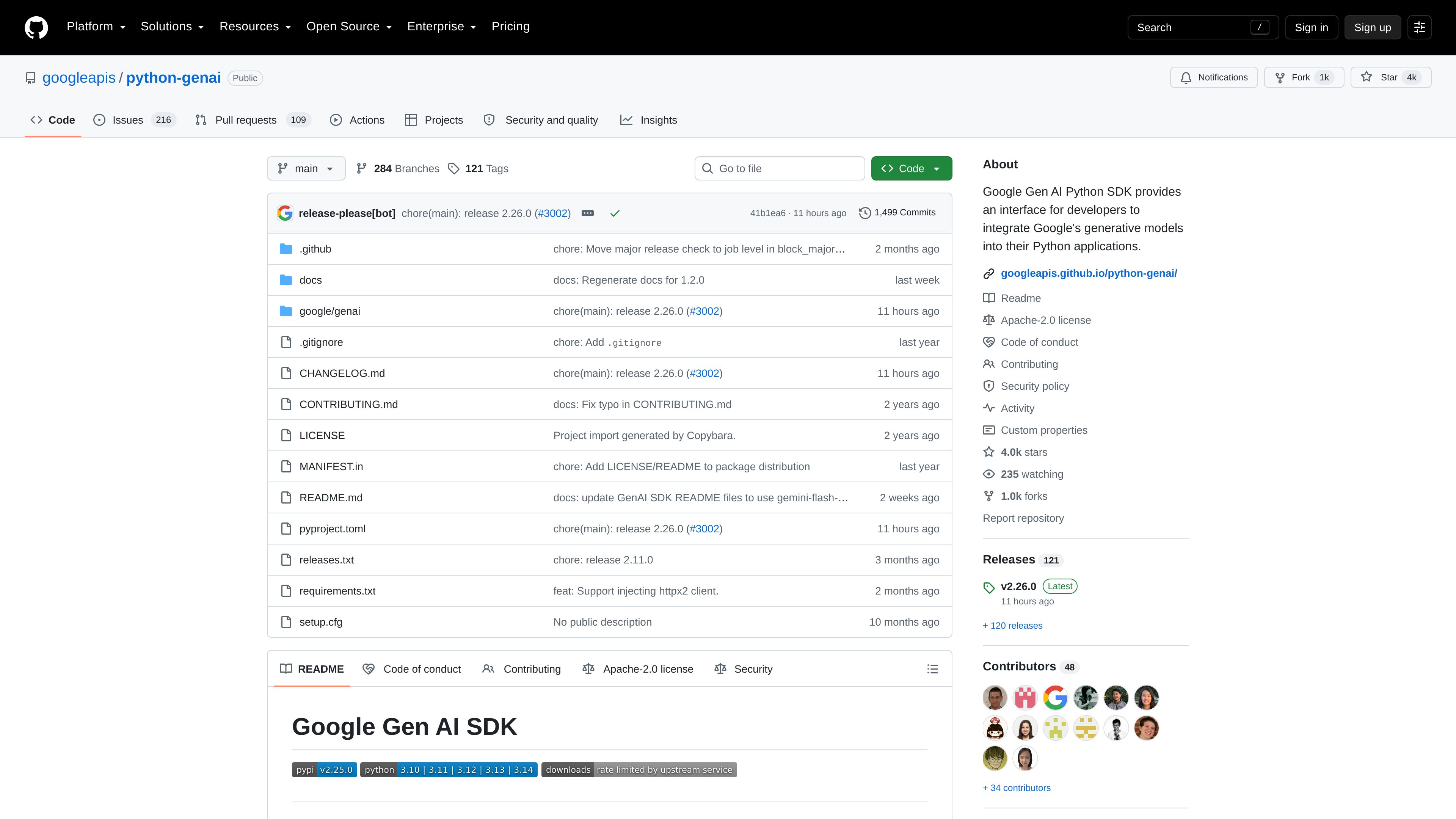
A Python SDK for integrating Google’s generative models into applications through the Gemini Developer API and Gemini Enterprise Agent Platform APIs. It provides client libraries, typed request helpers, and synchronous or asynchronous workflows for developers building with Google’s generative AI services.
The Google Gen AI Python SDK is a Python client library for integrating Google’s generative models into applications. It supports the Gemini Developer API and Gemini Enterprise Agent Platform APIs, giving developers a shared client interface for configuring access and sending model requests.
The package is installed as google-genai and imported through google.genai. Its documented workflow covers client creation, model operations such as generate_content(), typed request construction through google.genai.types, and configuration through API keys or enterprise project settings. Both Pydantic objects and dictionaries are supported for API method inputs.
The SDK is intended for developers building Python applications with Google’s generative AI services. The documentation also covers asynchronous client usage and explicit client cleanup, while the repository warns that some automatic function-calling and method interfaces are changing in a future major version.
Create clients for either the Gemini Developer API or the Gemini Enterprise Agent Platform APIs, using an API key for the former or an enterprise project and location for the latter.
Call model operations such as `client.models.generate_content()` with a selected model and text or typed content, as shown in the repository’s Python examples.
Use Pydantic types from `google.genai.types` for structured requests, or pass dictionaries when a lighter-weight representation is more convenient.
Configure clients with environment variables, including `GEMINI_API_KEY` or `GOOGLE_API_KEY` for the Gemini Developer API and enterprise project settings for the Agent Platform.
The documentation demonstrates standard client usage and an asynchronous client through the client’s `aio` interface for applications that need async calls.
Synchronous and asynchronous clients can be closed explicitly so underlying HTTP connections and related resources are released when the application is finished with them.
Use a configured client and `generate_content()` to send prompts or typed content to a Google generative model from application code.
Install the package with `pip` or `uv`, create a Developer API client with an API key, and test model-backed functionality without building a custom HTTP integration.
Configure the client with enterprise mode, a Google Cloud project, and a location when the application is intended to use the Gemini API in the Gemini Enterprise Agent Platform.
Use the SDK’s asynchronous client interface when model requests need to fit into an async Python application, then close the async client after use.
Use shared Pydantic types or dictionaries across model calls so a Python codebase can choose explicit validation-oriented objects or concise request data.
The repository states that it supports the Gemini Developer API and the Gemini Enterprise Agent Platform APIs.
Install the package named `google-genai` with `pip install google-genai` or `uv pip install google-genai`, then import it with `from google import genai`.
For the Gemini Developer API, the documented approach is an API key passed to `genai.Client()` or supplied through `GEMINI_API_KEY` or `GOOGLE_API_KEY`. For the enterprise platform, configure enterprise mode with a project and location, either in code or through the documented environment variables.
Yes. The documentation shows an asynchronous client through the client’s `aio` interface. It also recommends explicitly closing the async client when it is no longer needed.
Yes. The repository warns about upcoming automatic function-calling changes and other removed or renamed methods and fields. It recommends pinning the SDK to a version below 3.0.0 to avoid unexpected updates while reviewing the migration guidance.

platform.openai.com
OpenAI Platform is a developer platform for building applications with the OpenAI API. It provides API access, model and pricing information, technical documentation, starter apps, and cookbooks for implementation guidance.

platform.claude.com
Claude Platform gives developers programmatic access to Claude models and managed agent infrastructure for building agents and applications. It includes a REST API, official client SDKs, a web Console, and documentation for direct integrations.

ai.google.dev
Gemini API is a developer API for integrating Google’s generative AI models into applications. It supports text and image generation, multimodal analysis, conversational agents, structured outputs, tool use, and related media workflows through SDKs or REST.

aistudio.google.com
Google AI Studio is a browser-based development environment for experimenting with Google’s generative models and moving prompts into applications through the Gemini API. It supports developers building text, image, video, audio, and agent experiences.

docs.litellm.ai
LiteLLM lets teams call and manage 100+ LLMs through an OpenAI-compatible SDK or proxy, with request routing, spend tracking, and multi-provider access.
aimlapi.com
AIMLAPI provides one API and billing key for accessing a catalog of AI models for chat, reasoning, image, video, audio, voice, search, embeddings, code, and related tasks. It is intended for developers and teams that want to compare and use models from multiple providers through a common platform.