
Single API for transcription and enrichment
Transcribe and enrich audio through one API so teams can build on structured output instead of raw speech text.

Gladia is an AI audio infrastructure platform that transcribes and enriches conversations through a single API. It helps developers turn multilingual voice data into structured outputs for products, workflows, and automation.
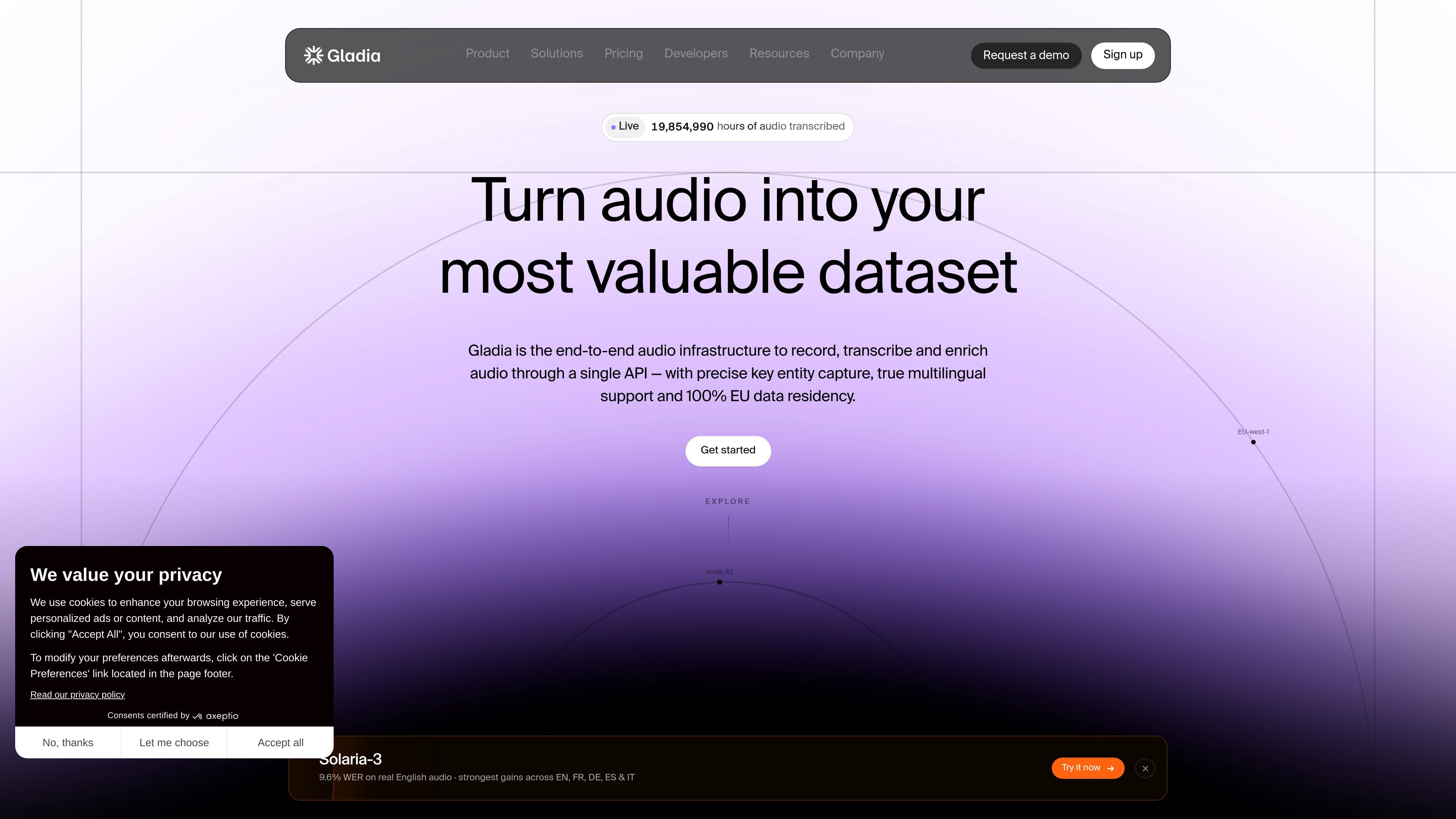
Gladia is an AI audio infrastructure platform for developers building voice products. Its core job is to transcribe speech and enrich conversations through a single API, turning audio into structured data that downstream systems can use.
The site positions Gladia for multilingual, real-world audio rather than clean studio speech. It supports more than 100 languages, language switching mid-sentence, and post-processing features such as speaker diarization, sentiment analysis, summaries, action items, and entity extraction.
The product is also offered through specialized speech-to-text experiences including asynchronous transcription, real-time transcription, and the Solaria-3 ASR model. Pricing information on the site indicates free and paid tiers, subscription and pay-as-you-go options, and enterprise plans with custom models, fine-tuning, and support options.
Gladia emphasizes enterprise controls such as compliance documentation, EU data residency, and opt-out or zero-retention options on higher plans. It also presents official SDKs, integrations, and a developer playground for teams that want to integrate quickly.
Transcribe and enrich audio through one API so teams can build on structured output instead of raw speech text.
Support more than 100 languages, including language switching when speakers change languages mid-sentence, to fit multilingual products and global support workflows.
Handle accents and noisy audio while preserving structure, timestamps, and downstream usability for production recordings.
Return speaker diarization, sentiment, summaries, and action items alongside the transcript so teams can route, review, or automate faster.
Apply named entity recognition, custom vocabulary, context-aware formatting, and hallucination filtering to improve accuracy for names, numbers, emails, and domain terms.
Use official SDKs, webhooks, async jobs, and native integrations with voice and workflow tools to move from setup to production quickly.
Build customer support or contact-center tools that need multilingual transcription, speaker separation, and structured outputs for routing or QA.
Turn sales, coaching, and revenue calls into transcripts with names, numbers, and action items captured clearly enough for follow-up systems.
Power meeting assistants that need live or post-call transcription, summaries, and action items for note-taking and task capture.
Create media workflows for subtitles, editing, and archived transcripts where time-stamped text and multilingual support matter.
Support voice agents and workflow automation tools that need low-latency transcription, webhooks, and integration with orchestration platforms.
Yes. The pricing page offers a free tier with up to 10 hours of transcription each month, and users can also request a demo.
Gladia supports pay-as-you-go and subscription billing. Subscriptions can be monthly or annual, and enterprise plans can use alternative payment methods such as bank transfer or invoicing.
Yes. You can upgrade or downgrade your plan from account settings or by contacting sales, and you can cancel at any time before the current billing cycle ends.
The site says there are no setup fees or hidden costs. Usage limits depend on the tier you are using, including rate limits on calls per hour and total transcribed hours.
The pricing page lists Slack support for enterprise plans and help center plus Discord support on paid tiers, while the site also points to developer documentation, a playground, and official SDKs for getting started.