
Studio-quality photo creation
The product is positioned around producing studio-quality photos, indicating its main function is to help users create polished images for social content.

Gio is a mobile photo app from Prequel, Inc. for creating studio-quality images for social sharing. It is available on iOS and Android and includes a community with published content guidelines.
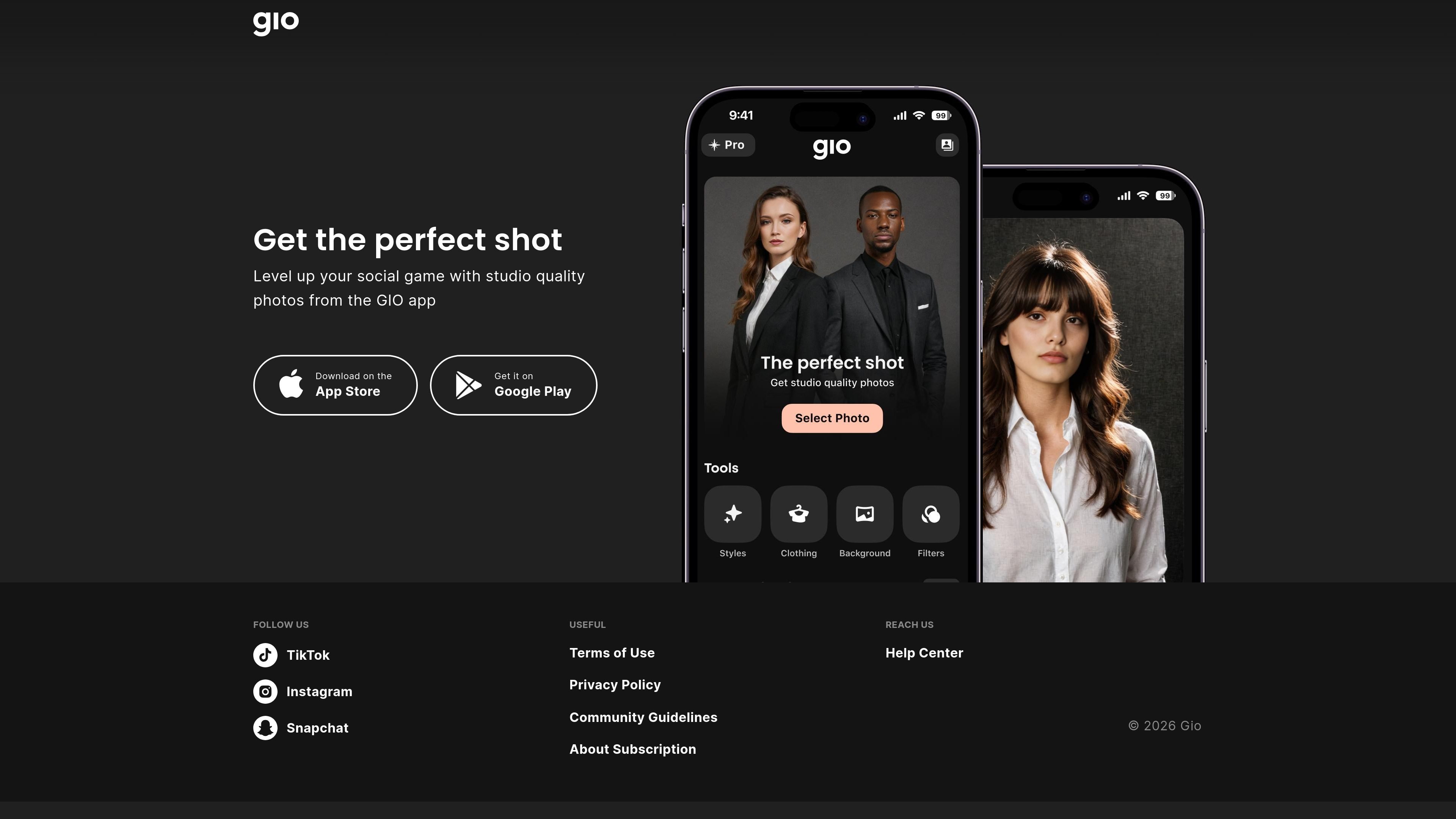
Gio is a mobile app from Prequel, Inc. that focuses on creating studio-quality photos for social sharing. Its homepage invites users to “Get the perfect shot” and frames the product as a way to level up a person’s social presence with better-looking images.
The available site pages show Gio as an iOS and Android app with an associated community and account-based terms of use. The policy pages also indicate that the service is intended for users 13 and older, with parental consent required for younger users where permitted by local rules.
The product is positioned around producing studio-quality photos, indicating its main function is to help users create polished images for social content.
The homepage frames Gio as a way to level up social posting, which suggests its output is intended for sharing on social platforms rather than general photo storage.
The site includes download links for both the App Store and Google Play, showing availability on major mobile platforms.
The Community Guidelines describe Gio Community as a place for storytelling, self-expression, and creativity, suggesting an in-app community layer with user-generated content.
The Community Guidelines define acceptable and prohibited content, which implies moderation and reporting rules for user-submitted posts.
Use Gio when you want to create cleaner, more polished photos for posting to social channels without relying on generic camera output.
Use Gio if you want a mobile app that supports a creator-style workflow centered on storytelling and self-expression.
Use Gio when you need a product with published community rules, especially if you plan to participate in or publish within the Gio Community.
Use Gio if you prefer an app that is officially distributed through both major mobile app stores.
Gio is an app for creating studio-quality photos for social sharing. The home page positions it as a tool to help users level up their social game with better shots.
The source confirms availability on both the Apple App Store and Google Play, but it does not describe desktop or web apps.
The public site references an About Subscription link and a separate Subscription Policy in the terms, but the pricing page currently returns a 404, so the current plan structure is not visible from the provided sources.
Yes. The Terms of Use state that users under 13 may use the services only with the consent of a parent or legal custodian.