
Prompt-based creation
Generate AI images from short prompts or longer descriptions. The homepage says you can type one word or a paragraph, which makes the entry point simple for quick ideas as well as more specific requests.

Free web-based AI image generator for creating and remixing visuals from prompts, with personal and community libraries
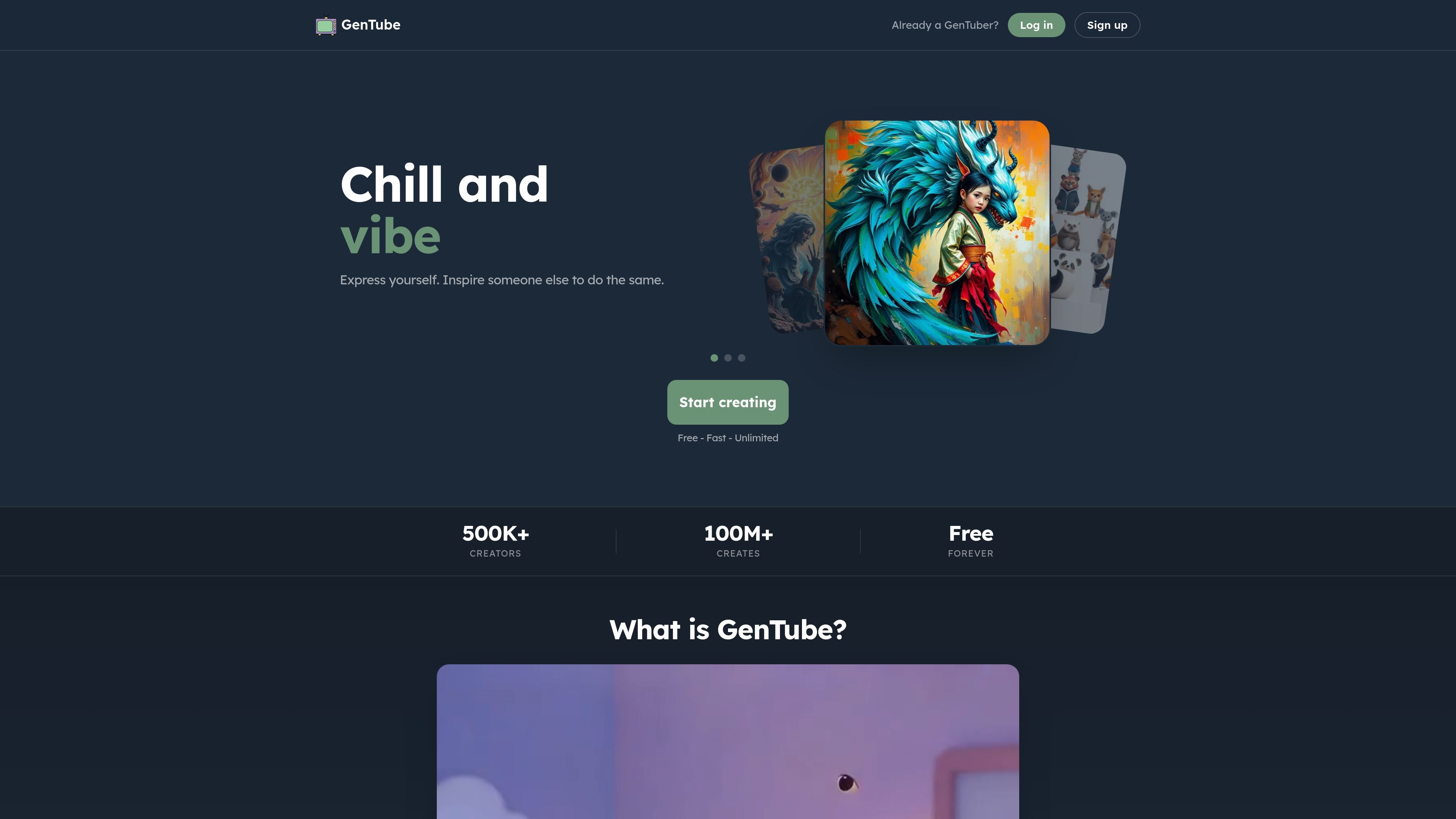
GenTube is a free AI image creation platform for making and remixing visual ideas from simple prompts. The homepage presents it as a fast way to build worlds, scenes, and styles, with creation centered on typing a prompt or using tap-and-swipe interaction.
The product is positioned around casual, instant creation rather than professional design tooling. It supports open-ended prompts, shares creations within a global community, and saves every piece to a personal library so users can revisit and remix what they make.
Generate AI images from short prompts or longer descriptions. The homepage says you can type one word or a paragraph, which makes the entry point simple for quick ideas as well as more specific requests.
Choose from broad visual directions such as worlds, scenes, and styles. The site specifically mentions watercolor, anime, oil paint, and retro as example styles.
Create without apparent usage caps. The homepage states that GenTube is free and unlimited, so users can keep making new creations without a visible per-piece limit.
See creations from other people and remix from them. The homepage highlights that others can make their own from your work, and that you can start from someone else’s image as well.
Save everything you make to your library. The homepage says every piece is saved forever, and shows a personal library area for past creations.
Use a quick interaction flow. The site emphasizes press, tap, and swipe actions, suggesting a lightweight creation process that does not require a complex setup.
Use GenTube to turn a quick idea into a visual without needing a detailed workflow. The homepage supports both very short prompts and longer descriptions, so it works for spontaneous image generation.
Explore different looks for the same concept by changing styles and scene cues. The site’s examples include watercolor, anime, oil paint, retro, and world-building prompts.
Browse what others are making, then remix an image into your own variation. The homepage explicitly highlights community-created work and remixing from existing images.
Save a personal trail of experiments and revisit prior creations later. GenTube says every piece is saved forever and surfaces a library view for previously made images.
Yes. The homepage states that GenTube is free forever.
The homepage says there are no limits and that you can make as many creations as you want.
The homepage describes GenTube as fast and says it takes about 2 seconds.
No. The site says you do not need art skill and can tap, swipe, and save what you like.
Yes. The homepage says prompts can be long or short, so you can type as much or as little as you want.
Traffic data is for reference only.

airbrush.ai
Airbrush is an AI image generator for creating stock photos, artwork, NFTs, and other visuals from text prompts. It also offers upscaling, blog covers, image variants, image-to-text tools, free and premium plans, and commercial usage rights detailed in the FAQ.

shakker.ai
Web-based AI image generator for creating and refining visuals from text prompts, with ComfyUI and A1111 workflows.

remaker.ai
Remaker AI is an image editing and generation platform for creating, enhancing, and recreating visuals with prompts and preset effects, plus background removal, upscaling, object removal, and AI video tools.

bluewillow.ai
AI image generator for creating logos, characters, digital art, and photos from text prompts.

cgdream.ai
Browser-based AI image generator and editor for creating and refining visuals from text, photos, and 3D models.

fooocus.one
Fooocus is a web-based AI image generator and editor for creating and refining images with prompts, inpainting, upscaling, and face swapping.