
Text-to-image generation
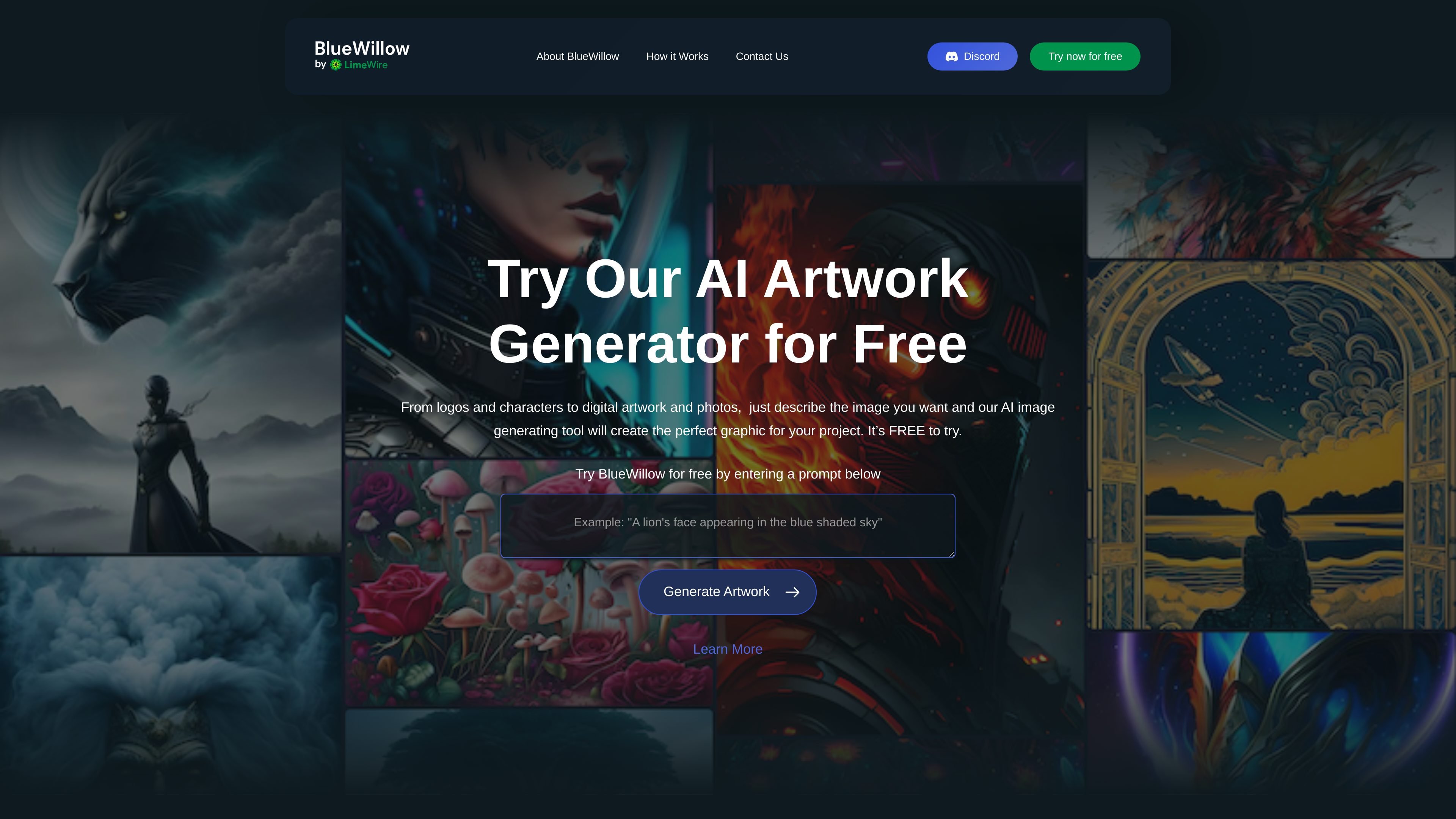
Describe the image you want in a text prompt and use Generate Artwork to begin creating it in the AI Studio.

AI image generator for creating logos, characters, digital art, and photos from text prompts.
BlueWillow is an AI artwork generator that turns written descriptions into images. It supports projects ranging from logos and characters to digital artwork and photorealistic images, giving users a way to explore visual ideas through text prompts.
The workflow starts with a prompt on the website and continues in its AI Studio. Users receive a selection of generated images, then can refine or regenerate the results. BlueWillow is free to try and presents its interface as accessible to people with different levels of experience.
Describe the image you want in a text prompt and use Generate Artwork to begin creating it in the AI Studio.
Each prompt produces a selection of generated images, giving you alternatives to review before continuing with an idea.
Refine or regenerate artwork after the initial results to continue exploring your desired image.
Create imagery across several formats, including logos, graphics, characters, digital artwork, and photorealistic images.
Describe a logo idea and review generated options as a starting point for a project's visual identity.
Turn a written character description into visual artwork, then refine the results to explore how the character could look.
Generate digital artwork from a project brief when you need an illustration or graphic based on a specific idea.
Use prompts to explore photorealistic images for a visual concept, reviewing alternative results before refining them.
Enter a prompt on the BlueWillow website and click Generate Artwork. You will be taken to the AI Studio, where you enter your email to continue.
BlueWillow is free to try.
The described image-generation workflow uses the AI Studio. Discord serves as BlueWillow's free community platform for news and announcements.
BlueWillow says users can share their generated artwork with its community after reviewing and refining the results.
Traffic data is for reference only.

airbrush.ai
Airbrush is an AI image generator for creating stock photos, artwork, NFTs, and other visuals from text prompts. It also offers upscaling, blog covers, image variants, image-to-text tools, free and premium plans, and commercial usage rights detailed in the FAQ.

cgdream.ai
Browser-based AI image generator and editor for creating and refining visuals from text, photos, and 3D models.

shakker.ai
Web-based AI image generator for creating and refining visuals from text prompts, with ComfyUI and A1111 workflows.

mage.space
Browser-based AI image and video generator for creating images, characters, and videos.
aitubo.ai
Browser-based AI image and video generator for creating and editing from text, images, or references.

illustroke.com
AI design tool for creating SVG illustrations from text prompts, with image-to-vector conversion and prompt-based image generation. Pay-per-use tokens; temporarily disabled due to technical issues.