
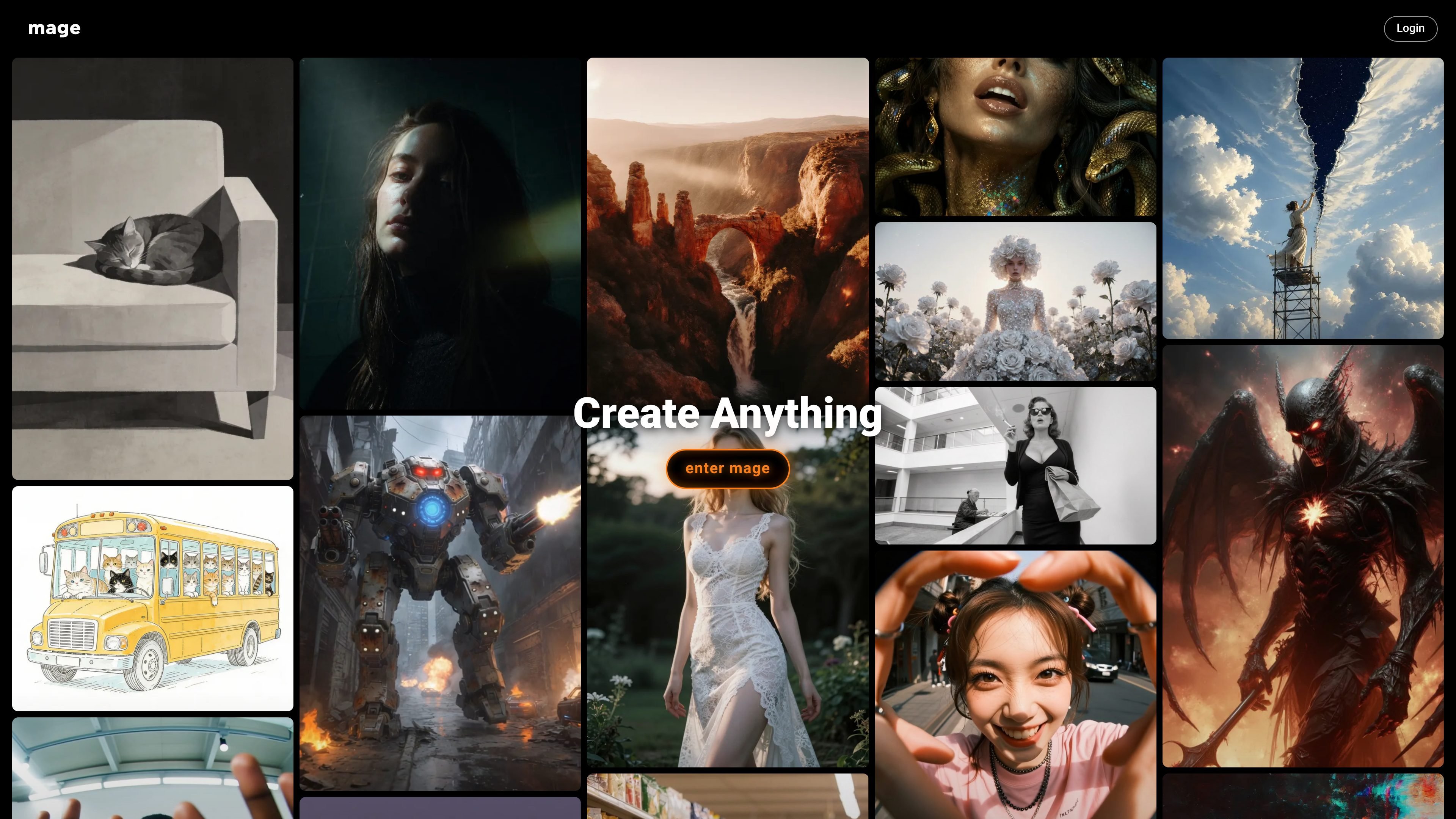
Browser-based image and video generation
Generate AI images and videos directly in the browser without installing desktop software.

Browser-based AI image and video generator for creating images, characters, and videos.
Mage is a browser-based AI image and video generator for creating characters, images, and videos with prompt-driven tools. The site presents it as free to start, with paid memberships unlocking unlimited generations, faster speeds, more advanced models, and video features.
The product includes a broad model catalog, support for consistent characters, Motion Control for animated video, and a set of focused apps for enhancement and editing. Mage also states that creations are private by default and that commercial use of outputs is allowed.
Generate AI images and videos directly in the browser without installing desktop software.
Access a wide model set that includes Stable Diffusion, Flux, SDXL, Qwen, Wan, Hunyuan, Veo, and Mage’s exclusive models.
Create recurring characters across image and video outputs by uploading a reference image and reusing that character in later generations.
Use Motion Control by uploading a reference video and applying its movement to an AI character in generated video.
Work with built-in tools such as image enhancement, video enhancement, inpainting, face swap, outfit swap, relight, and character-building apps.
Choose from paid plan features such as faster generation, unlimited video generation, higher-resolution enhancement, and queueing multiple generations.
Generate fantasy art, character portraits, or concept images in the browser using prompt-based image models and reference-driven character tools.
Build repeatable characters for storytelling, social content, or AI influencer-style assets by reusing a reference image across multiple generations.
Create animated clips from prompts or reference videos with Motion Control, or use text-to-video and image-to-video workflows on paid plans.
Polish existing media with tools such as Image Enhancer, Video Enhancer, Inpaint, Relight, and Face Swap when the goal is cleanup or targeted edits.
Use higher-tier plans for heavier production needs such as unlimited generations, multiple LoRAs, queued jobs, and higher-resolution output.
Mage is a browser-based AI image and video generator. It supports prompt-based creation, consistent characters, Motion Control, and a set of built-in apps for tasks like enhancement, inpainting, and face swap.
Yes. The homepage says Mage is free to start, and the pricing page shows a free tier with limited access plus membership plans for heavier use.
Yes. Mage says creations are private by default, and users can choose to post them on Mage or share them elsewhere.
Mage says commercial use is allowed for content created on the platform, and attribution is appreciated but not required.
No. Mage says automation is strictly forbidden, and API access is offered separately in limited beta for business needs.
Traffic data is for reference only.

aitubo.ai
Browser-based AI image and video generator for creating and editing from text, images, or references.

decohere.ai
Browser-based AI generator for images, art, and short videos, with free real-time creation and paid video, upscaling, and commercial-use features.

pixnova.ai
PixNova AI is a web-based creative studio for generating and editing images, videos, and audio, with browser tools for video generation, image editing, face enhancement, and more.

insmind.com
Browser-based AI platform for creating and editing images and videos

vheer.com
Vheer is a browser-based AI image and video generator with free no-signup creation, watermark-free exports, and paid plans for higher usage.

photoaistudio.com
Photo AI Studio is an AI image and video generator for headshots, product photos, virtual try-ons, hairstyle previews, and prompt-based portraits. It supports selfie-, prompt-, and reference-based workflows, with paid plans for higher-resolution images and video tools.