
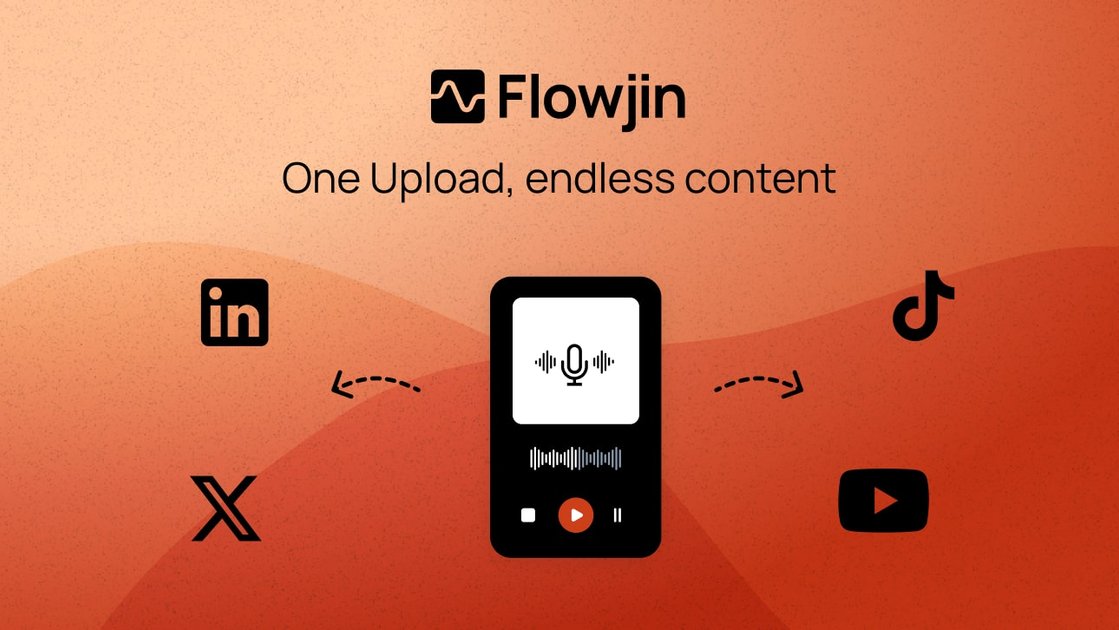
AI clip generation
Flowjin scans long-form video and audio and drafts short captioned clips from the most shareable moments, which helps turn one source recording into multiple social assets.

Flowjin turns long videos and audio into short clips, social copy, and publishable content.
Flowjin is an AI clip maker for repurposing long video and audio content into short clips and other social-ready assets. The site positions it as a platform for brands, creators, marketers, and social teams that want to turn recordings into clips, copy, and scheduled posts without doing manual editing from scratch.
Its workflow starts with uploading or importing media, after which the system identifies notable moments, drafts captioned clips, and generates platform-specific copy for LinkedIn, YouTube, and X. Users can then review, customize, and schedule or publish the results from within the platform.
Flowjin scans long-form video and audio and drafts short captioned clips from the most shareable moments, which helps turn one source recording into multiple social assets.
The product writes platform-specific titles, descriptions, hashtags, and calls to action for LinkedIn, YouTube, and X so clips can be reviewed before publishing.
Users can edit exported clips with trimming, caption changes, layout adjustments, overlays, and branded templates.
Flowjin supports one-click scheduling from a single calendar and can publish to social accounts, with scheduling noted as coming soon on the pricing page and described as part of the workflow on the home page.
The product supports both video and audio inputs, including podcasts, webinars, calls, interviews, monologues, and Spaces-style recordings.
The pricing page lists options such as quote graphics, multiple aspect ratios, and subtitle/transcription downloads for exported clips.
Turn podcasts, interviews, and monologues into short clips that can be posted across social channels without rebuilding the content manually.
Convert webinars and long company videos into multiple captioned clips and supporting copy for a distributed campaign.
Help founders and CEOs keep a steady LinkedIn presence by turning long-form recordings into a queue of short, branded posts.
Give social media managers a single place to edit, approve, schedule, and publish clips instead of using separate tools for editing and posting.
Produce audiograms and quote clips from audio-first content such as podcasts or Spaces-style recordings.
Flowjin supports uploading or importing long video and audio content, then uses AI to generate short captioned clips, social copy, and exportable assets. The home page also describes a workflow where you review the draft clips, customize them, and then publish or schedule them.
The site says Flowjin works best with videos longer than 10 minutes, but it can also adapt to shorter uploads and extract relevant scenes from them.
The pricing page says Flowjin supports English, Spanish, Portuguese, French, Dutch, German, and Italian media, and the home page says it supports a wider range of languages.
Flowjin supports embedded subtitles in video clips, and you can also download subtitles and transcriptions separately.
Yes. The pricing page says projects expire after different periods depending on plan: Free projects after 5 days, Starter after 60 days, and Creator projects never expire. Exported clips remain accessible after expiration.
Traffic data is for reference only.

quso.ai
AI video clipping and social content platform for turning long videos, podcasts, and streams into short captioned clips.
contentfries.com
ContentFries has public pricing, but its product features are unconfirmed.

imagetocaption.ai
AI caption generator turning images and videos into social media copy for brands, shops, and creators.

aivideocut.com
Web-based AI editor turning long videos into social clips

reap.video
reap turns long videos into clips, captions, dubs, and translated subtitles with AI.

rendercut.io
Browser-based tool for turning video or audio into captioned short clips with styled subtitles, B-rolls, GIFs, and exports for TikTok, Reels, and YouTube.