
Per-file-type default handling
Claim FileRouter as the default handler only for the file types you assign to it, so double-clicked files of those types are routed through its rules first.

FileRouter is a Mac utility that routes supported file types to the editor or utility you choose instead of opening files directly itself. It helps users set per-type rules for editors, shortcuts, services, scripts, and related actions.
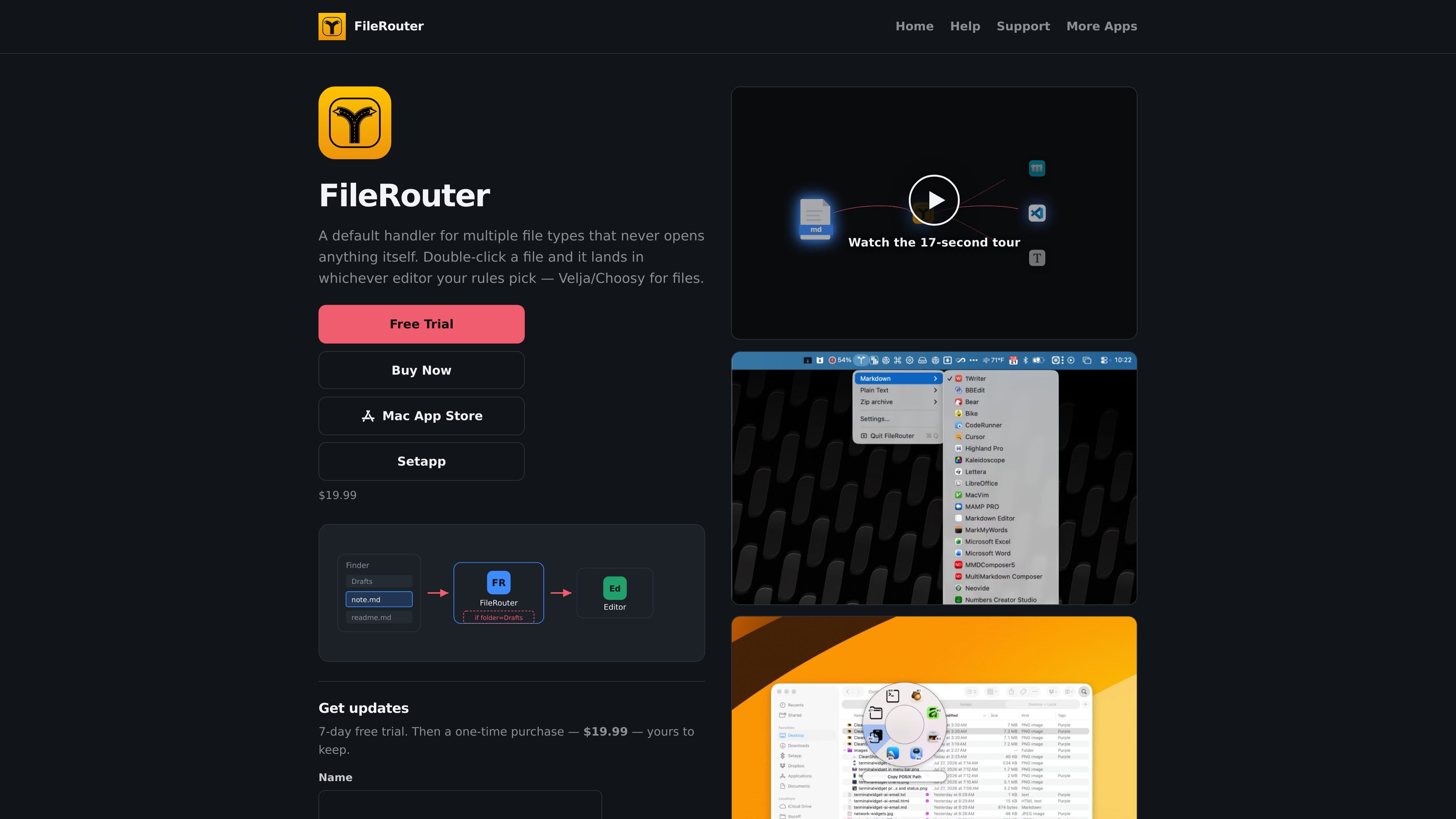
FileRouter is a macOS utility that makes itself the default handler for selected file types and then routes those files to the editor or action you choose. It is designed for users who want a central place to define what happens when they double-click a file, without having FileRouter open the document itself.
The app supports built-in routes such as Markdown and Plain Text, and it can also add custom types from a file’s extension and UTI. Rules, default editors, and picker utilities let you control how each type opens and what secondary actions are available for that route.
Claim FileRouter as the default handler only for the file types you assign to it, so double-clicked files of those types are routed through its rules first.
Rules are evaluated per route, with the first enabled match winning. Conditions can use file name, extension, parent folder, creator app metadata, and whether enabled editors are currently running.
Each route has a menu of enabled editors, and the permanent Default Rule provides a fallback editor for that route. Changing the menu pick or the rule default keeps the other in sync.
Interactive pickers can include utility actions such as Copy POSIX Path, Reveal in Finder, and Open Parent in Terminal alongside editor choices.
Routes can expose selectable Shortcuts, system Services, and scripts from the Scripts folder, with current files passed into the chosen action using the appropriate input style.
FileRouter can learn new file types from an unrouted file, and it registers the x-filerouter URL scheme for sending files into the app from other tools or for forcing a named rule.
Set FileRouter as the handler for Markdown, then choose which Markdown editor opens by default or define rules that send specific folders or file names to different apps.
Use route defaults and ordered rules to open general text files in one editor while sending files from certain locations or with certain metadata to another.
When you want an action instead of an editor, enable utilities like copying the POSIX path, revealing the file in Finder, or opening the parent folder in a terminal app.
Expose Shortcuts, Services, or AppleScripts for a route so the current files can be handed off to a scripted workflow instead of being opened in an app.
Drop an unrouted file onto the app or add a custom type in Settings so the file extension and UTI become a routable type with its own editor and rules.
You assign FileRouter to specific file types, and macOS sends those files to FileRouter first when they are opened. FileRouter then applies the route’s rules and opens the editor or utility you selected.
Yes. The Editors tab lets you curate discovered apps and add apps manually, and the Utilities section can expose Copy POSIX Path, Reveal in Finder, Open Parent in Terminal, Shortcuts, Services, and AppleScripts for a route.
Yes. The help docs say you can add a type from an unrouted file or through Add Type…, using the file’s extension and UTI to create a new route.
It lets other apps, scripts, Terminal commands, and Shortcuts send files into FileRouter explicitly, including cases where you want to force a named rule rather than rely on the default file handler.
The home page says the app includes a 7-day free trial and then a one-time purchase of $19.99. The separate pricing URL returned a 404 in the provided sources.