
Bulk upload
Upload a full class at once and follow real-time grading progress updates while the system processes the work.

EssayGrader is a rubric-based AI essay grading tool for teachers that speeds up scoring, feedback, classroom integrations, and AI/plagiarism checks.
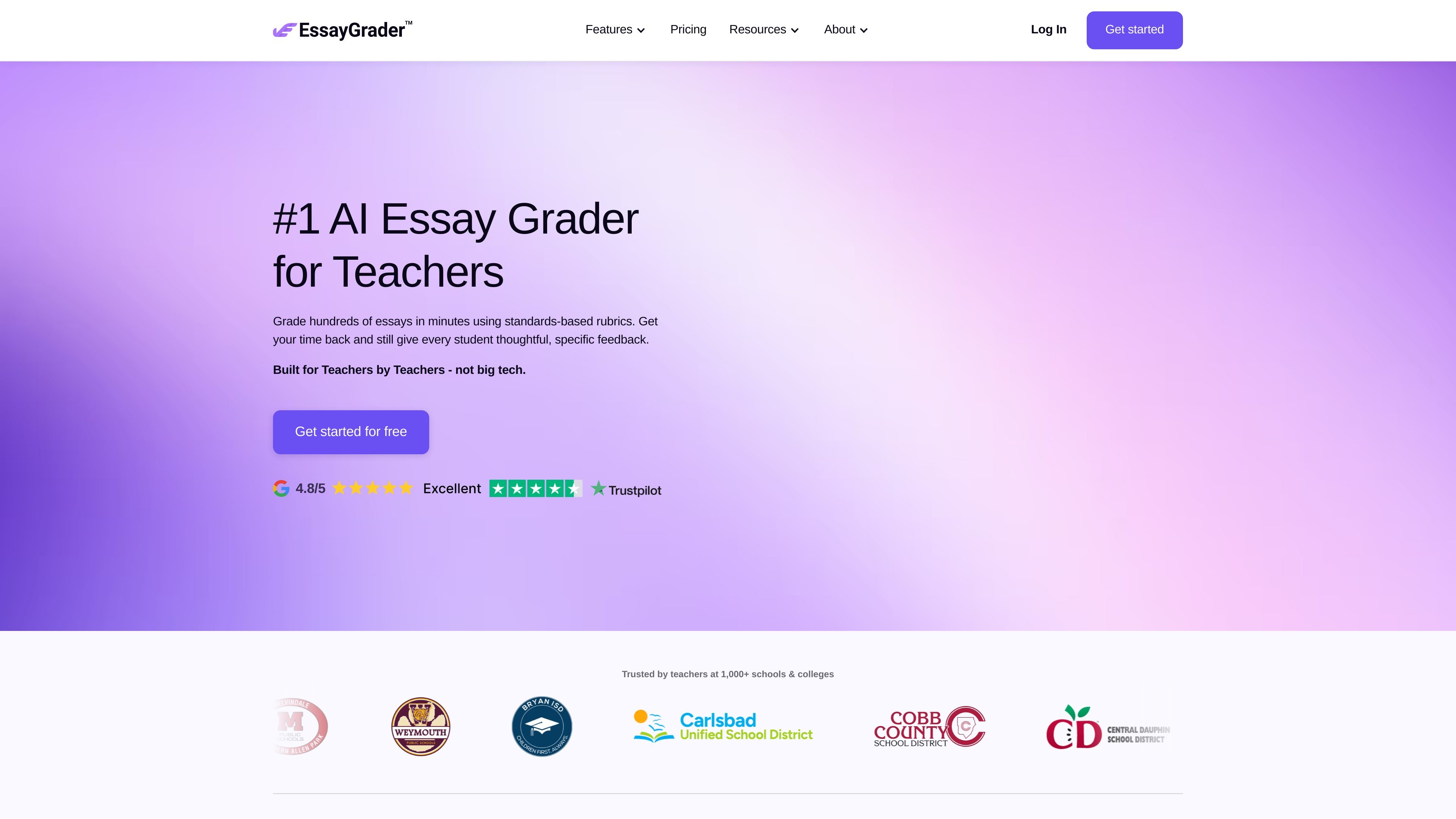
EssayGrader is an AI essay grading tool for teachers that helps turn paper review into a faster, rubric-based workflow. The product is designed to let educators upload their own rubrics, import student submissions from classroom platforms, and receive grades with detailed feedback.
The site positions the tool for teachers who handle essays across subjects and grade levels, including ELA and other essay-based courses. It supports grading at class scale, with options for feedback reports, writing detection, plagiarism checks, and performance insights that help teachers review student progress over time.
Upload a full class at once and follow real-time grading progress updates while the system processes the work.
Create your own rubrics or use uploaded classroom rubrics so grading can follow assignment-specific criteria.
Choose from a library of 500+ rubrics aligned to state, national, and international standards.
Return feedback on content, style, grammar, and related writing areas in detailed reports that can be shared with students.
Identify AI-generated text and check originality with built-in AI writing and plagiarism detection.
Connect Google Classroom, Canvas, and Schoology to import assignments and grade in a few clicks.
Teachers can upload a class’s essays, apply a rubric, and get grades and comments without scoring each paper manually.
Instructional teams can use performance insights to compare trends across students, assignments, and classes and adjust lesson plans accordingly.
Teachers can import work from Google Classroom or Canvas and keep submissions moving through an existing LMS-based workflow.
Districts and larger programs can use the custom plan to combine licenses, manage users centrally, and support training and analytics across schools.
Teachers working in multilingual classrooms can set input and feedback language to match the assignment and student needs.
EssayGrader is designed for teachers who want to recreate their own rubrics, import student work from Google Classroom, Canvas, or Schoology, and return grades with feedback in minutes.
Yes. The pricing page says every teacher can grade 25 essays per month for free, and the home page also describes a free plan.
It supports argumentative, informative, narrative, analytical, and other essay or paper types, and it can be used in ELA, history, social studies, and other essay-based subjects.
Yes. The site says it supports multiple languages, including Spanish, French, Chinese, and Japanese, and you can set both input and feedback language.
The site says submissions can be reviewed and adjusted before sharing, student names, emails, or IDs are not required, and teachers can delete submissions at any time.