
Cross-platform writing
Write on iOS, macOS, Android, and web so drafting and editing can move with you between devices.

Epilogue is a cross-platform book writing app for drafting, planning, reviewing, and publishing manuscripts. Local .md files, private feedback, chapter organization, public book pages.
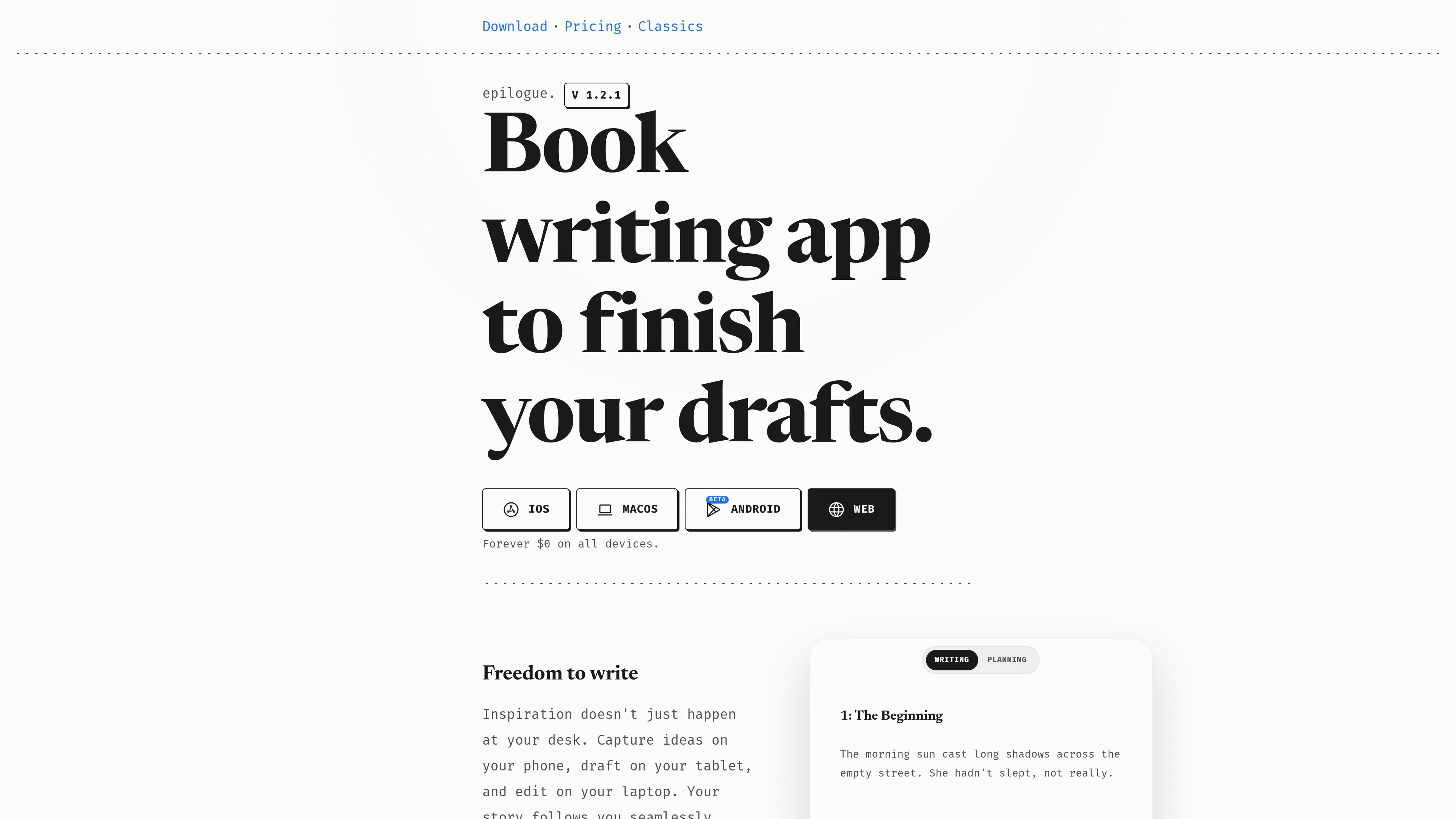
Epilogue is a book writing app for authors who want to draft, plan, review, and publish manuscripts in one place. The home page describes it as a writing studio that helps users stay in flow, while the changelog shows product support for chapter organization, shared review links, public book pages, and author profiles.
The product is built around writing anywhere across iOS, macOS beta, Android, and web. It stores files locally first, uses plain `.md` files, and emphasizes ownership and low friction when moving between devices or leaving the app.
Beyond drafting, Epilogue includes planning material such as character notes, timelines, and lore, plus private feedback workflows for editors and beta readers. The available sources also indicate that authors can publish directly from the editor and present books on public pages under their username.
Write on iOS, macOS, Android, and web so drafting and editing can move with you between devices.
Your words save locally first on your device, with the site positioning that as protection against internet distractions and server lag.
Invite beta readers, editors, or other reviewers to leave comments that stay private to you instead of appearing in a shared email thread or copy of the manuscript.
Keep character notes, timelines, lore, and other planning material alongside the manuscript so reference material stays close to the draft.
Reorder chapters by dragging headings in the outline sidebar, with the chapter text moving with the outline change.
Publish books from the editor, assign a title and cover, and generate a public author profile and book page.
Draft chapters on one device and continue on another when you move between phone, tablet, laptop, or browser.
Keep premise notes, character details, timelines, and lore close to the manuscript so planning does not get split across separate tools.
Share a document with editors or beta readers and collect comments privately instead of managing a chain of email attachments or copied files.
Reorder chapters from the outline sidebar when the structure changes, with the manuscript text updating to match.
Prepare a manuscript for publication by adding a title and cover, then publish it to a public book page and author profile.
Epilogue is a book writing app designed for drafting, organizing, reviewing, and publishing books across devices. The home page describes it as a book writing app for serious authors, and the changelog shows support for planning, shared review links, and book publishing.
The site shows Epilogue available on iOS, macOS beta, Android, and web.
Your writing files are stored locally first, and the site says all files are plain .md files that you own. The product also emphasizes that you can leave without lock-in.
The home page says beta readers, editors, and other reviewers can leave private comments visible only to you, and the changelog notes shared review links on the web.
The public site does not show active pricing details. The home page presents the product as "$0" and the pricing page currently returns an error, so there is no confirmed paid plan information in the available sources.