
Interior and exterior redesign
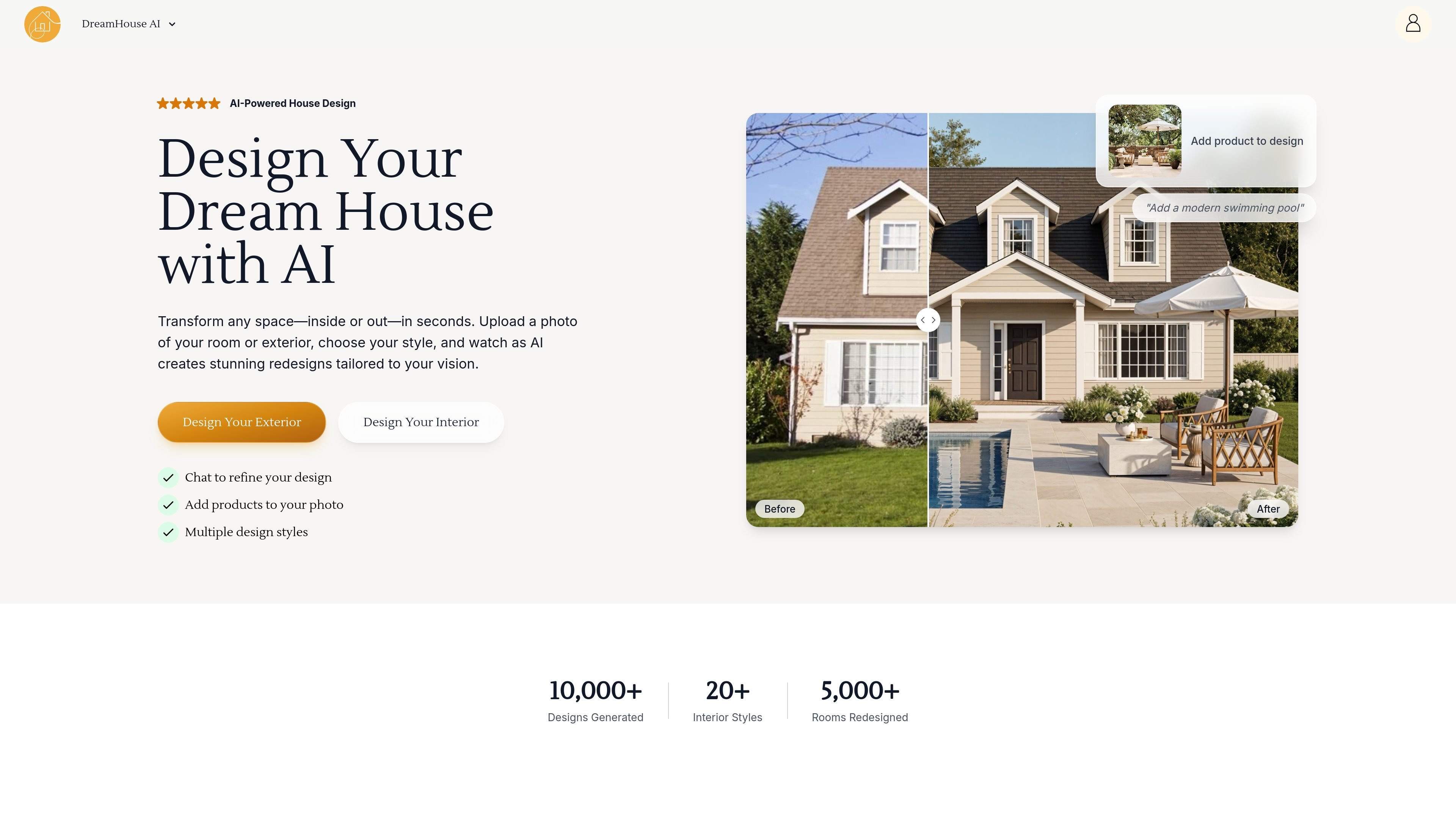
Upload a room photo or exterior image, choose a style, and generate a redesigned view in seconds. The site presents the tool as a way to transform indoor and outdoor spaces from a single photo.

AI interior and exterior design from room or house photos
DreamHouse AI is an AI interior and exterior design tool that turns a room or house photo into a redesigned image. Users upload a space, choose a style, and get an instant visual concept for interiors or exteriors.
The site positions the product for homeowners, designers, and real estate workflows. It supports chat-based refinements, adding product images into a design, and upscaling results for clearer presentation, with paid plans available for ongoing use.
Upload a room photo or exterior image, choose a style, and generate a redesigned view in seconds. The site presents the tool as a way to transform indoor and outdoor spaces from a single photo.
Adjust colors, furniture, and other elements through natural-language prompts. The product describes this as chatting with your images to refine the design.
Add real furniture, decor, or fixture images into the scene before generating the result. The site says this helps users visualize actual products in a room or exterior setting.
Use an upscale feature to produce higher-resolution results. The homepage and pricing page both mention enhancement for clearer output.
Work from a set of 20+ interior styles, with the pricing page also referencing 35+ design styles overall. The product positions style selection as part of the starting workflow.
Compare original and AI-generated images with before-and-after views. The site uses slider-style comparisons to show what changed in the redesign.
Homeowners can upload a photo of a living room, bedroom, kitchen, or other space to preview different design directions before changing the room in real life.
Interior designers can generate multiple concepts quickly, then use chat refinement to adjust furniture, colors, and other details for client discussions or early ideation.
Real estate agents and sellers can stage empty room photos virtually to show furnished possibilities in listings and marketing materials.
Users who want to test specific pieces can add real product images to a scene and check how furniture or decor may look in the intended space.
Homeowners looking at curb appeal changes can use the exterior workflow to explore facade, landscaping, porch, and patio updates from a single photo.
DreamHouse AI lets you upload a room or exterior photo, choose a style, and then refine the result with natural-language chat. The site also says you can add product images to a design and use the editor to make specific changes such as color or furniture adjustments.
The pricing page states that both interior and exterior design are included on paid plans. Interior design is described for rooms such as living rooms, bedrooms, kitchens, and bathrooms, while exterior design covers facades, entrances, landscaping, patios, and pools.
The pricing page says you can use AI chat image refinement, an upscale feature for higher-resolution results, and add real product images directly into interior and exterior designs. The homepage also mentions multiple design styles and product placement in the image.
DreamHouse AI says subscriptions can be managed and canceled through the user dashboard, and access continues until the end of the current billing period. The pricing page also says you can upgrade or downgrade a plan and be billed pro rata for the remaining days.
The site says the product is useful for homeowners, interior designers, and real estate use cases such as virtual staging. The blog on virtual staging explains that empty-room photos can be turned into furnished listing images for marketing purposes.
Traffic data is for reference only.

www.spacely.ai
Spacely AI helps architects, interior designers, realtors, and creative teams turn sketches into photorealistic renders with precise editing and virtual staging.

homevisualizer.ai
AI design previews for interiors, exteriors, and landscapes

artevia.ai
Artevia is an AI interior design platform for photo-based room redesign, upscaling, video rendering, and 3D world exploration.

roomgpt.io
RoomGPT is an AI room redesign tool that creates new interior looks from a photo, helping you preview styles before renovating or decorating.

visualizeai.pro
AI interior design that turns room photos into realistic redesigns

virtualstagingai.app
Virtual Staging AI digitally stages real estate photos for listing-ready visuals.