
Create decks from different inputs
Dokie can generate presentations from prompts, documents, links, and YouTube videos, giving it multiple starting points for creating a deck.

Dokie AI is an AI presentation maker that creates and edits slide decks from prompts, files, links, and videos. Free Starter plan and paid brand-aligned templates.
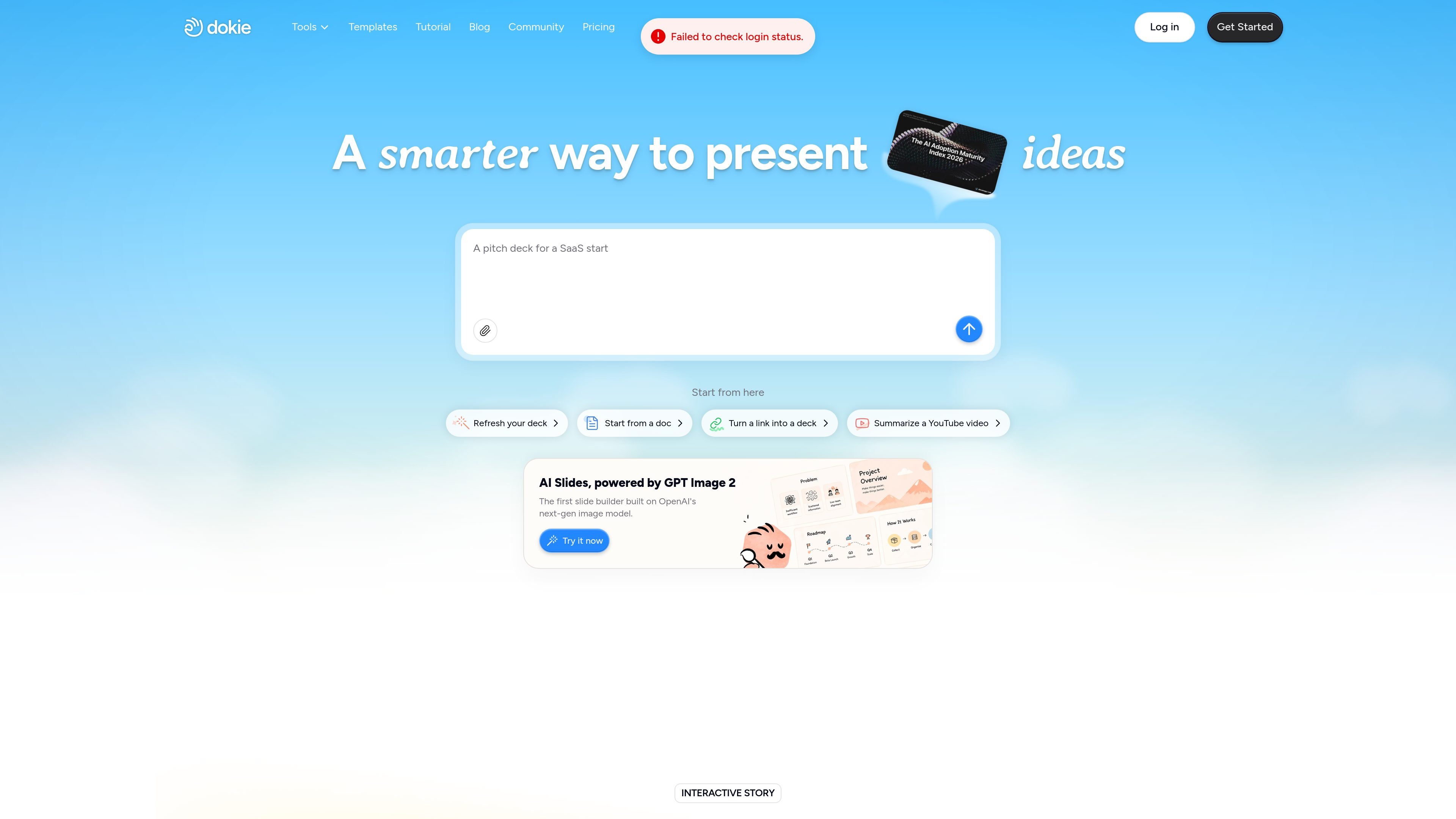
Dokie AI is an AI presentation maker that generates and edits slide decks from prompts, documents, links, and other source files. The site positions it as a tool for creating clean, structured presentations quickly, with an emphasis on brand alignment and content-driven layouts.
The product combines automated slide generation with editing tools, template support, and multiple input paths such as PDF, Word, Excel, images, HTML, and YouTube videos. Pricing is credit-based, with a free Starter plan and paid tiers that add more monthly credits, custom templates, export options, and priority support.
Dokie can generate presentations from prompts, documents, links, and YouTube videos, giving it multiple starting points for creating a deck.
The site lists dedicated conversion tools for PDF, Word, text, Excel, JPG, PNG, HTML, and DOC, so users can move source material into slide format.
Dokie adapts slide layout and structure to the content it receives, which is meant to keep presentations clear and focused instead of forcing every deck into the same template.
Paid plans support custom templates and themes, allowing teams to upload their own branding and reuse it in generated presentations.
The product includes advanced custom editing, where users describe changes and Dokie updates layouts, visuals, and structure for them.
Dokie’s template area highlights fully editable slides and multiple aspect ratios, including 16:9, for different presentation and social formats.
Turn a written brief, outline, or prompt into a first draft of a presentation when you need a deck started quickly.
Upload PDFs, Word files, spreadsheets, or images to convert source material into slides for review or presentation.
Reuse company templates and themes on paid plans to keep client decks, team updates, and internal presentations aligned with brand standards.
Describe revisions in plain language and let Dokie update layouts, visuals, or structure instead of editing every slide manually.
Build decks for business, education, or marketing contexts where clear structure and fast turnaround matter more than decorative design work.
Dokie is an AI presentation maker for creating and editing slide decks. The site says it can generate presentations from prompts, documents, links, and even YouTube videos, and it also supports editing existing slides.
The pricing page describes a free Starter plan, plus paid Plus, Pro, Ultra, and Enterprise options. Paid plans add more monthly credits and access to features such as custom templates, export options, and priority support.
The pricing page says paid plans let you upload custom templates and themes so Dokie can generate presentations that match company branding.
The site lists tools for PDF, Word, text, Excel, JPG, PNG, HTML, and DOC to slides, so it is positioned around turning several file types into presentations.
The source shows credit-based pricing and mentions custom templates, export options, and priority support on paid plans, but it does not provide detailed integration, collaboration, or security documentation on the pages reviewed.