
Tax return review
Upload tax returns and supporting documents to flag review issues, risks, and inconsistencies before sign-off.

CPA Pilot is an AI tax assistant for CPAs, EAs, and tax firms that helps with return review, tax research, client communication, planning, and projections. It is built around tax-specific workflows and supports professional review rather than replacing it.
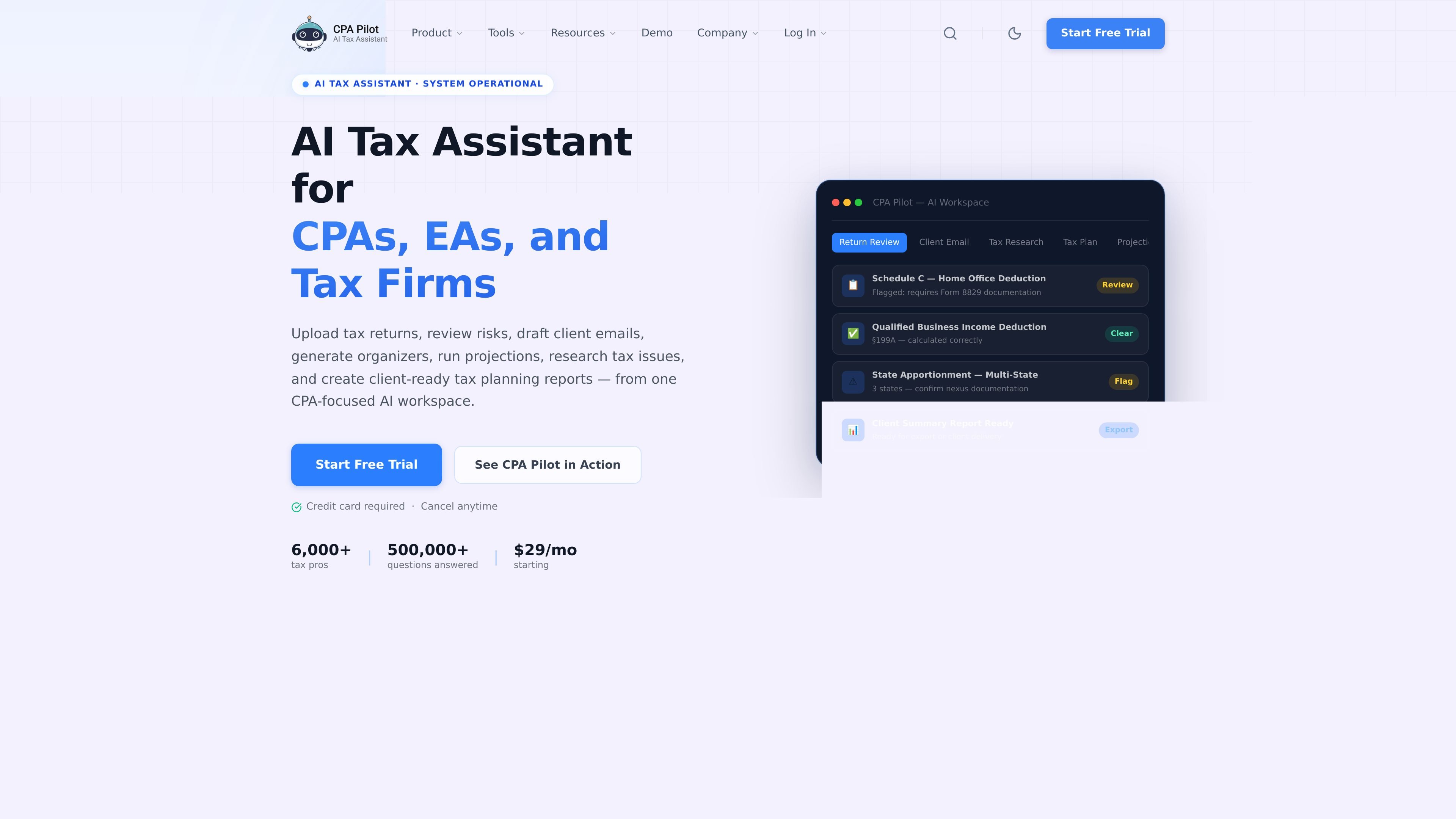
CPA Pilot is an AI tax assistant built for CPAs, EAs, and tax firms. It combines several tax-specific workflows in one workspace, including return review, tax research, client email drafting, planning, projections, and document-based summaries.
The product is designed to support year-round tax work rather than a single filing-season task. Source pages describe workflows for filing-season review, extension work, IRS notice research, entity decisions, and client advisory conversations, with outputs meant for professional review rather than automated final judgment.
Upload tax returns and supporting documents to flag review issues, risks, and inconsistencies before sign-off.
Generate client-ready summaries for 1040 and business returns, including 1120, 1120-S, and 1065 workflows.
Turn a prior return into a tax organizer with document requests and client questions that can be sent quickly.
Draft researched replies to client emails, reducing the time needed to answer recurring questions and follow-ups.
Ask federal or state tax questions and get structured research support with relevant code sections and citations.
Model income, deduction, entity, or planning changes and compare tax outcomes in a structured projection workflow.
Review uploaded returns and supporting files to catch risks, missing documentation, and inconsistencies before partner sign-off.
Turn tax questions into structured research notes with citations and section references for client-facing work or internal analysis.
Draft summaries, organizers, and email replies for clients so staff can move faster on recurring communication tasks.
Build planning notes and projection scenarios for advisory conversations, entity analysis, year-end planning, or IRS notice follow-up.
Map uploaded PDF, Excel, or CSV data into tax software-ready fields and flag import issues before data entry.
CPA Pilot is built for CPAs, EAs, and tax firms that want AI-assisted help with return review, tax research, planning, and client communication. The source materials position it as a purpose-built workflow tool rather than a general chat assistant.
Yes. The pricing information says all plans start with a free trial, and the site notes that a credit card is required to sign up. Monthly plans can be canceled anytime.
CPA Pilot supports workflows such as tax return review, 1040 and corporate summaries, client organizers, email drafting, tax research, projections, entity selection, and tax software import assistance.
The security pages say client data is encrypted in transit and at rest, client-identifying data is anonymized on the user's computer before transmission, and the company does not use client data to train AI models.
The source materials do not show a public integration list. The product does mention tax software import assistance, but specific third-party integrations are not evidenced in the provided pages.