
Guided story brief
Describe your book in a guided creative brief with details such as title, genre, mood, and symbols. The tool is designed to fill in gaps when you provide only a partial prompt.

CoverDesignAI is an AI book cover generator for authors and publishers. Create 2D covers and 3D mockups from a guided brief, refine designs, and download files.
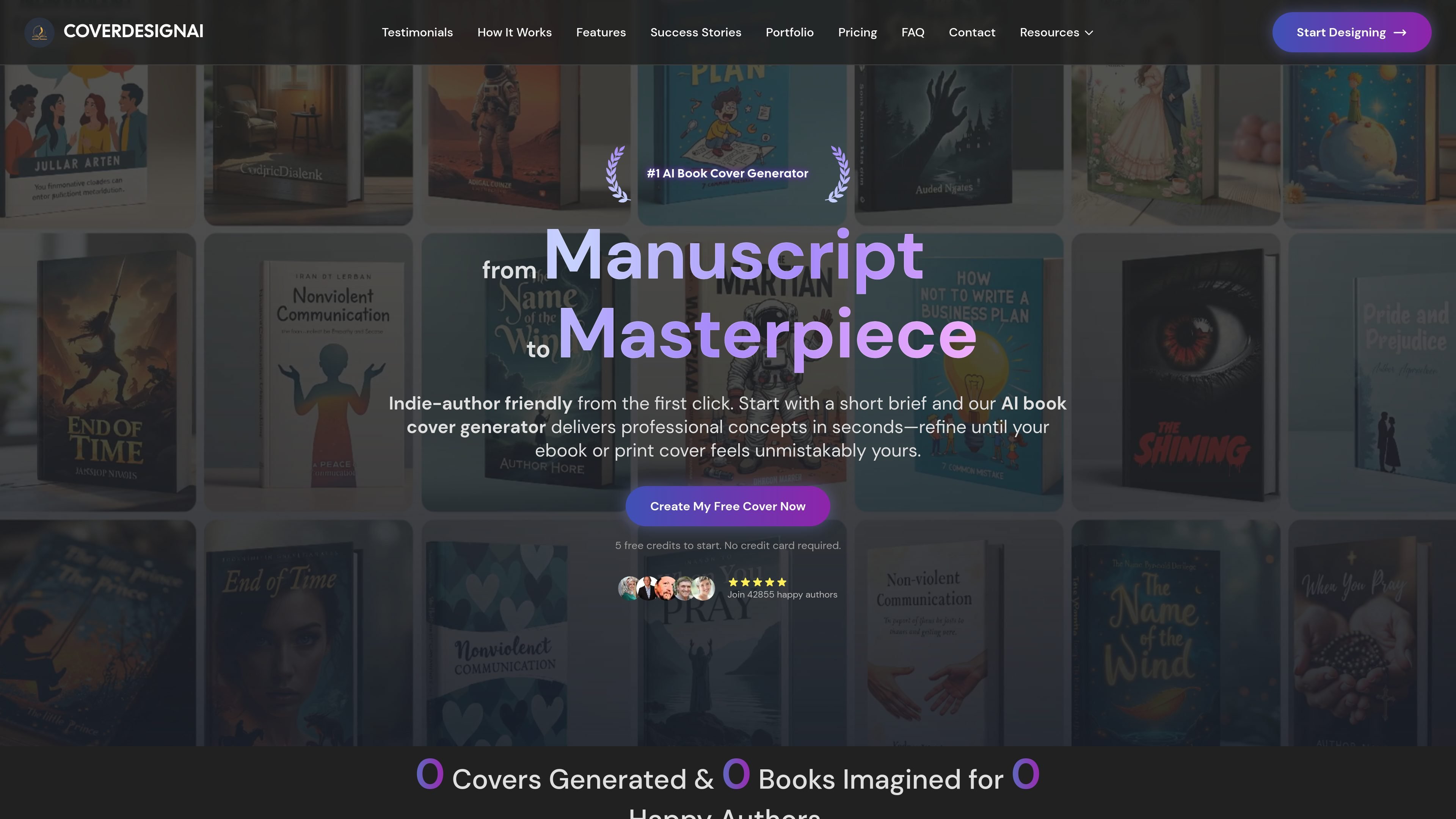
CoverDesignAI is an AI book cover generator for authors who want to turn a manuscript brief into cover concepts without working through a traditional design process. The homepage positions it as a tool for indie authors, with a workflow built around describing the book, generating ideas, refining the results, and downloading final files.
It supports both 2D graphics and 3D mockups, and the product pages emphasize a guided brief rather than prompt engineering. Users can start with a short description or provide more detail, then adjust the result with text edits, masking, image guidance, and 2D-to-3D conversion before exporting JPG or PNG files.
Describe your book in a guided creative brief with details such as title, genre, mood, and symbols. The tool is designed to fill in gaps when you provide only a partial prompt.
Generate one concept or a whole collection at once, with packages designed for scale and volume discounts. This supports both quick experimentation and broader cover exploration.
Create both flat, print-ready 2D graphics and realistic 3D mockups for marketing or publishing needs. The site also says you can switch between these formats.
Use text instructions to change specific details such as title size or color, or mask a region and ask the AI to alter only that area. You can also upload another image to steer the edit.
Browse the inspiration library beta or upload reference images to guide style, typography, elements, or even consistency across a series. This helps narrow the creative direction before generation.
Download selected designs as JPGs for web use or PNGs for high-resolution printing, packaged together in a zip file. The product is set up to move from concept to usable files quickly.
Use the guided brief to turn a manuscript idea into multiple visual directions when you need to compare concepts before choosing a final cover.
Generate 2D graphics for a print-ready cover file, then download a PNG or JPG version for downstream editing or production use.
Create 3D mockups for social media posts, landing pages, or preorder announcements where a realistic book-in-scene image is more useful than a flat cover.
Refine an almost-right design by changing specific details such as title size, color, or a masked section instead of starting over from scratch.
Upload reference images or a previous cover to guide style, typography, or series consistency when building a related title or branded set.
CoverDesignAI is a browser-based AI book cover generator. You start with a creative brief, generate cover concepts, and then refine and download the designs you want.
The site says it can produce both 2D graphics and 3D mockups. It also supports converting between 2D and 3D formats with a single click.
The workflow starts with a short brief that includes details such as title, genre, mood, and symbols. After generation, you can refine results with text instructions, masking, or reference images before downloading.
The homepage offers 5 free credits to start and says no credit card is required. The pricing page is currently unavailable and shows a 404, but it still lists one-time credit packages on the homepage pricing section.
The source shows account sign-in and account creation pages, but it does not mention team features or integrations. Based on the available pages, the product appears focused on individual authors rather than multi-user collaboration.