
Dimensional archive filtering
Let teams browse archived work by structured fields such as industry, format, client, deliverable, style, year, team, length, and other metadata already in the library.

Cosmos is a web product for video companies that helps sales teams find, curate, and share relevant past work from an existing archive. It keeps post teams in control of what gets indexed and shared externally.
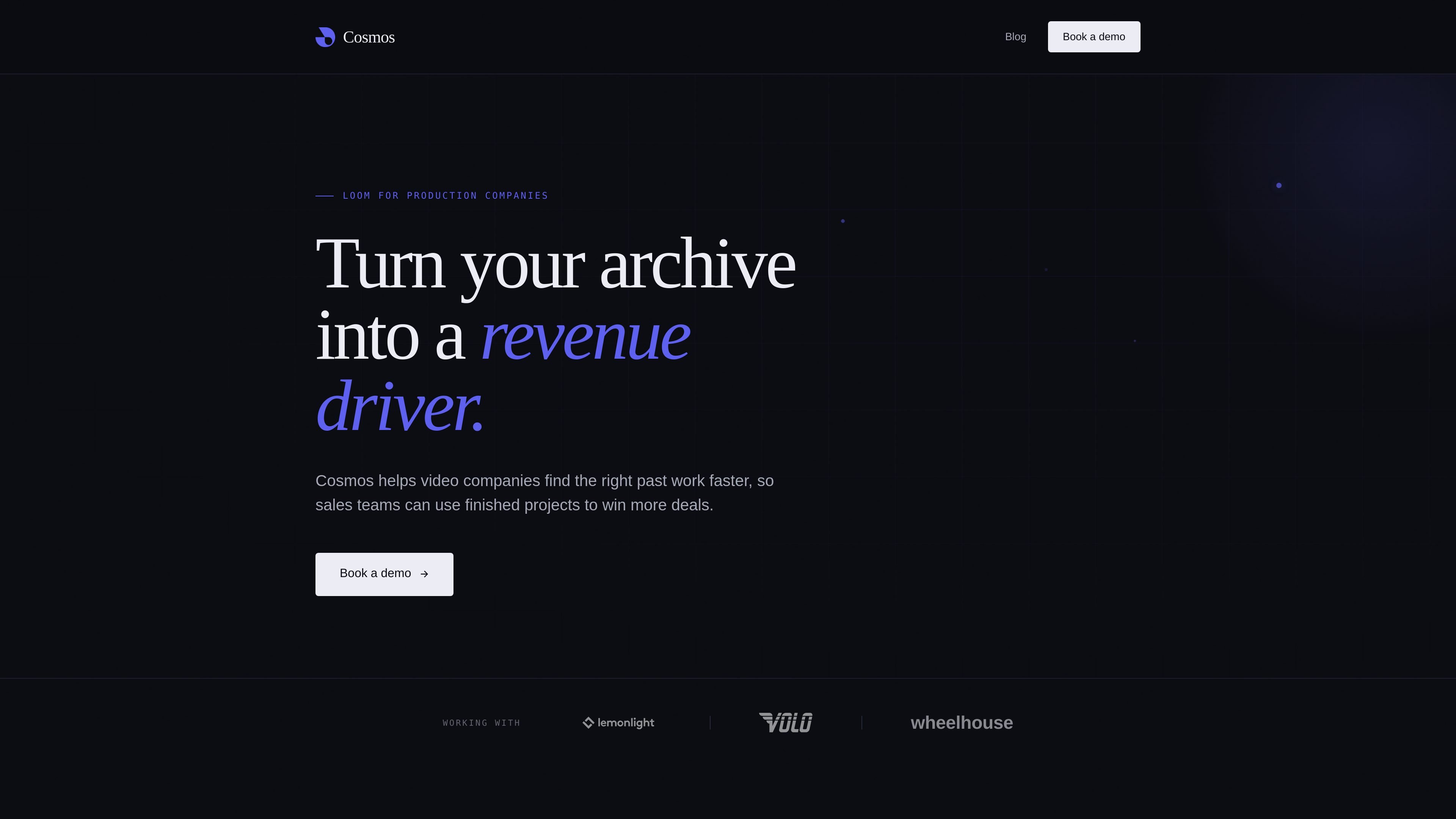
Cosmos is a sales layer for video companies that sits on top of an existing archive. It is built to help teams surface relevant finished work quickly when a prospect asks for examples.
The product is organized around two workflows: post teams control what gets indexed, tagged, and shared, while sales teams search by metadata, build a reel, and send a link that prospects can browse without an account or large download.
Let teams browse archived work by structured fields such as industry, format, client, deliverable, style, year, team, length, and other metadata already in the library.
Combine multiple filters to narrow down to the exact kind of work a prospect is asking for, instead of guessing with keywords or remembering project names.
Create a curated reel from selected projects in a few clicks so sales can assemble relevant examples without exporting files manually.
Generate a shareable link that prospects can open on any device, without creating an account or downloading a large file.
See basic engagement on shared reels, including who viewed what, when, and for how long.
Keep control over indexing, tagging, and external sharing with the post team, while giving sales fast self-serve access.
A prospect asks for examples that match a specific industry, style, or deliverable. A rep can filter the archive by metadata, narrow the results, and send the most relevant work while the conversation is still active.
A producer needs to turn several past projects into a short prospect-facing set. Cosmos supports assembling a curated reel in a few clicks, reducing manual link gathering.
A post team wants to make sure only approved work is available externally. Cosmos keeps indexing, tagging, and sharing controls on the post side while sales works from that governed set.
A prospect prefers to review examples asynchronously. Sales can send a link that opens in the browser on any device and does not require an account or large download.
A manager wants to understand whether shared work is being opened and engaged with. Cosmos tracks who viewed what, when, and for how long on shared reels.
Cosmos is designed for production companies and video teams that need to find finished work in an archive quickly enough for sales conversations. The homepage frames it as a sales layer built on top of an existing archive, with controlled indexing and sharing managed by post.
The page describes Cosmos as living where the archive lives. Post teams control what gets indexed, how items are tagged, and what can be shared externally, while sales teams use the library to search, curate, and share work.
Sales users can filter archive items by metadata such as industry, format, client, deliverable, style, year, team, length, and other fields in the library. The goal is to stack filters instead of relying on keyword search or project-name recall.
Yes. Cosmos can generate a shareable reel link that prospects can browse on their own time, on any device, without an account or a large download, and it tracks who viewed what, when, and for how long.
The site does not publish pricing on the homepage, and the pricing URL returns a 404 Not Found response in the collected evidence. The product appears to be demo-led from the homepage call to action.