
Call-graph analysis
Resolves the symbols touched by a pull request and follows their callers in other files, surfacing downstream code that a line-by-line review may not open.

Context Goblin is an AI code reviewer for GitHub pull requests that uses call-graph and cross-repository context to assess changes. It helps development teams review architecture, security, logic, and test concerns with findings verified against the codebase.
Context Goblin is an AI code reviewer for GitHub pull requests. It builds context from the diff, changed symbols, callers elsewhere in the codebase, and relevant dependencies between repositories before its review agents analyze the change. The core purpose is to evaluate how a change affects the wider system, rather than limiting review to the edited lines.
The review pipeline covers architecture, security, logic, and tests. A coordinator combines the specialist findings into one review with a summary, inline comments, categories, severities, and a verdict. Reviews can be started from the dashboard, through GitHub, or with the product's review_repository MCP tool.
Resolves the symbols touched by a pull request and follows their callers in other files, surfacing downstream code that a line-by-line review may not open.
Maps package dependencies, HTTP calls, queues, and shared tables between indexed repositories. Relations relevant to a change are added to its review context.
Runs separate agents for architecture, security, logic, and tests. A coordinator removes duplicate findings, resolves disagreements, and produces the published review.
Checks findings against the codebase before posting them. Reviews include categories, severities, a summary, inline comments, and a GitHub review verdict when started through GitHub.
Lets administrators disable built-in agents, add custom agents with their own prompts, and connect MCP servers so agents can read information from tools such as Jira, Confluence, Linear, or Notion.
Supports dashboard reviews, @contextgoblin mentions on GitHub pull requests, automatic reviews for enabled repositories, and review requests through an MCP client.
Use call-graph context when a pull request changes a shared function or symbol and the important effects may appear in other files that were not edited.
Use the cross-repository map when a change affects routes, queues, shared tables, or package dependencies spanning multiple repositories.
Connect an MCP-compatible source such as Jira, Confluence, Linear, or Notion when reviewers need to compare an implementation with project requirements or documentation.
Enable automatic reviews for selected repositories, or trigger a review by mentioning @contextgoblin on a pull request. GitHub receives the review summary, inline comments, and verdict.
Start a review from the dashboard for a result kept in Context Goblin, or call the review_repository MCP tool from another agent or MCP client.
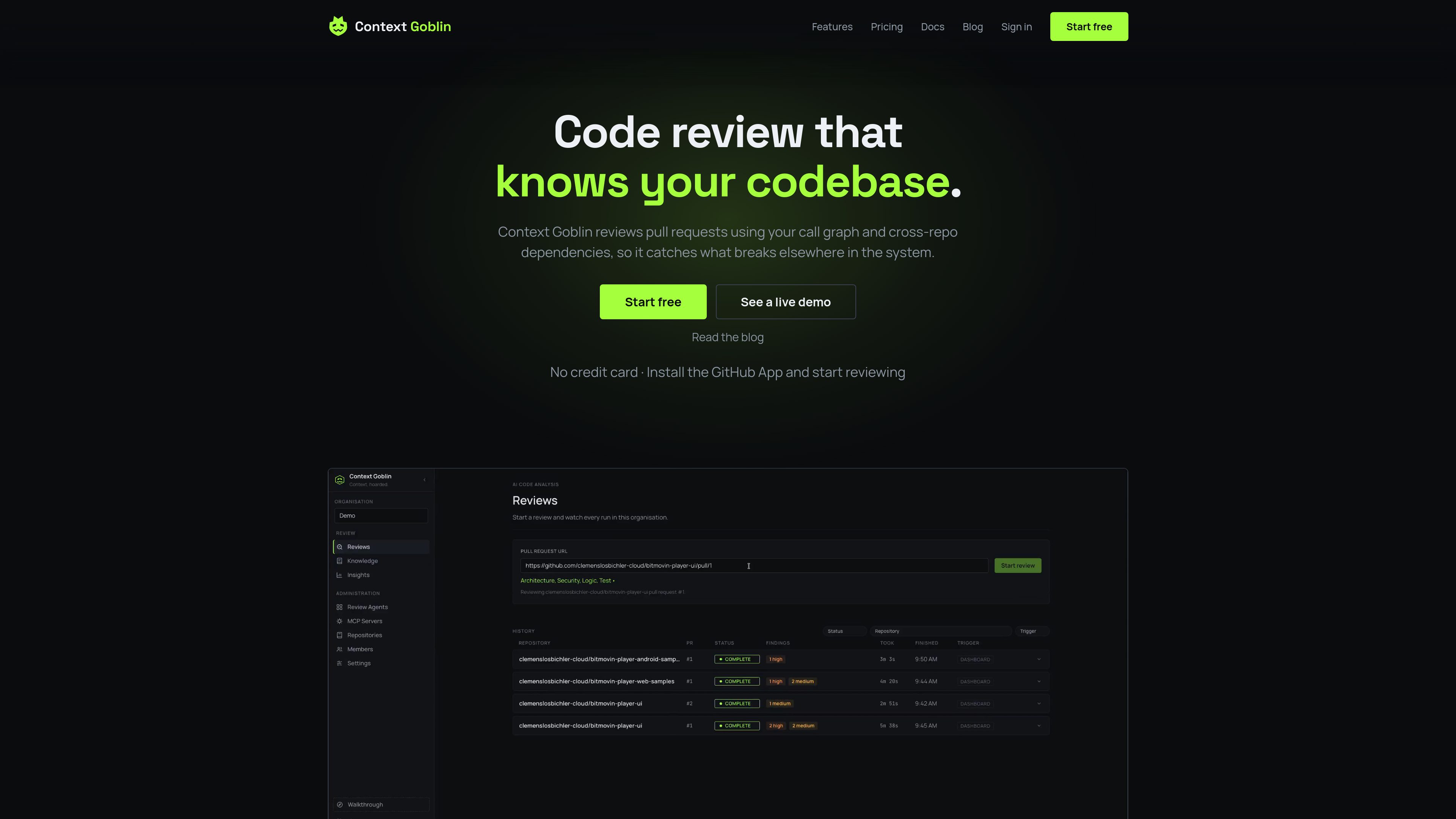
A review can be started by pasting a pull request URL into the dashboard, mentioning @contextgoblin on a pull request, enabling automatic reviews for an enabled repository, or calling the review_repository MCP tool.
The review includes a Review Overview with a verdict and summary, plus inline comments on changed lines. Findings are categorized as Architecture, Security, Logic, or Tests and carry a severity. GitHub-triggered reviews use GitHub review states such as Approve, Approve with comments, or Request changes.
Yes. Its cross-repository context can map package dependencies, HTTP calls, queues, and shared tables between indexed repositories. Relations that the pull request touches are included in the review context.
Yes. Administrators can connect MCP servers and select which tools the agents may call. The site lists Jira, Confluence, Notion, and other MCP-compatible servers as examples.
Reviews pause when the free credits run out. The site states that nothing is charged and nothing is deleted, and says users can ask for more credits. A team offering with more repositories and reviews is available by request.

aws.amazon.com
Amazon Q Developer is an AI-powered coding assistant for software developers. It provides code suggestions, chat, testing, security scanning, refactoring, and agentic help across supported IDEs, the command line, AWS tools, and selected collaboration workflows.

gitar.ai
Gitar is an AI-powered code review and pull request automation tool for teams that need to verify changes before merging. It reviews code, diagnoses CI failures, applies fixes under configurable rules, and checks that the pipeline passes.

code.claude.com
Claude Code is an agentic coding tool from Anthropic that reads codebases, edits files, runs commands, and supports development work from the terminal, IDE, desktop app, or browser. It is designed for developers handling tasks such as bug fixes, tests, onboarding, and code migrations.

cursor.com
Bugbot is Cursor’s AI code review tool for GitHub pull requests. It runs reviews in the background, flags potential logic, security, and performance issues, and can provide fixes through Cursor or Background Agent.

graphite.dev
Graphite is a GitHub-connected code review platform for stacked pull requests, AI-assisted reviews, and merge workflows. Manage pull requests, feedback, and CI in one system.

gitwarren.com
GitWarren is a local code-review tool for inspecting and commenting on the staged, unstaged, and untracked changes in an agent’s Git worktree before they are committed or pushed. It runs on the machine containing the repository and can be used through a desktop app, a browser, or an MCP server connected to coding agents.