
Native Media3-based compression
Compressor uses the native Media3 library rather than an ffmpeg wrapper, which the README presents as the basis for its speed and small footprint.

Compressor is a native Android video compressor that processes videos locally on-device. Ad free, with Android System Photo Picker, Share Sheet handoff, and H.265/AV1 on compatible devices.
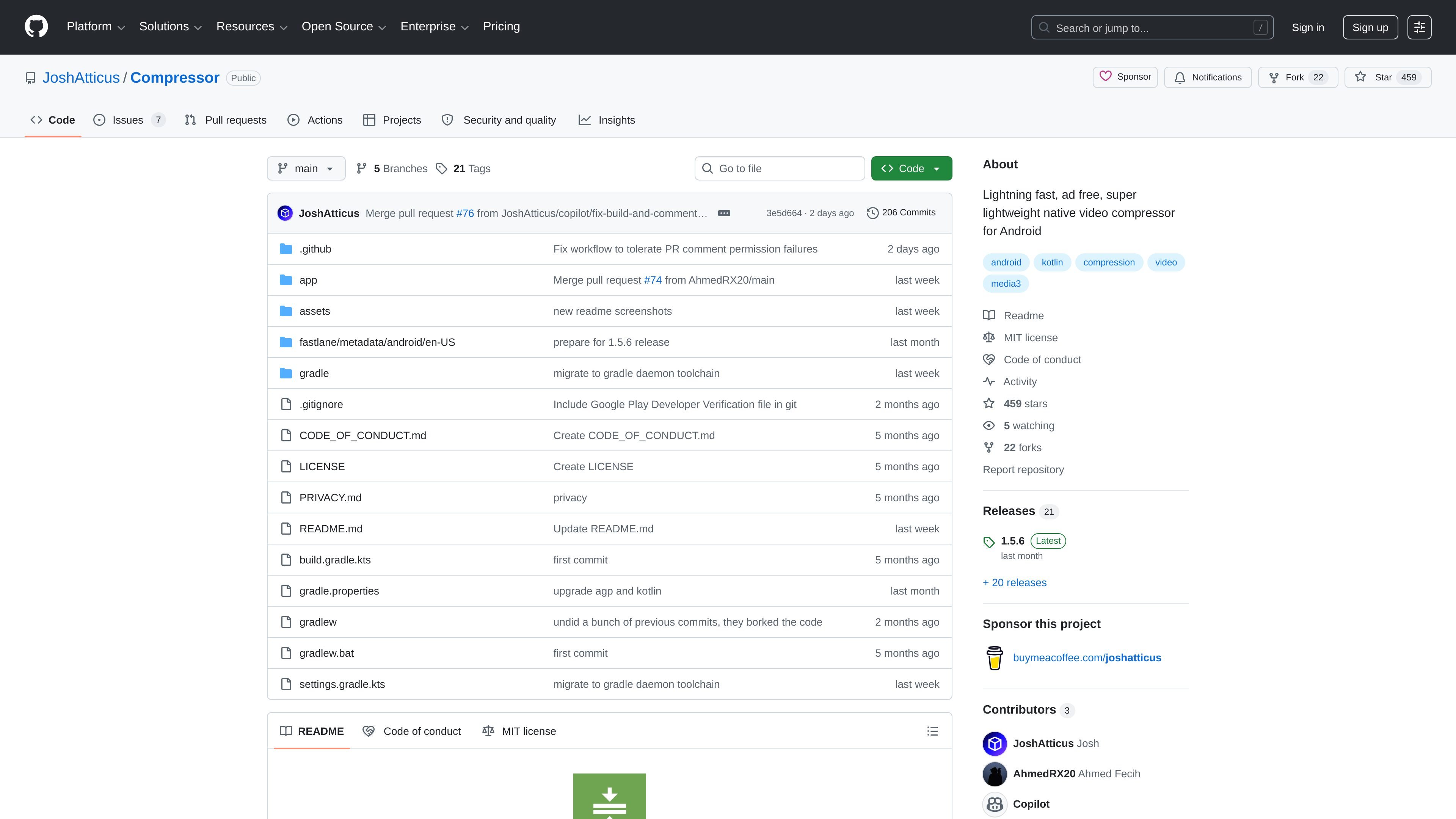
Compressor is a native Android video compressor focused on fast local processing, small app size, and a simple workflow. The project README describes it as lightning fast, ad free, and super lightweight, and the privacy policy says compression runs locally on the device.
It is built around Android’s hardware acceleration and the native Media3 library rather than an ffmpeg wrapper. The app is intended for users who want to compress selected videos on Android without granting broad storage access, internet access, ads, or tracking SDKs.
Compressor uses the native Media3 library rather than an ffmpeg wrapper, which the README presents as the basis for its speed and small footprint.
The app supports H.265 and AV1 on compatible devices, so it can take advantage of newer hardware and codec support where available.
Share Sheet support lets you hand off compressed videos through the Android sharing flow instead of keeping everything inside the app.
The project states it uses no third-party libraries and no invasive permissions, including no storage or internet permission.
The app is described as ad free, super lightweight, and under 10 MB, with a completely native Kotlin codebase.
The README says the app works on Android 7.0 and up and supports reproducible builds.
Use Compressor when you want a smaller video file before sending it through messaging or email, without uploading the original clip to a remote service.
Use the app when you want to keep video processing on-device and limit access to only the video you selected through the Android picker.
Use it on supported hardware when you want modern codec options such as H.265 or AV1 rather than relying on a bulky software encoder.
Use Compressor if you want a lightweight Android app that avoids ads and third-party SDKs while keeping the workflow simple.
The README says Compressor works on Android 7.0 and up. The privacy policy also states that compression happens locally on the device.
Compressor is designed to work without storage access or internet access. It uses the Android System Photo Picker so you choose only the specific videos you want to compress.
The app supports the Share Sheet, so compressed files can be sent onward from the Android share flow after processing.
The project README describes Compressor as ad free and lightweight, and the privacy policy says it contains no third-party analytics or advertising SDKs.
Traffic data is for reference only.
| Apr | 631004092 |
|---|---|
| May | 636075828 |
| Jun | 615239605 |