
Capture content from anywhere
Save articles, videos, and links from the web into one place so you can return to them later without scattering resources across tabs or bookmarks.

Cokeep is a web-based knowledge keeper for saving articles, videos and links, then organizing them with tags, highlights, summaries and spaces.
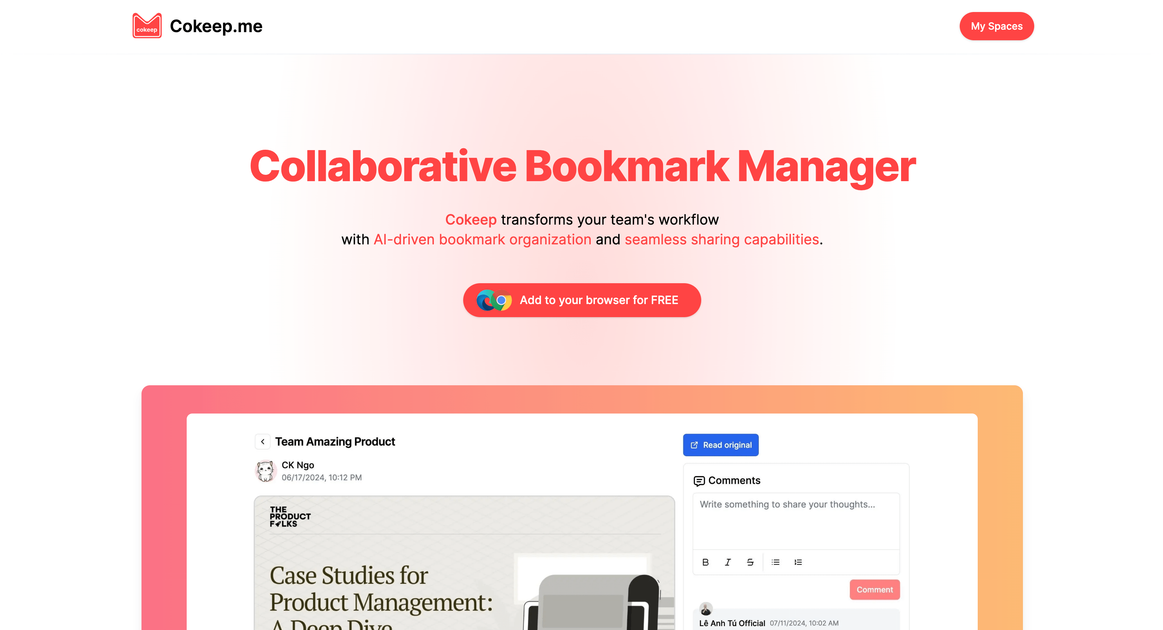
Cokeep is a knowledge-saving and reading product built to help people capture, organize, and retain online content such as articles, videos, and links. The site positions it as a “smart keeper” for users who want to manage information more deliberately rather than leaving it spread across bookmarks, tabs, and unstructured notes.
Its workflow centers on saving content into spaces, then organizing it with highlights, comments, tags, summaries, and search. The source also points to AI-assisted features, including summaries, smart search, and automatic tagging, alongside collaboration options for private, public, and shared spaces. Pricing is split across Free, Plus, and Pro plans.
Save articles, videos, and links from the web into one place so you can return to them later without scattering resources across tabs or bookmarks.
Organize saved items into private spaces, public spaces, and shared collaborator spaces, with the pricing page showing different collaboration limits by plan.
Break longer material into smaller pieces, then use highlights, comments, and tags to make the information easier to review and search.
Use AI-powered summaries, smart search, and automatic tagging to reduce the time spent finding and sorting saved material.
Set read-later reminders, send links to Kindle, and create persistent copies for reading and reference workflows.
Send or connect content with tools and formats mentioned on the pricing page, including Notion, Google Drive, and embedded spaces.
Save articles and videos you want to revisit, then add tags or highlights so the material is easier to search and review later.
Group research notes, references, and links into spaces so a project has one place for related material.
Share selected spaces with collaborators when a topic needs input from teammates, friends, or other readers.
Use summaries, smart search, and chunking to turn longer content into something you can scan and study more efficiently.
Send content to connected tools or reading destinations mentioned by the source, such as Kindle, Notion, or Google Drive.
Cokeep is a knowledge-keeping and reading app that lets you save links, articles, and videos into spaces, then add highlights, comments, tags, and summaries to organize what you keep.
The source mentions a free plan and paid Plus and Pro plans. The pricing page shows monthly and yearly billing, with yearly pricing shown at a 20% discount.
Cokeep can be used with content from the internet, including articles, videos, and links. The pricing page also mentions saving links from a browser extension and adding YouTube-related features.
The source describes spaces for private, public, and collaborator-based sharing, so Cokeep appears suited to personal use as well as sharing organized resources with others.
The collected pages do not provide a full setup guide or a complete list of supported integrations. The pricing page does mention Notion, Google Drive, Kindle, and embeds as supported outputs or connections.