
Code-to-flowchart generation
Paste a code snippet and the product turns it into an interactive flowchart so you can inspect control flow and structure visually.

Code to Flowchart turns pasted code into visual diagrams and AI explanations for faster code understanding, with multiple diagram types, export options, and a free tier.
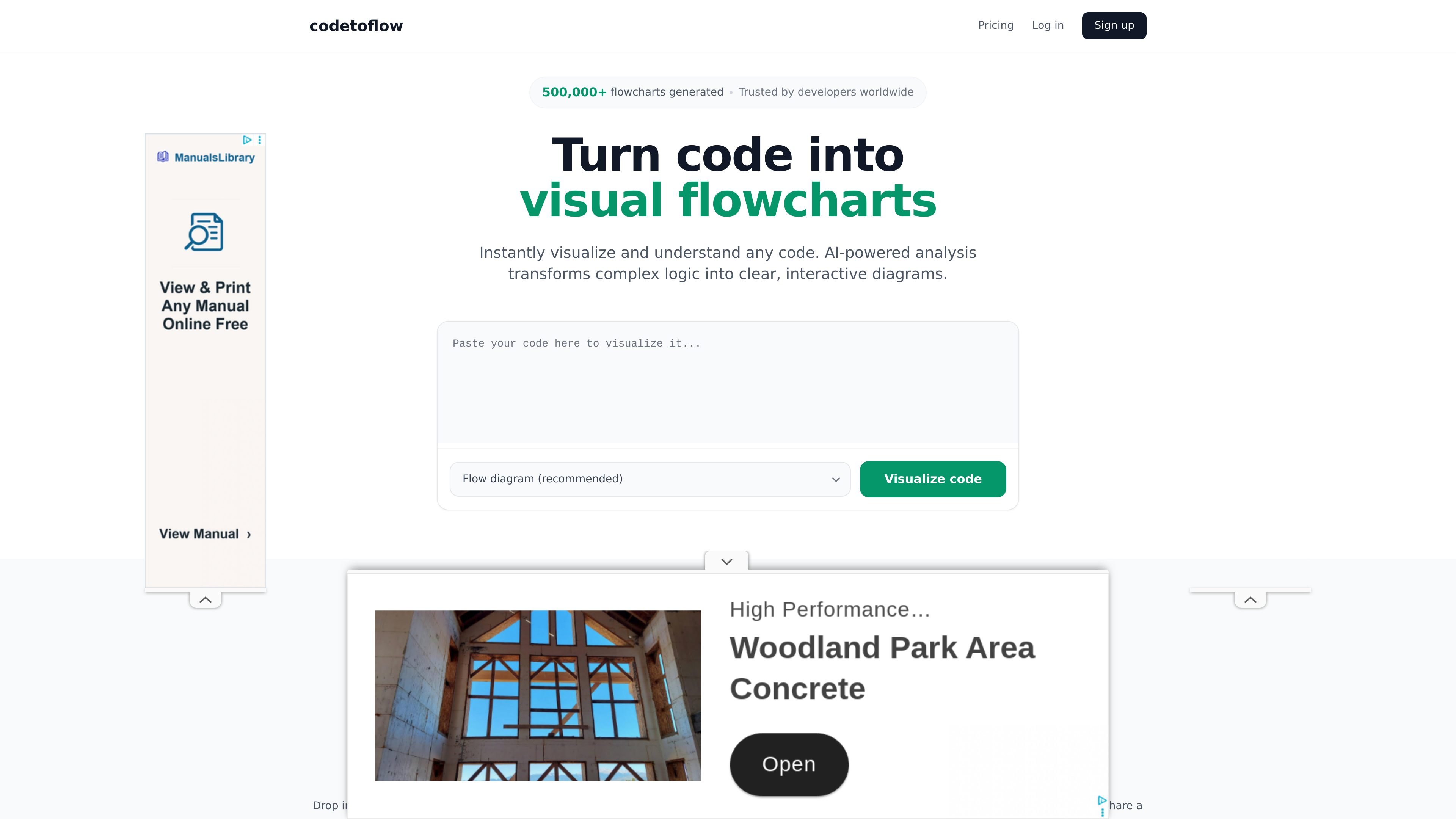
Code to Flowchart is a browser-based tool that converts code into visual diagrams so developers can understand program logic more quickly. It uses AI to analyze pasted code and generate interactive flowcharts, with additional diagram styles available for related visualization tasks.
The site positions the product for individual developers, students, teams, and documentation workflows. It also combines diagram generation with AI explanations, export options, and basic editing so the output can be used for review, learning, or technical communication.
Paste a code snippet and the product turns it into an interactive flowchart so you can inspect control flow and structure visually.
The product supports multiple diagram styles, including flow diagrams, sequence diagrams, class diagrams, and user journey views.
It generates an AI explanation to accompany the diagram, helping readers understand what the code is doing.
Export output as PNG, SVG, or PDF, or share a link for review and handoff.
You can edit and customize flowcharts after generation, rather than treating the output as fixed.
The site says code is never stored and is discarded after processing.
Use the tool to break down unfamiliar or dense code into a visual path before making changes or debugging behavior.
Convert lessons or examples into diagrams that help learners see how logic branches and steps connect.
Create diagrams for reviews, internal notes, or technical docs when you need a clearer way to explain code behavior.
Generate different diagram types from the same code when you want a flowchart for logic and a class or sequence diagram for context.
Use the free tier for small jobs or upgrade when you need higher-volume visualization and no ads.
The product turns pasted code into visual diagrams and includes an AI-generated explanation alongside the diagram.
Yes. The source lists support for common languages including Python, JavaScript, TypeScript, Java, C, C++, Go, Rust, and more.
Yes. The site says you can generate up to 3 flowcharts per day for free, with an upgrade available for unlimited access.
No. The site says code is never stored; it is processed to generate the diagram and then discarded immediately.
The upgrade page says you can cancel a subscription by reaching out to the team, and access remains active until the end of the current billing period.