
Live architecture canvas
Draw backend architecture as a live node/edge graph with system parts such as controllers, services, repositories, tables, DTOs, and queues.

Backend architecture tool for designing, validating, and generating code from node-edge graphs.
Solarch is a backend-architecture tool that centers the design of a system on a live node/edge graph. You model components such as controllers, services, repositories, tables, DTOs, and queues, and the platform validates the connections before they land on the canvas.
From that validated architecture, Solarch generates code that matches the graph and helps keep code and design in sync over time. The product is built around an architecture-first workflow, with the AI proposing changes while the Rules Engine verifies them and rejects unsupported connections.
Draw backend architecture as a live node/edge graph with system parts such as controllers, services, repositories, tables, DTOs, and queues.
Validate connections as you draw, using a default-deny Rules Engine that rejects illegal edges and enforces anti-pattern checks.
Turn the validated graph into code with a two-stage pipeline: deterministic scaffold generation first, then AI-assisted body completion where needed.
Keep the diagram and codebase aligned through drift checking, bidirectional sync, and generated diffs that can block merges in CI.
Export the architecture for developer workflows, including Mermaid diagrams, AI-readable memory, and code-generation outputs.
Use the same architecture and rules across the editor, CLI, and MCP server so different tools see the same underlying graph.
Model a backend as a graph of application layers, validate each connection, and keep the design visible on a single canvas.
Generate deterministic scaffolds, then fill method bodies under contract when a project needs code that matches an approved architecture.
Check an existing NestJS repository for drift between the current code and the target graph, including CI checks that can block merges.
Let editors and agents work from the same architecture source so changes in VS Code, the CLI, or an MCP-connected agent stay consistent.
Share a graph with a team plan so multiple people can work from the same architecture while preserving node references across the project.
Solarch is a backend-architecture tool for drawing systems as a node/edge graph. The Rules Engine validates each connection as you draw, and the platform generates code that matches the validated architecture.
Solarch is positioned around architecture-first workflows rather than code-first completion. The product generates the architecture first, validates it with a default-deny rules system, and then generates code from that verified graph.
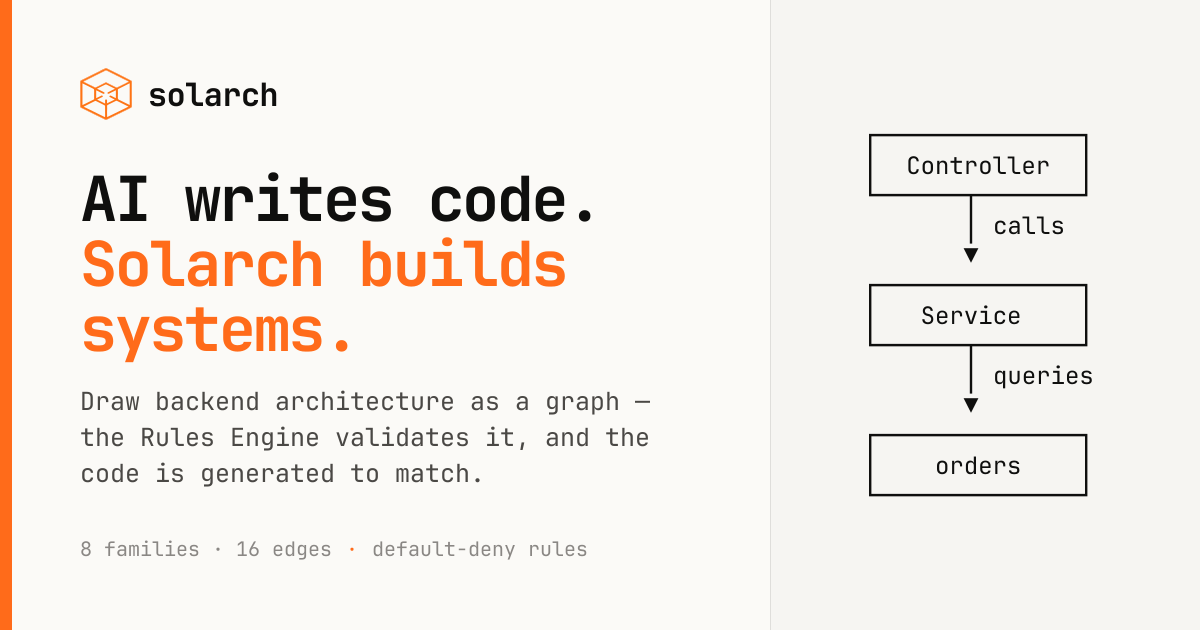
The Rules Engine is a default-deny validator for architecture graphs. It rejects connections that are not explicitly allowed and enforces anti-pattern checks, such as preventing a Controller from reaching a Table directly.
The pricing page shows a free plan, paid plans, a team plan, and an enterprise contact flow. Paid plans include a 7-day trial.
Traffic data is for reference only.

www.modelarch.io
modelARch is an AI-assisted domain modeling and application generation platform for teams that need to turn business rules, roles, and workflows into an inspectable full-stack product. It generates Python/FastAPI and React/TypeScript code from the same explicit model.

autonomyai.io
AutonomyAI is an AI-native product delivery platform that helps product managers and designers turn ideas into production-ready code changes in their existing codebase. Engineers review and approve the resulting pull requests before merge.

onorca.dev
Orca is an Agent Development Environment for shipping with coding agents, running parallel CLI agents in isolated worktrees with desktop and mobile companion workflows.

easysite.ai
EZsite AI is an AI website builder that turns a URL into a full-stack React or Vue.js application, with hosting, custom domains, code export, and backend features for deployable team projects.

aimagicx.com
AI Magicx unifies chat, image, video, voice, music, email, and developer tools in one AI workspace.

namesnack.com
Free business name generator with domain checks, logo maker, and naming guides.