
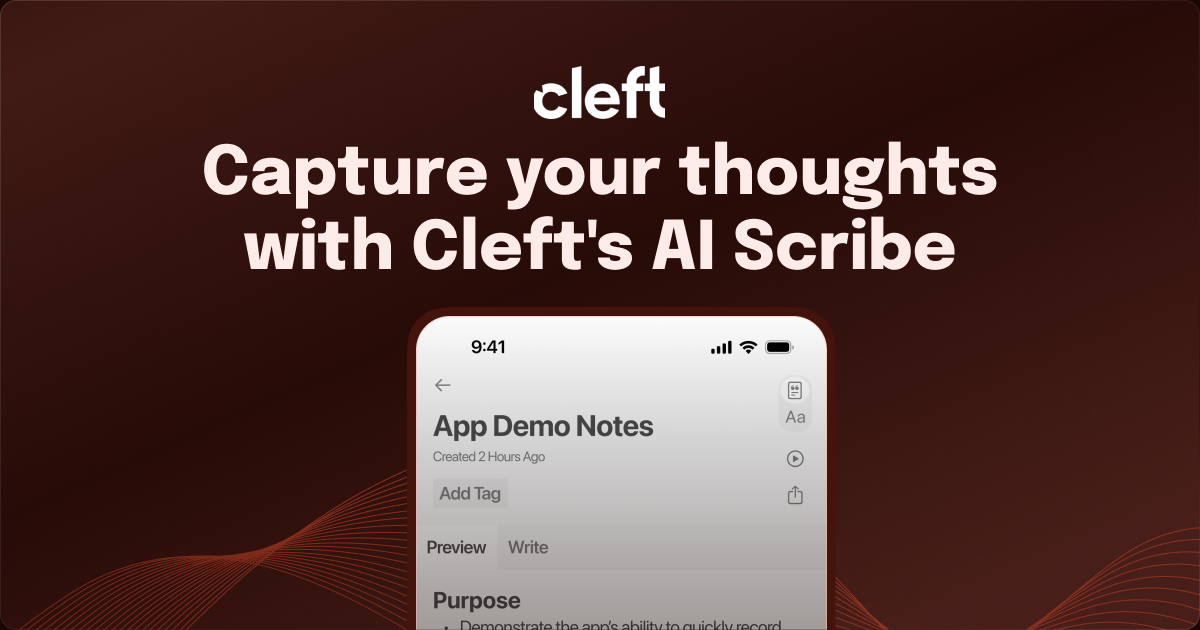
On-device transcription
Record a thought and let Cleft turn it into text on the device rather than sending audio out for transcription. The site says transcription has run locally since the first builds.

Voice-first notes for Apple devices with local transcription, offline capture, and secure sync.
Cleft is a voice-first note-taking app for Apple devices that turns spoken thoughts into structured notes. It is positioned as a fast capture layer before tools like Notion, Apple Notes, Obsidian, and other apps where people already organize their work.
The product’s core workflow is simple: record a thought, let Cleft transcribe it on the device, and choose an output format such as structured bullets, flowing prose, or a cleaner transcript. The site emphasizes offline capture, secure sync, and a Markdown-ready handoff so notes can move into an existing workflow without requiring a separate workspace.
Record a thought and let Cleft turn it into text on the device rather than sending audio out for transcription. The site says transcription has run locally since the first builds.
Keep working when Wi-Fi is unavailable. The product pages say Cleft works offline and can capture, transcribe, and later sync notes securely.
Choose how the finished note should read, with built-in Structured, Structured Prose, and Clean Transcript styles. Plus users can also save custom output styles and add reusable AI instructions.
Move from a note to the rest of your workflow with auto-copy, Markdown editing, tags, search, export, share sheet support, and local folder sync. The pricing page also lists Notion and Zapier integrations.
Capture and review notes across iPhone, iPad, Mac, Apple Watch, and CarPlay. The pricing page also calls out widgets, Lock Screen access, the Action Button, Siri, and Shortcuts.
Use attachments, password-protected links, and Family Sharing on the paid plan. Cleft Plus also includes preview access to new features through TestFlight.
Capture a rough idea quickly, then let Cleft turn it into a cleaner note you can read back or move into another app.
Dictate to-do lists, checklist items, or reminders and use the structured output to make the result easier to scan.
Record longer spoken thoughts on the move, including when you are away from Wi-Fi, and review them later on your Apple devices.
Send finished notes into tools like Notion, Obsidian, Bear, Drafts, or other downstream apps through Markdown export, local sync, or integrations.
Use CarPlay, Watch, widgets, Siri, or the Action Button for hands-free capture when typing is impractical.
Cleft is designed for voice-first capture. You can record on iPhone, iPad, Mac, Apple Watch, or CarPlay, then review or edit the note on Apple devices after it is transcribed.
The source describes three built-in output styles: Structured, Structured Prose, and Clean Transcript. It also says Plus users can save custom output styles and use custom AI instructions.
The pricing page says Basic is free and includes 5-minute recordings, on-device transcription, structured notes, auto-copy, local sync, tags, search, export, widgets, Siri, and Shortcuts. Cleft Plus adds longer recordings, custom AI, custom output styles, attachments, Notion and Zapier integrations, password-protected links, Family Sharing, and preview access.
Yes. The trust center says Cleft uses on-device processing for transcription, does not sell data, and does not use content for AI training. The transcription blog also says the audio stays on the device and only the text is sent for the summary step.
The source does not describe a team workspace or multi-user collaboration system. It does mention Family Sharing for up to five people, but each person keeps their own notes.
Traffic data is for reference only.
| May | 4485 |
|---|---|
| Jun | 3879 |
| Jul | 4494 |
Traffic analytics are not available yet.

basedhardware.com
Omi is an AI note-taking and recording product that turns voice, screen activity, and conversations into searchable notes, tasks, reminders, memories, and advice. It works across devices for work and personal life, using the devices you already own.

krisp.ai
Voice AI for clearer calls, transcription, summaries, and notes
spokenly.app
Spokenly is an AI dictation app for Mac, iPhone, and Windows that turns speech into text in any app. It supports free offline local models, cloud transcription through Pro or your own API keys, and more than 100 languages.

monologue.to
Monologue is an AI voice dictation app for natural writing, transcripts, summaries, and Apple devices.

quickquill.app
QuickQuill is a macOS app for private, on-device dictation, transcription, and meeting notes. It offers free push-to-talk dictation plus a paid workflow for capture, file import, summaries, translation, and export.

dictanote.co
Dictanote is a voice-powered note-taking app with speech-to-text, cloud sync, and voice commands.