
Slack-native ticketing
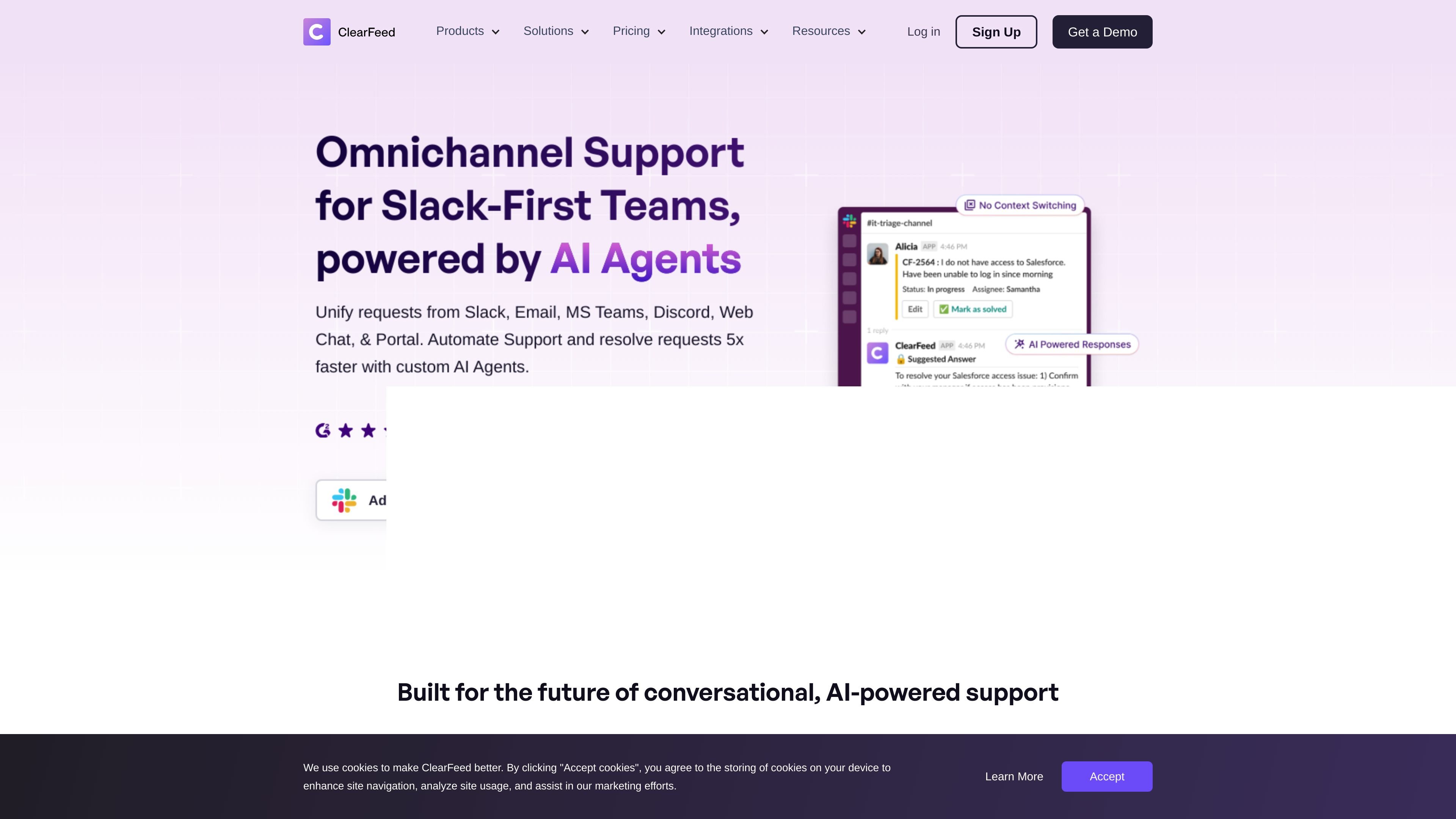
Turn Slack messages, direct messages, and other inbound requests into tickets, then manage the ticket lifecycle from Slack.

Slack-first helpdesk for structured support across channels
ClearFeed is a helpdesk and support platform built around Slack, with channels, direct messages, and connected tools used as the main place to receive and resolve requests. The site positions it for teams that want to run support in Slack while also handling email, chat, Microsoft Teams, and other channels from the same system.
The product combines ticketing, triage, forms, approvals, SLA handling, reporting, and AI-assisted responses. Depending on the setup, ClearFeed can act as a standalone Slack-native helpdesk, an external helpdesk, or an integrations layer that syncs Slack with an existing ticketing system.
Turn Slack messages, direct messages, and other inbound requests into tickets, then manage the ticket lifecycle from Slack.
Unify requests from Slack, Email, MS Teams, Discord, Web Chat, and a customer portal so support teams can work from one place.
Use AI to summarize threads, answer common questions from connected knowledge sources, and auto-resolve supported requests.
Set custom SLAs, receive breach alerts, and track response and closure metrics from the helpdesk.
Create forms, route requests by form fields, and use approval workflows for requests that need review before work continues.
Connect to external tools and sync tickets with systems such as Zendesk, Jira, Intercom, Freshdesk, ClickUp, Linear, GitHub, HubSpot, Salesforce, Notion, Confluence, Google Drive, and Okta.
Support teams can manage customer requests from Slack while also receiving email, chat, portal, and Teams conversations in the same workflow. This fits teams that want a single place to triage inbound support without forcing users into one channel.
Internal service teams can create tickets from Slack or email, use forms to collect the right details, and manage SLAs and service metrics for employee requests.
IT, DevOps, and engineering teams can route escalations, alerts, and requests through Slack, then sync work to tools like Jira, Linear, or GitHub when a task needs to move downstream.
Teams that already have a ticketing system can keep that system as the record of work while using ClearFeed to bridge Slack threads to tools such as Zendesk, Intercom, Freshdesk, or Jira.
Operations teams can use approvals, forms, and AI-assisted replies to standardize request handling and reduce repetitive manual follow-up in Slack.
ClearFeed offers a 14-day free trial and the pricing page says there are no hidden fees. The site also says the trial can be extended as required.
The pricing page describes three product options: Helpdesk for internal or external helpdesk use cases, Integrations Edition for syncing Slack with external ticketing systems, and AI Agents for auto-resolving user queries on Slack.
Yes. ClearFeed says multiple teams within an organization can use it, and different accounts can be set up on the same Slack workspace if needed.
ClearFeed supports creating tickets from Slack, Email, MS Teams, Web Chat, and portals, and it can connect Slack with tools such as Zendesk, Jira, Intercom, Freshdesk, ClickUp, Linear, GitHub, HubSpot, Salesforce, Notion, Confluence, Google Drive, Okta, and Discord.
The pricing page states that ClearFeed has been SOC 2 Type 2 compliant since August 2022 and can provide penetration testing information and a DPA on request.
Traffic data is for reference only.

cosupport.ai
CoSupport AI automates customer support using past tickets and data to handle repetitive requests and assist agents across channels.

brainfi.sh
AI support agent platform for B2B teams across chat, email, Slack, Teams, and helpdesks

intercom.help
Intercom is a helpdesk platform with the native AI Agent Fin for support, ticketing, messaging, reporting, and omnichannel customer conversations.

fin.ai
Fin is an AI customer agent for support, sales, and ecommerce workflows, answering questions and taking actions across chat, email, voice, and more.

mava.app
AI-powered customer support for Discord, Telegram, Slack, email, and web chat

open.cx
Unified AI customer support across every channel