
Pre-production simulation
Run voice evaluations before launch using a library of scenarios and custom scenarios to test different conversational paths and persona behaviors.
Cekura is a voice evals and observability platform for AI voice agents. Simulate calls before launch, monitor live conversations, and review quality signals in production.
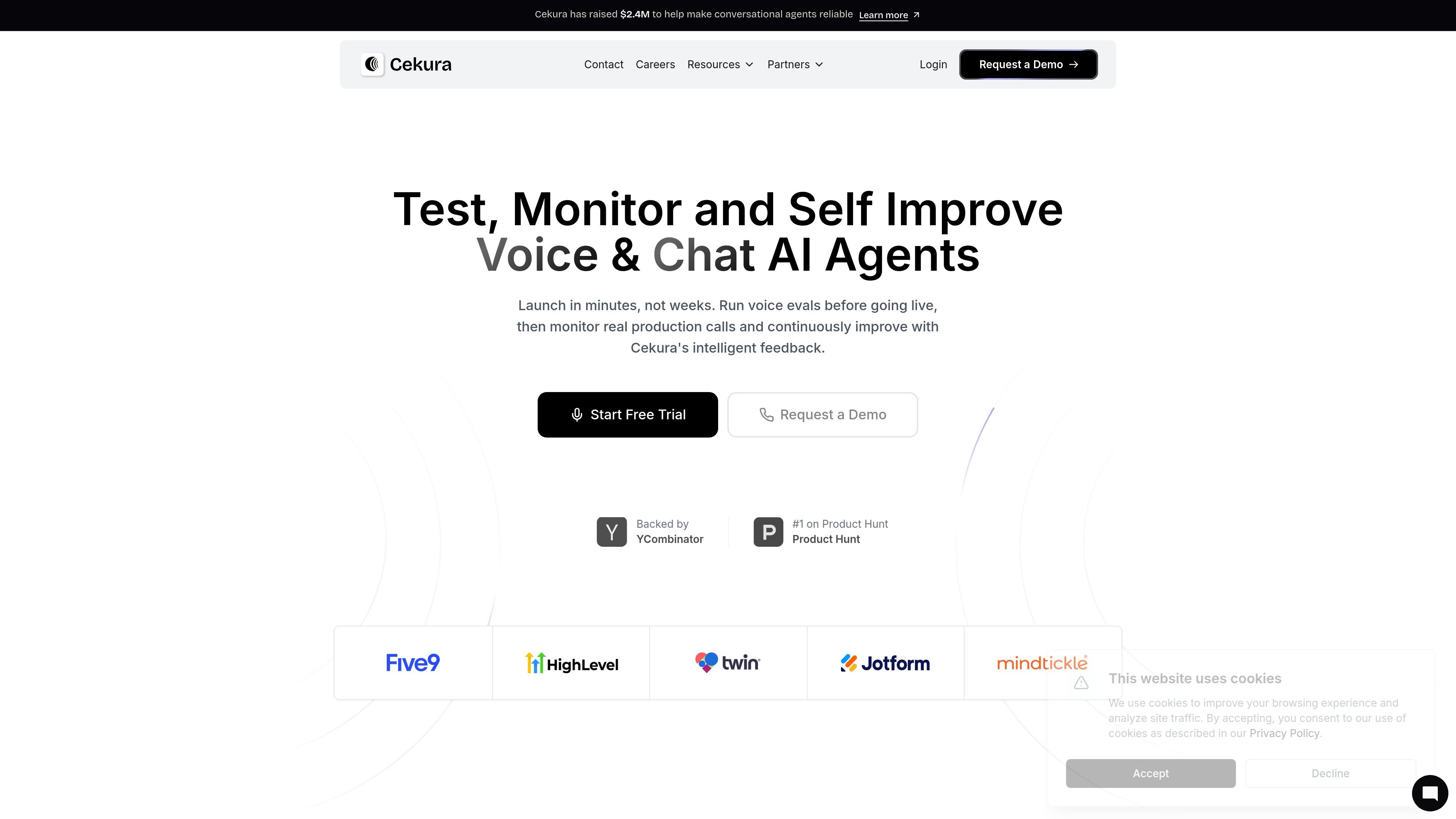
Cekura is a voice evals and voice observability platform for teams building conversational AI agents. It combines pre-production simulations with production monitoring so teams can test instruction-following, tool calls, conversational quality, and workflow reliability before and after launch.
The product page describes support for thousands of scenarios, custom scenarios, persona-based testing, and replay of real conversations. In production, Cekura tracks voice-specific quality signals, supports alerts, and provides reporting and analytics to help teams inspect failures and refine their agents over time.
Run voice evaluations before launch using a library of scenarios and custom scenarios to test different conversational paths and persona behaviors.
Monitor live conversations as they happen and surface voice-specific signals such as gibberish detection, interruption tracking, latency, sentiment, and pitch.
Configure instant alerts for errors, failures, and performance drops, with notification channels including Slack, email, and webhooks.
Tune evaluation prompts against real recordings in Labs by editing, replaying, and scoring until the judge behavior matches ground truth more closely.
Build custom plots and track metrics such as duration trends, sentiment, drop-off, and success rates, with filters by agent or date.
Connect to common voice agent stacks and workflow platforms, with integrations listed for Synthflow, Vapi, Retell, Cisco, Five9, LiveKit, Pipecat, and ElevenLabs.
Validate prompts and conversation flows before deployment by running simulations across personas, interrupted turns, and known failure paths. This is useful when a small prompt change can affect cancellations, reschedules, refunds, or other core flows.
Monitor live calls for quality signals and operational issues after deployment, including latency, interruption handling, sentiment, and success rates. Teams can use alerts to catch errors and performance drops quickly.
Replay problem conversations and refine LLM judges against real recordings to better match ground truth. This supports teams that want to turn recurring call failures into reproducible test cases.
Stress-test multi-step handoffs, verification logic, and data collection flows in environments where reliability matters, such as clinical onboarding or other regulated conversational workflows.
Cekura is designed for teams building voice AI agents that need pre-production simulation and production observability. The source examples emphasize voice agents used in customer support, onboarding, scheduling, and other conversational workflows.
The pricing page shows a Developer plan starting at $30/month, with a 7-day free start and no credit card required. It also lists an Enterprise option with custom pricing and support.
The site highlights production call simulation, downloadable reports, production call alerts, API access, and 30-day log retention on the Developer plan. The Enterprise plan adds custom integrations for tool calls and WebRTC, self-hosting, custom SLAs, SCIM, audit logs, and custom log retention.
Cekura lists direct integration with platforms such as Synthflow, Vapi, Retell, Cisco, Five9, LiveKit, Pipecat, and ElevenLabs on the homepage, and its case studies show it being used for workflow testing, interruption handling, and clinical onboarding flows.