
Bulk image generation
Generate up to 100 images in parallel, with the home page describing batch creation in about 15 seconds and the pricing page describing bulk image generation at scale.

Bulk AI Image Generator is a web app for batch AI image creation and editing with prompt help, bulk resizing, background removal, face swap, and commercial licensing.
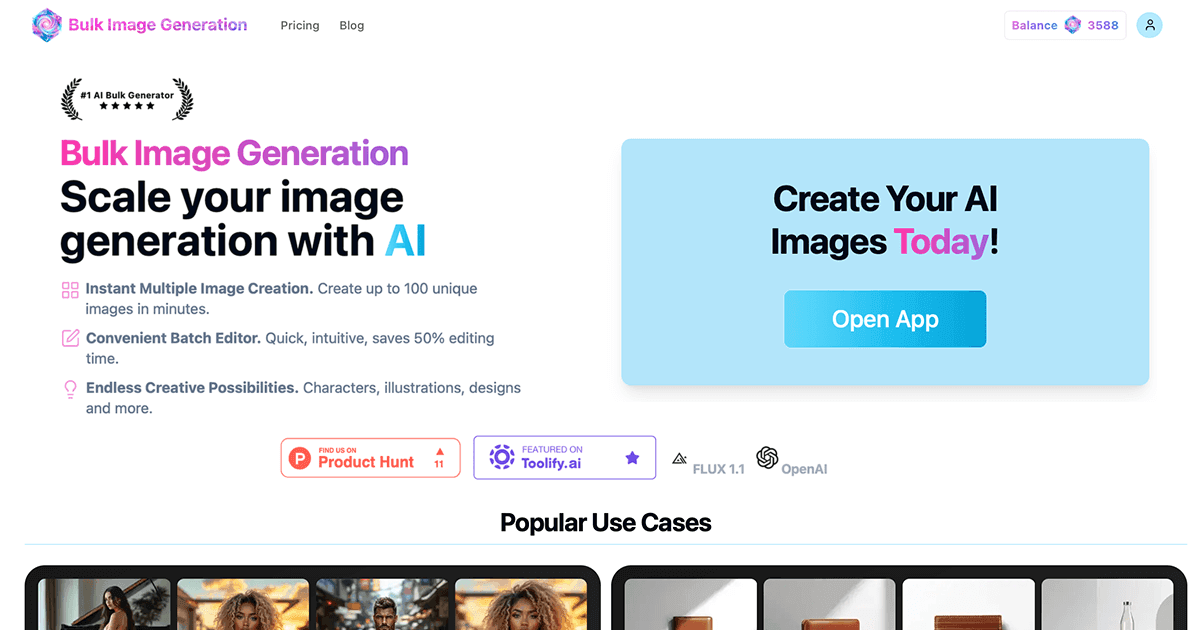
Bulk AI Image Generator is a web-based AI image generation service built for creating many images at once instead of one by one. The home page says users can generate up to 100 images in parallel in roughly 15 seconds, and the pricing page frames the service around faster bulk production for product photos, social content, creative assets, and enterprise needs.
The product combines batch generation with supporting tools for prompt generation, aspect-ratio planning, bulk resizing, background removal, and face swap. The site also presents a range of plans, from a beginner tier with basic background removal and email support to higher tiers that add priority processing, commercial licensing, and, on the top plan, custom integrations and a dedicated account manager.
Generate up to 100 images in parallel, with the home page describing batch creation in about 15 seconds and the pricing page describing bulk image generation at scale.
The interface accepts a simple goal or subject description and the site states that AI handles prompt and style creation, reducing manual prompt engineering work.
Create variations, use prompt engineering tools, and prepare prompts for Flux, MidJourney, and DALL·E through the site’s free utility pages.
Perform bulk background removal, face swap, and image enhancement on supported plans without relying on Photoshop-style manual editing.
Resize up to 100 images at once while maintaining quality, using the dedicated bulk image resizer tool.
Choose from plans that add priority processing, high-resolution output, commercial licensing, and, on higher tiers, agent access and custom integrations.
Create product-style visuals, social assets, or campaign imagery in batches when you need many variations quickly rather than a single polished asset.
Generate consistent visual sets for coloring books, printables, or character-driven projects where repeated style control matters more than one-off edits.
Use the bulk editing tools to remove backgrounds, swap faces, and prepare images for catalogs, ads, or presentation materials without manual editing in separate software.
Resize large groups of images and align dimensions with common AI model requirements using the bundled resizing and aspect-ratio tools.
Use higher-tier plans for teams that need faster processing, commercial usage rights, or support for larger production workflows.
The source shows an AI image generation service that can create up to 100 images in parallel in about 15–20 seconds, depending on the page context. It also offers a prompt generator and related tools for image editing and preparation.
The pricing page shows monthly and annual plans with different image-credit allowances, processing priorities, support levels, and commercial-license terms. The site also highlights a limited special offer of 500 credits for $1.
No setup steps are described in the source text beyond starting the service and logging in if you already have an account. The public pages emphasize entering a prompt and using the batch-generation interface.
The source references Flux, Nano Banana, Seedream, Ideogram, ChatGPT Image 2, and DALL·E 3 on pricing tiers, and says the main generation interface is powered by Flux 1.1.
The pricing page distinguishes plans that include commercial license access from a hobby plan that does not. It does not publish detailed output-format limits or integration lists on the pages provided.