
End-to-end web task execution
BrowserAct lets agents visit live websites, extract data, take browser actions, handle logins, and complete tasks in one flow.

BrowserAct is browser infrastructure for AI agents to work on live websites, with live data extraction, browser actions, login handling, CAPTCHA solving, and end-to-end tasks.
BrowserAct is a browser infrastructure product for AI agents that need to work on the live web instead of a static dataset. The site says it helps agents extract live web data, take browser actions, handle logins and CAPTCHAs, and complete real tasks end to end.
The product is positioned around browser environments, proxy routing, fingerprint handling, and session isolation. Its pages show both local browser workflows and managed infrastructure components such as proxies, workflow steps, and a cloud browser option, with the goal of making web automation more reliable in situations where sites block simple scripts.
BrowserAct lets agents visit live websites, extract data, take browser actions, handle logins, and complete tasks in one flow.
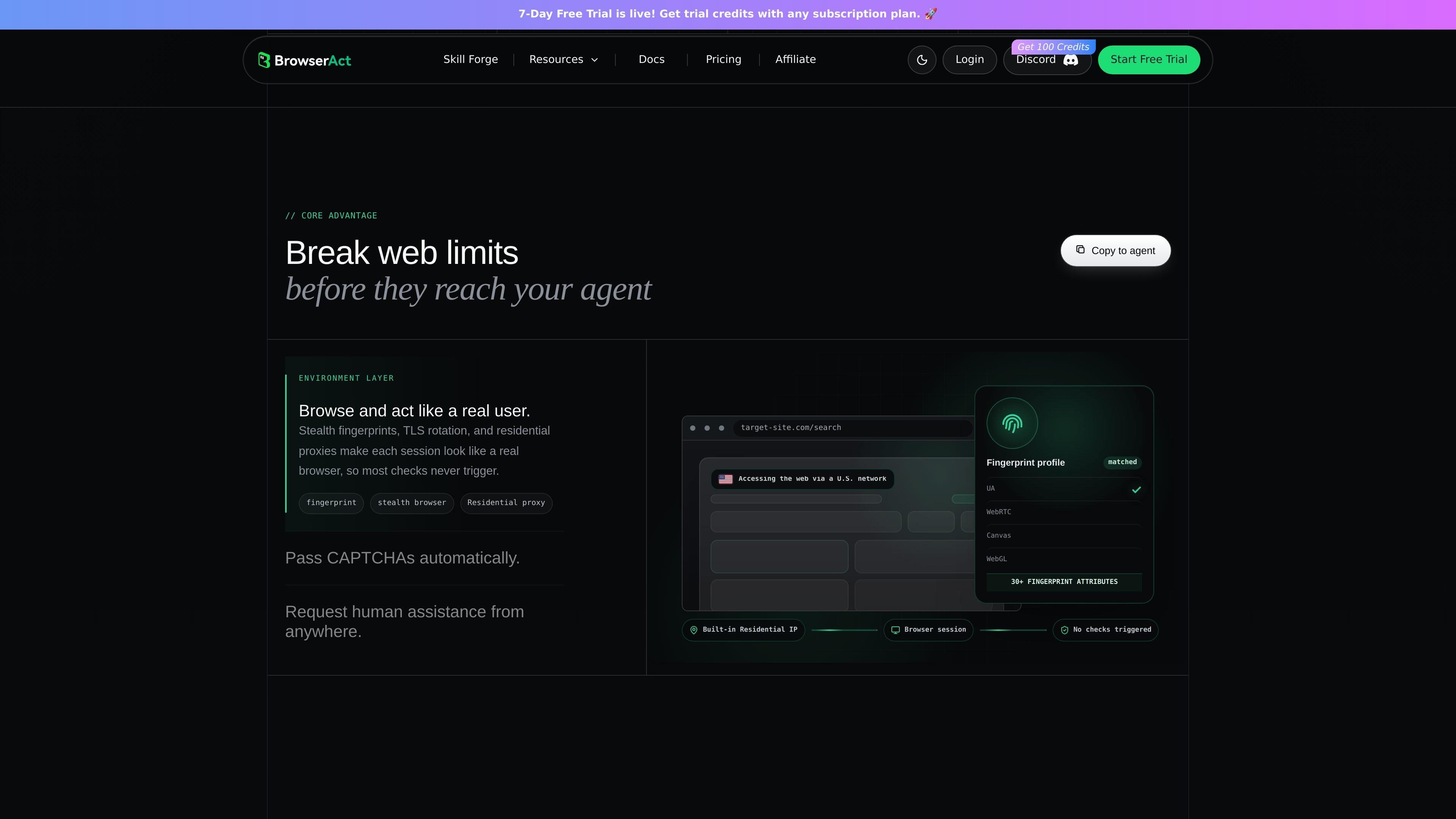
The product includes stealth fingerprints and TLS rotation to reduce blocking, with residential proxy routing to make sessions look like regular browsers.
Built-in CAPTCHA handling covers common challenges, and the pricing page says human assistance can be used when a task needs manual intervention.
The site describes separate browser modes for local Chrome login state, stealth private browsing, and fixed-identity multi-account use.
Each session is isolated with its own identity and workspace, which is presented as a way to avoid account mixups and state pollution when running tasks in parallel.
Use BrowserAct to browse live pages, collect current listings or page data, and export the results when a workflow depends on up-to-date web content.
Use the browser environment to move through blocked pages, solve CAPTCHAs, and continue a task that would otherwise stop at verification.
Use the local Chrome mode when an agent needs to operate inside an already signed-in browser with cookies, SSO, or extensions preserved.
Use the fixed-identity browser mode when multiple accounts need to stay separated and stable across repeated runs.
Use the remote human-assist path when a task hits a hard stop such as 2FA or a verification step that requires a person to take over temporarily.
BrowserAct provides a browser layer for AI agents to access live websites, take actions, handle logins, and complete tasks end to end. The source also shows sign-up and login flows with Google and GitHub options.
The pricing page describes pay-as-you-go infrastructure services, including Fingerprint Browser, Dynamic Proxy, Static Proxy, and Workflow Step. It also shows a Cloud Browser offering with pricing marked TBD.
The product materials point to browser profiles, proxy routing, CAPTCHA handling, and human-in-the-loop handoff. That suggests it is meant for browser automation workflows that need isolation and intervention on difficult steps.
The source mentions browser modes for local login state, stealth private mode for bulk scraping, and stealth fixed-identity mode for multi-account scenarios. It does not provide a full public compatibility list or integration matrix on the pages provided.