
Multi-line outbound dialing
Create a Multi Line Dialer project, assign agents, import contacts, and control when each contact is called and how long to wait between attempts.

Brightcall.ai is an AI-powered communication platform for outbound calling, lead follow-up, and support conversations with Multi Line Dialer and AI Agent workflows.
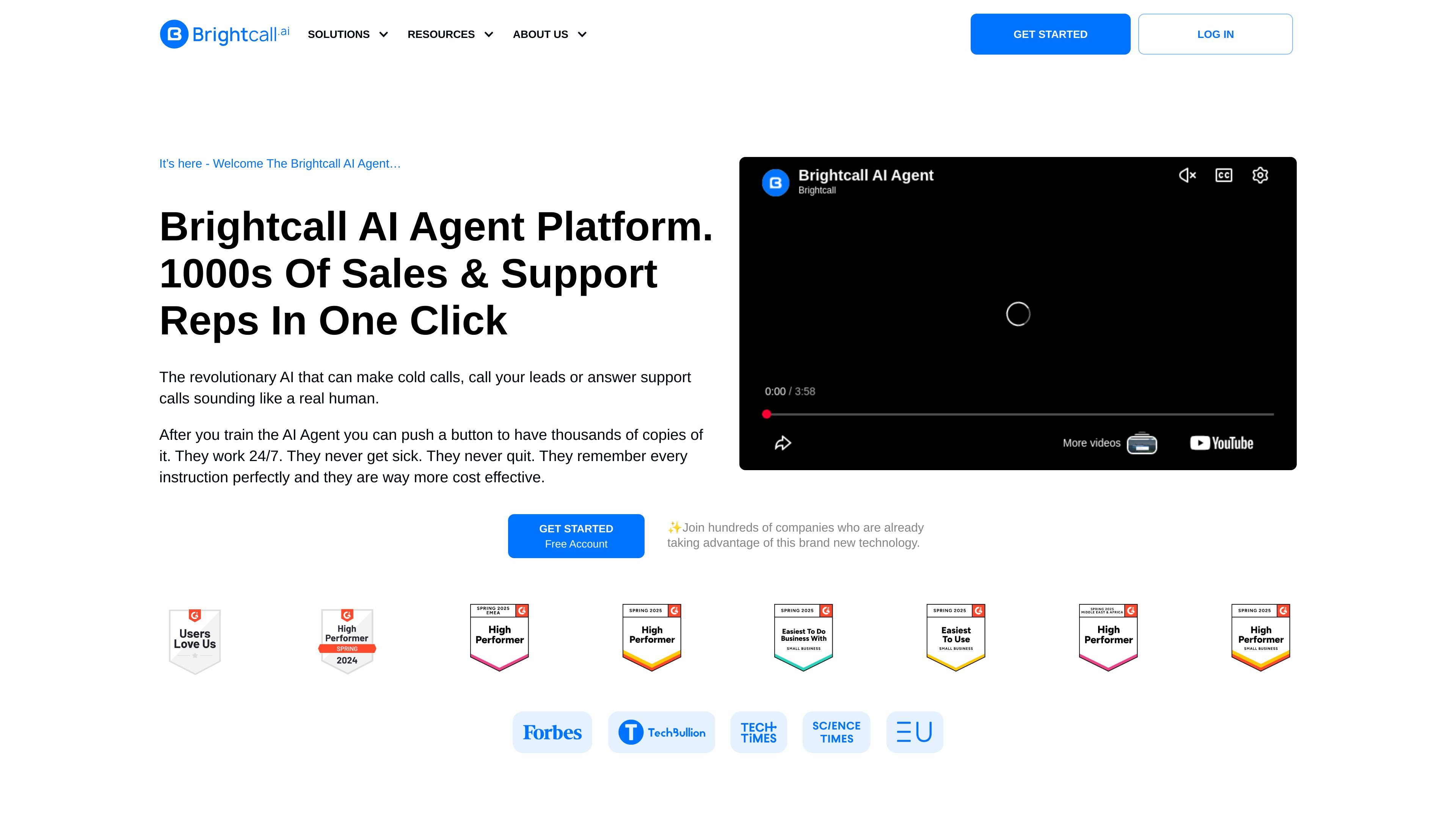
Brightcall.ai is an AI-powered communication platform for outbound calling, lead follow-up, and support conversations. The site presents two main product areas: a Multi Line Dialer for sales teams and an AI Agent platform that can make cold calls, call leads, or answer support calls.
The dialer pages focus on faster calling, local caller ID, flexible outreach cadences, and reporting. The AI Agent pages focus on automated voice conversations, call transfers to human agents, and customization of the agent’s personality, voice, script, and knowledge base. The product is positioned as a way to reduce missed leads and handle more conversations without changing the core call workflow.
Create a Multi Line Dialer project, assign agents, import contacts, and control when each contact is called and how long to wait between attempts.
Use local caller ID or branded calls to improve the likelihood that prospects answer calls from the team.
Track calls, funnels, and activity reports to see what happened on each call and how each team member spent time.
Add the Brightcall script to a website so leads from web forms, Facebook Lead Forms, or other sources can be connected to follow-up workflows.
Customize an AI Agent’s personality, voice, script, and knowledge base, then transfer calls to a human agent when needed.
Connect the platform to CRMs and other tools so call records and interaction data can be available where the team works.
Sales teams can import leads, set cadences, and call through large contact lists with a multi-line dialer instead of handling each number one at a time.
Teams working on speed-to-lead can call a new lead within a minute and use the platform’s follow-up workflow to reduce missed opportunities.
Support or service teams can deploy an AI Agent to answer calls around the clock and transfer conversations to a human agent when needed.
Managers can use call lists, funnel views, and activity reports to see where reps spend time and which steps in the outreach process need adjustment.
Companies that receive leads from web forms or ad platforms can connect those sources to Brightcall and route them into follow-up campaigns.
The site presents Brightcall as a communication platform for inbound and outbound calling, including a Multi Line Dialer and an AI Agent platform. The exact setup flow is not documented in the collected pages, but the product pages describe creating a project, importing contacts, setting a call cadence, and connecting the product to web forms or CRM systems.
The collected pages show support for Salesforce, HubSpot, Pipedrive, GoHighLevel, Follow Up Boss, Copper, Zoho, Odoo, Kommo, Upsales, LeadSquared, Webhooks, Calendly, and several other tools. The pages also say Brightcall can connect with 1000+ systems through API, but they do not provide a complete integration list.
Brightcall’s dialer page describes importing contacts from an Excel file or pushing them from another system, then setting outreach cadences and tracking call results. The AI Agent page adds customization for personality, voice, script, and knowledge base, plus call transfers to a real agent.
The site does not show pricing details on the collected pages. The pricing URL returns a not found page, so pricing, plan names, and limits cannot be confirmed from the available evidence.
The collected pages describe Brightcall as useful for calling new leads quickly, running outbound campaigns, answering support calls, and improving follow-up speed. They do not provide formal implementation requirements or team-size limits.