
Integrated AI IDE
Use the built-in AI code editor to generate and edit code inside a single interface instead of switching between separate tools.

Bind AI is a browser-based AI IDE and website builder for creating and editing web applications from prompts, images, and codebases.
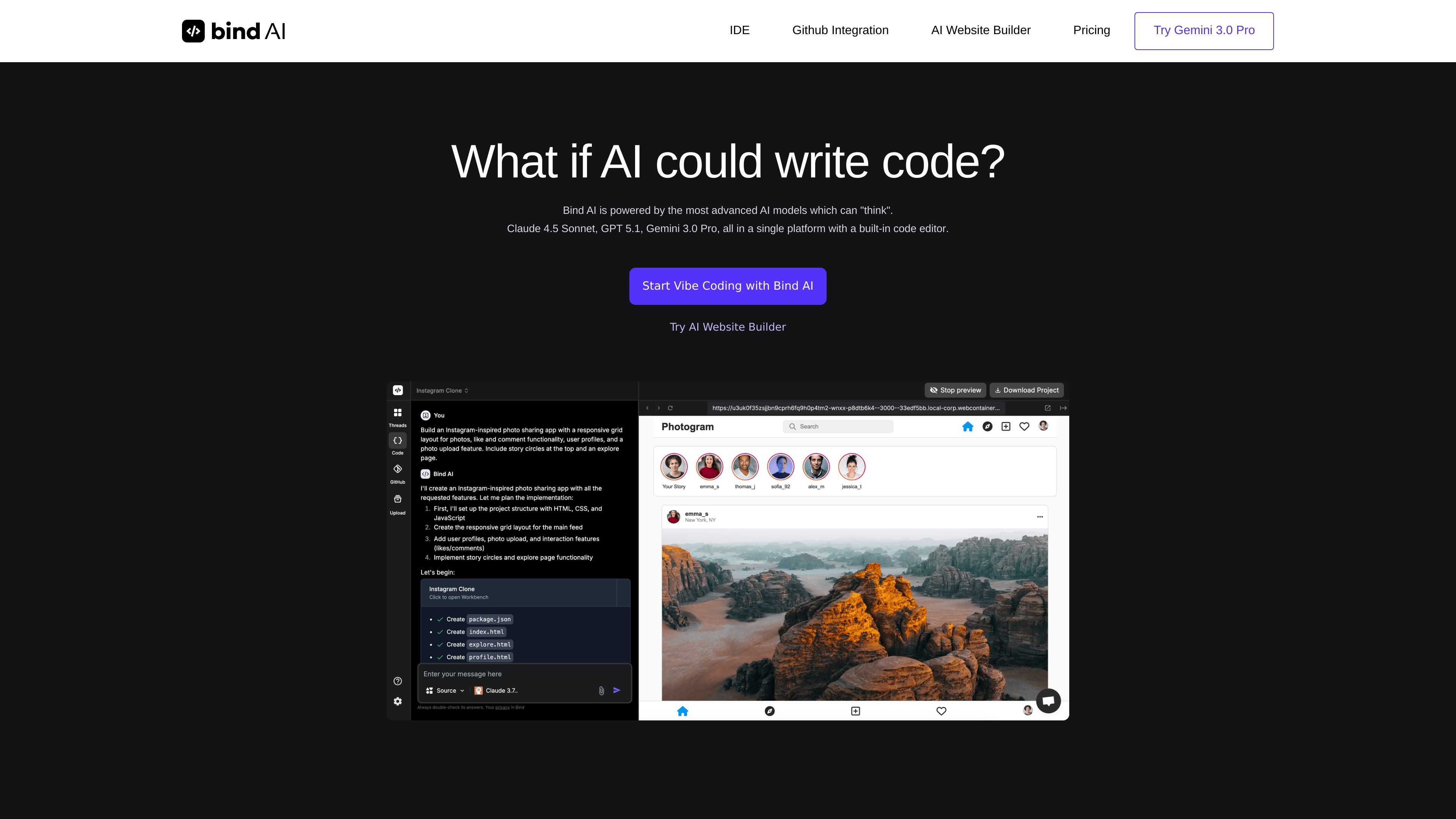
Bind AI is an AI code editor and website builder that combines chat, code generation, and a built-in IDE for creating web applications. The site presents it as a browser-based tool for turning prompts and images into projects, with examples ranging from simple landing pages to full-stack applications.
The product is organized around two related workflows: the IDE for building and editing applications, and the AI website builder for generating sites quickly from a description. Source pages also show support for multiple AI models, GitHub repository sync on paid plans, file uploads, execution of several common app stacks, and preview or deploy options such as Vercel.
Use the built-in AI code editor to generate and edit code inside a single interface instead of switching between separate tools.
Ask the copilot to generate code, project structure, and app scaffolding for full-stack web applications from prompts and images.
Work with multiple AI models, including Claude, Gemini, and OpenAI models, with higher tiers offering higher limits for advanced reasoning tasks.
Connect GitHub repositories on paid plans so existing codebases and branches can be synced into the workflow.
Run and preview generated applications for Python, React, Next.js, and Node.js, with deployment paths that include Vercel.
Upload code, documents, and images for use in the workflow, with file size limits that vary by plan.
Generate a landing page, form, or business site from a short description, then refine the output in the built-in editor.
Build a full-stack app such as a social feed, marketplace, music app, or project board using prompts and sample app patterns.
Sync an existing GitHub repository to iterate on features, debug issues, or onboard a new engineer into the codebase.
Use uploaded files or images as context when generating or refining code, especially when the app structure depends on reference material.
Use the browser-based IDE to run supported app stacks and preview changes before publishing to Vercel.
Bind AI is a browser-based AI IDE and code editor. It combines chat, code generation, and a built-in development environment for creating and editing web applications.
The site shows a free tier and paid plans. The free tier includes access to Bind AI Copilot, the IDE free tier, limited file uploads up to 1 MB, and up to 2 projects; paid plans start at $18/month and add higher limits and GitHub repository connections.
Bind AI supports creating and previewing full-stack web applications, including examples such as Twitter/X, Airbnb, Spotify, Instagram, Trello, and e-commerce projects. The site also says you can execute Python, React, Next.js, and Node.js applications and preview or deploy to Vercel.
The product references GitHub repository sync and branch connections. The free tier has no GitHub integrations, while paid plans add repository connections and sync capabilities.
The site positions Bind AI as an alternative to Lovable, Cursor, and Replit Agent, and says the IDE can work without desktop installation.