
Hybrid compute workflow
Run agents, sandboxes, inference, and task queues on the compute you own, then burst to Beam when you need more capacity.

Beam is an on-demand AI compute platform for sandboxes, task queues, model inference, and training on GPU or CPU, with serverless execution and autoscaling.
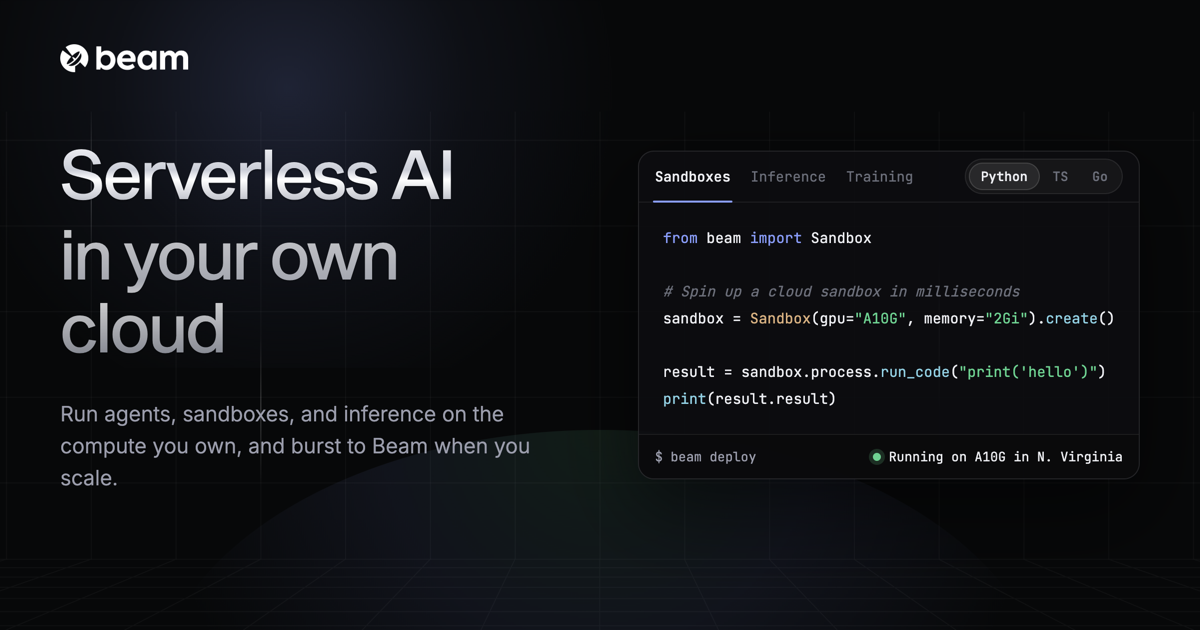
Beam is an on-demand AI compute platform for running sandboxes, task queues, custom model inference, and training workloads on GPU or CPU resources. The product is positioned for developers who need fast startup times, autoscaling, and a simpler way to ship AI applications without managing the full infrastructure stack themselves.
The platform combines serverless execution with options for always-on workloads, so apps can spin down automatically after a request or keep running when low latency matters. Beam also supports bringing your own cloud, connecting multiple cloud accounts, and running workloads across them from one runtime.
Run agents, sandboxes, inference, and task queues on the compute you own, then burst to Beam when you need more capacity.
Start GPU containers quickly with memory snapshots and checkpoint restore, designed to reduce cold-start time for AI workloads.
Route workloads across clouds and regions in real time, with distributed execution across 30+ regions for lower-latency placement.
Snapshot a running sandbox, branch it, and restore it into many isolated runs with streaming output for parallel experiments or agents.
Create durable queues with retries, callbacks, scheduled jobs, and autoscaling based on queue depth or request volume.
Track request volume, errors, latency, and resource utilization from the platform dashboard and built-in monitoring tools.
Build hosted model endpoints on GPU or CPU, using custom images and autoscaling to handle changing request volume.
Run LLM-generated or user-submitted code in isolated sandboxes with persistent storage, snapshots, and controlled execution.
Queue and process media, audio, or other batch workloads with retries, callbacks, and scheduled jobs.
Train or fine-tune models with GPU-backed jobs when you need an environment that can scale up for longer-running work.
Deploy Streamlit, Gradio, or notebook-style frontends that need quick startup and a managed runtime.
Beam runs sandboxes, inference, and task queues on demand. It supports serverless execution by default, and the pricing page also says you can keep apps running 24/7 when latency-sensitive workloads need it.
The pricing page says storage is included at no charge, and the FAQ notes that users are not billed for cold starts. Beam also supports importing an existing Docker image from a third-party registry.
Beam provides isolated, non-root containers. Its FAQ also mentions a self-hosted product that runs entirely in your own environment, so no data leaves your VPC for that deployment option.
Beam offers usage-based pricing for serverless resources, sandboxes, and GPUs, plus usage tiers for teams. The pricing page shows a Developer tier, a Team tier, and a Growth tier with contact sales.