
Plain-English analytics
Users can ask questions in natural language and generate dashboards or answers without needing to write SQL for every request.

Basedash is an AI-native business intelligence platform for teams that want to ask questions in plain English, build dashboards, and turn data analysis into recurring workflows. Its Tasks feature uses connected company data to generate prioritized operational work with evidence and execution instructions.
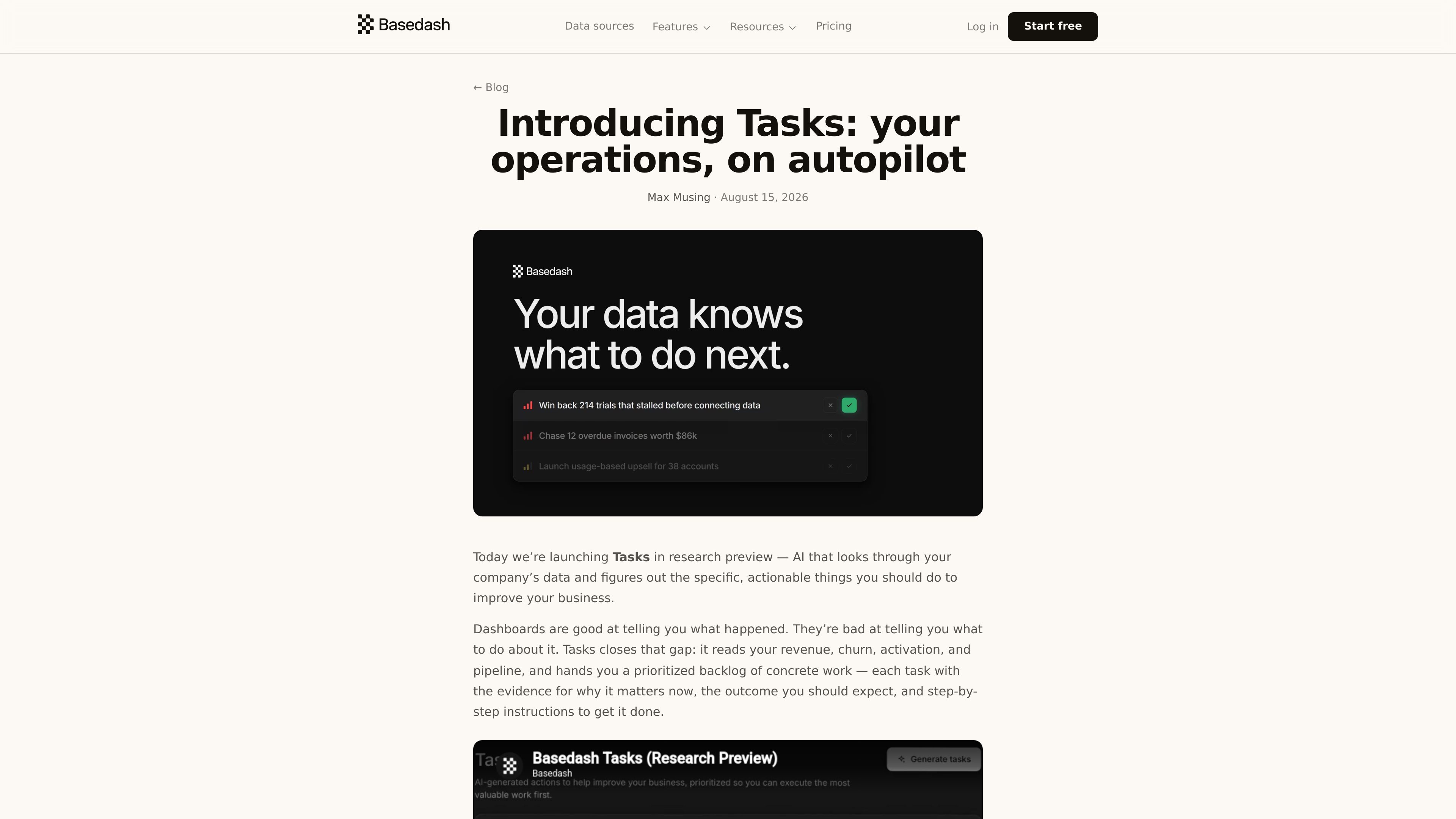
Basedash is an AI-native business intelligence platform for teams that want to explore data, build dashboards, and automate recurring analysis without writing SQL for every question. It combines data connections, governed metrics, dashboards, and AI-driven workflows in a single product.
Its Tasks feature adds an operations layer on top of analytics. Basedash reads connected company data, identifies concrete actions to take, and generates a prioritized backlog with evidence, expected outcome, and execution instructions so teams can move from “what happened” to “what to do next.”
Users can ask questions in natural language and generate dashboards or answers without needing to write SQL for every request.
Basedash connects to actual databases, warehouses, and business tools, then executes structured queries against those sources instead of relying on freeform answers.
The Tasks feature generates prioritized work items that include why the task matters now, the metric it should affect, and step-by-step instructions for execution.
Each task can be copied into issue trackers or pasted into AI tools such as Claude, ChatGPT, or Cursor, making it easier to move from analysis to implementation.
Teams can enable automatic refill so Basedash generates new tasks when the pending backlog falls below a chosen threshold.
Basedash also includes AI chat, Insights for surfaced findings, and Automations for recurring analysis, giving teams multiple ways to work with the same data foundation.
Operations and growth teams can review performance data, then use Tasks to convert underperforming areas into concrete follow-up work with context attached.
A task can be copied as a structured brief into tools like Linear or handed to an AI assistant, which helps teams move from recommendation to execution faster.
Teams that want a steady flow of actionable items can use backlog refill settings so new tasks appear automatically when the queue runs low.
Product, marketing, sales, finance, and operations teams can use the same governed data and dashboards while still producing outputs that are useful to different stakeholders.
Organizations that need deployment controls can use Enterprise options such as SSO, SCIM, audit logs, self-hosting, and embedding where those requirements apply.
Tasks is a feature that reads connected company data and generates prioritized operational work items. Each task includes why it matters now, the expected outcome, and instructions for execution.
According to the launch post, teams sign up or log in, connect their data sources, enable Tasks in organization settings, open the Tasks page, and click Generate tasks. They can also set a refill threshold for automatic task generation.
Yes. Basedash says tasks can be copied into an issue tracker such as Linear or pasted into AI tools like Claude, ChatGPT, or Cursor.
No. Basedash describes it as a research preview, which means the core loop is available but the learning and impact-tracking side is still early and actively changing.
The pricing page shows a Startup plan at $1,000 per month plus AI usage, with a 14-day free trial and no credit card required, and Enterprise plans available for larger or more controlled deployments.