
No-code workflow builder
Build browser automations by combining prebuilt steps in a Chrome extension, without writing code.

Axiom is a browser automation platform for no-code, code, or Claude-assisted bots. Run it in the cloud or on your desktop for scraping, data entry, monitoring, and reporting.
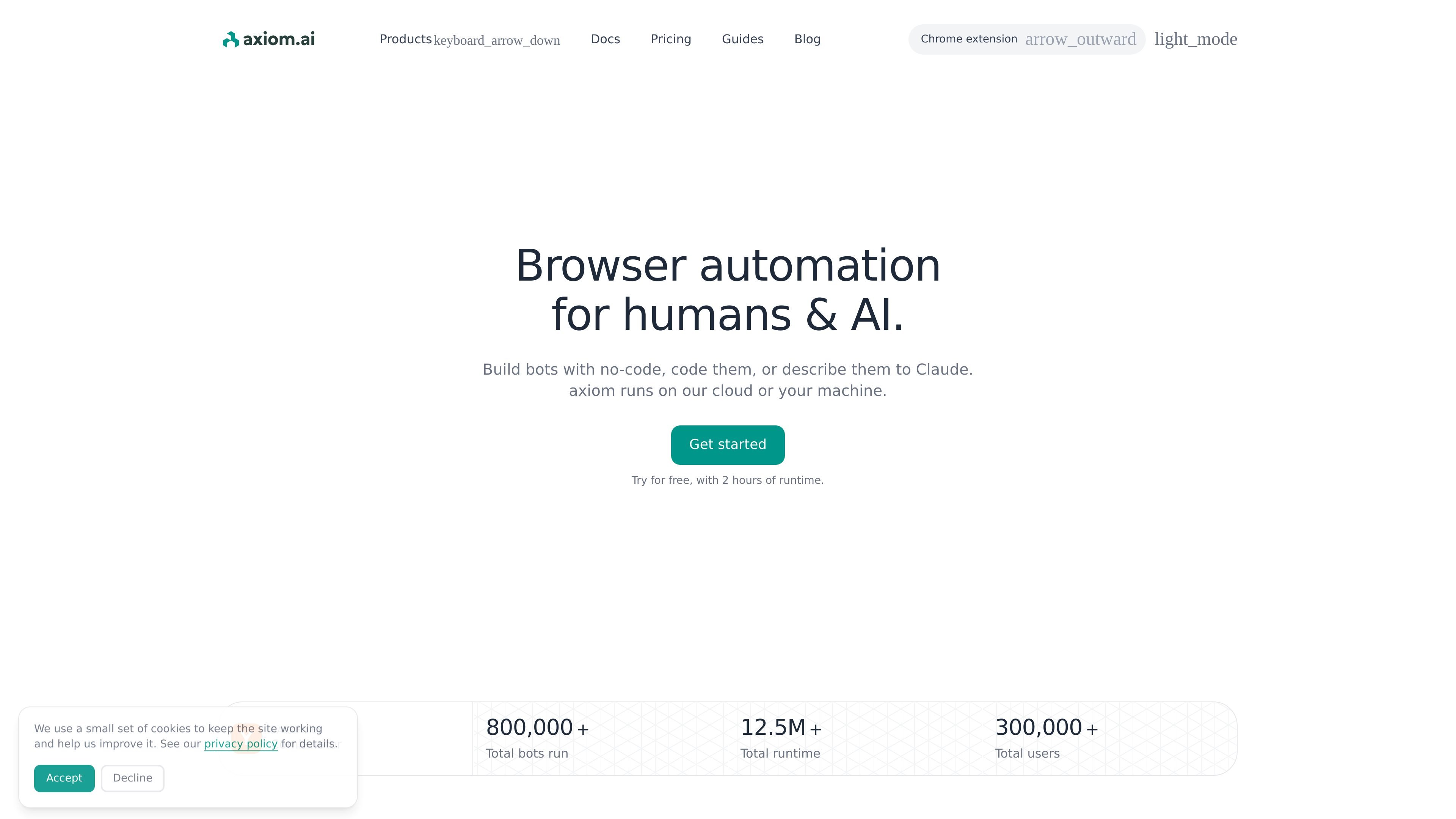
Axiom is a browser automation platform for people who want to build and run bots without being locked into a single workflow. It supports no-code building in a Chrome extension, code-based automation through its APIs and SDK, and Claude-assisted creation for users who want to describe a browser task in natural language.
The product can run on Axiom’s cloud infrastructure or on a user’s own machine with a desktop app. The site positions it for browser automations, scraping, data entry, monitoring, reporting, and multi-step workflows that need real browser interaction.
Build browser automations by combining prebuilt steps in a Chrome extension, without writing code.
Connect Puppeteer, Playwright, or any CDP-speaking library to a real Chromium browser through a WebSocket endpoint and the Chrome API.
Trigger saved automations from REST and manage runs, retries, and schedules from your stack.
Describe an automation to Claude Code, then have Claude build, configure, run, and later edit it through the visual builder or code.
Run bots on Axiom infrastructure with scheduling, concurrency controls, proxies, run recording, error reporting, and monitoring.
Run bots on your own computer through the desktop app for private execution, scheduling, and unlimited concurrency on the desktop runner.
Build scraping bots for job boards, product pages, articles, or search results, then schedule them to collect updated data on a regular cadence.
Turn spreadsheet rows into form submissions for onboarding, CRM updates, or other repetitive entry tasks that need browser actions.
Watch a page for changes and trigger alerts when a target value updates, such as stock status or other monitored content.
Pull information from multiple dashboards into a sheet or report and send it to a team on a schedule.
Use code, no-code, or Claude-assisted building to create branching automations that move leads, enrich data, and pass results into connected tools.
Axiom can be used as a no-code builder, through code, or through Claude Code. The no-code builder uses a Chrome extension, while the code and Claude flows let you work from your existing stack or a Claude-assisted workflow.
The source shows a free start with 2 hours of runtime and no credit card required. Paid plans add capabilities such as scheduling, higher concurrency, longer cloud run limits, team accounts, and priority support depending on the plan.
Yes. The pricing page shows integrations with Zapier, Make, Excel, Google Sheets, Google Drive, 2Captcha, ChatGPT, and other LLMs, plus webhooks and API access on supported plans.
Axiom supports cloud runs on its infrastructure and desktop runs on your machine. The cloud option includes scheduling, proxies, recording, and concurrency controls, while the desktop runner is described as private and without concurrency limits.