
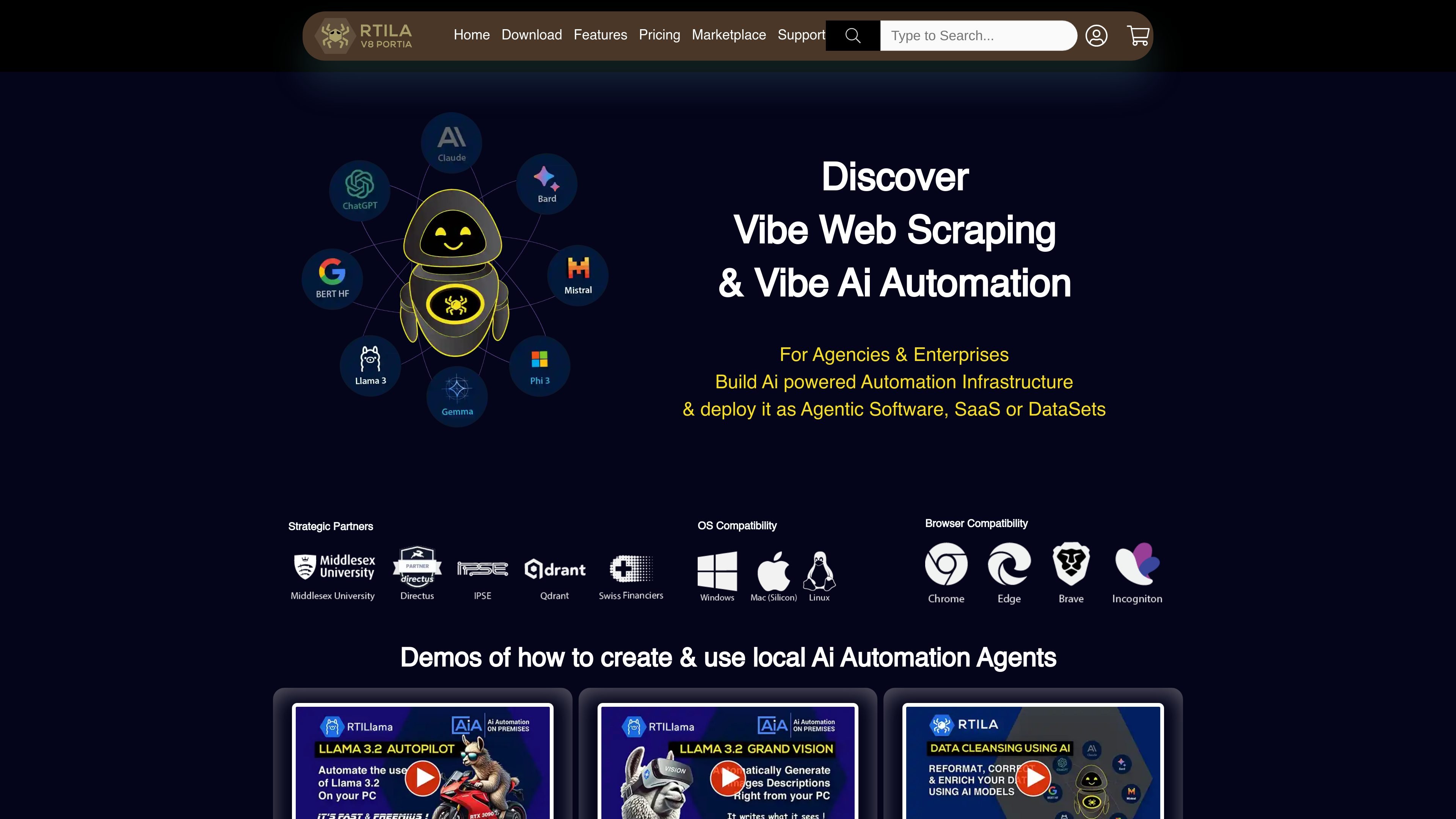
Desktop automation studio
RTILA Studio is the flagship desktop app for creating and editing automation flows with conditions, APIs, and a large command set.

Web automation and RPA platform for building deployable browser workflows
RTILA is a web business automation platform centered on RTILA Studio, a desktop tool for building, editing, and compiling automation flows. The site positions it for web scraping, data handling, and AI-assisted automation, with outputs that can be deployed as agentic software, SaaS back ends, datasets, or standalone bots.
The product page presents RTILA as a multi-layer platform for agencies, developers, small businesses, and enterprises. It combines browser automation, command-based RPA, data extraction and transformation, and options for support, templates, and custom commands.
The site also shows a broader ecosystem around the studio, including a launcher, a cloud API, a browser extension for CSS locator help, public templates, and support resources. Pricing is offered through lifetime and monthly plans, with separate tiers for Business, Agency, and Enterprise users.
RTILA Studio is the flagship desktop app for creating and editing automation flows with conditions, APIs, and a large command set.
The product can record mouse and keyboard actions into a flow, which helps turn manual browser work into repeatable automations.
Built-in commands support file and folder operations, database export and import, console logs, page reloads, and JavaScript execution.
The platform can compile automations into standalone executables for Windows, Mac, and Linux, and the pricing page describes reseller rights for agency and enterprise plans.
RTILA includes a Cloud API, plus integrations mentioned with Zapier, Pabbly, and Make for connecting flows to other apps.
The support and feature pages describe custom commands and premium assets, with support options for project debugging or custom project building.
Build browser-based automations for repetitive tasks such as navigation, form filling, page interaction, and scripted data collection.
Extract, organize, and enrich website data into structured datasets that can feed marketing, sales, or research workflows.
Compile flows into standalone executables when teams need to distribute automation internally or use it across desktop environments.
Connect automation flows to other apps through the Cloud API or third-party integration routes such as Zapier, Pabbly, and Make.
Get help when a project is nearly finished but blocked by locators, pagination, or logic issues, or when a more complex build needs expert support.
RTILA offers desktop software for building web automation flows, plus a free launcher, a cloud API in free beta, and a browser extension for finding CSS locators. The site also points to a marketplace, documentation, and support resources.
The site presents RTILA Studio as a desktop product for creating and editing automations, with Windows, Mac Silicon, and Linux/Ubuntu release options mentioned on the home page.
The pricing page separates plans for Business, Agency, and Enterprise use. Business is positioned for small businesses and solopreneurs, Agency for agencies and professionals, and Enterprise for institutions.
RTILA describes stand-alone bots, public templates, custom commands, and support services. The support page also notes paid help for debugging or building projects when users need assistance beyond self-service resources.
The site says RTILA can compile automations into standalone software and supports deploying AI automation as agentic software, SaaS, or datasets. Specific outputs depend on the plan and the workflow you build.
Traffic data is for reference only.