
AI-assisted animation generation
Type a script or describe the animation you want, and AutoAE matches you with motion graphic options such as text animations and video mockups.

AutoAE is an online AI motion graphic design tool for animated hooks, text animations, and video mockups. Create and customize motion graphics fast, no timeline needed.
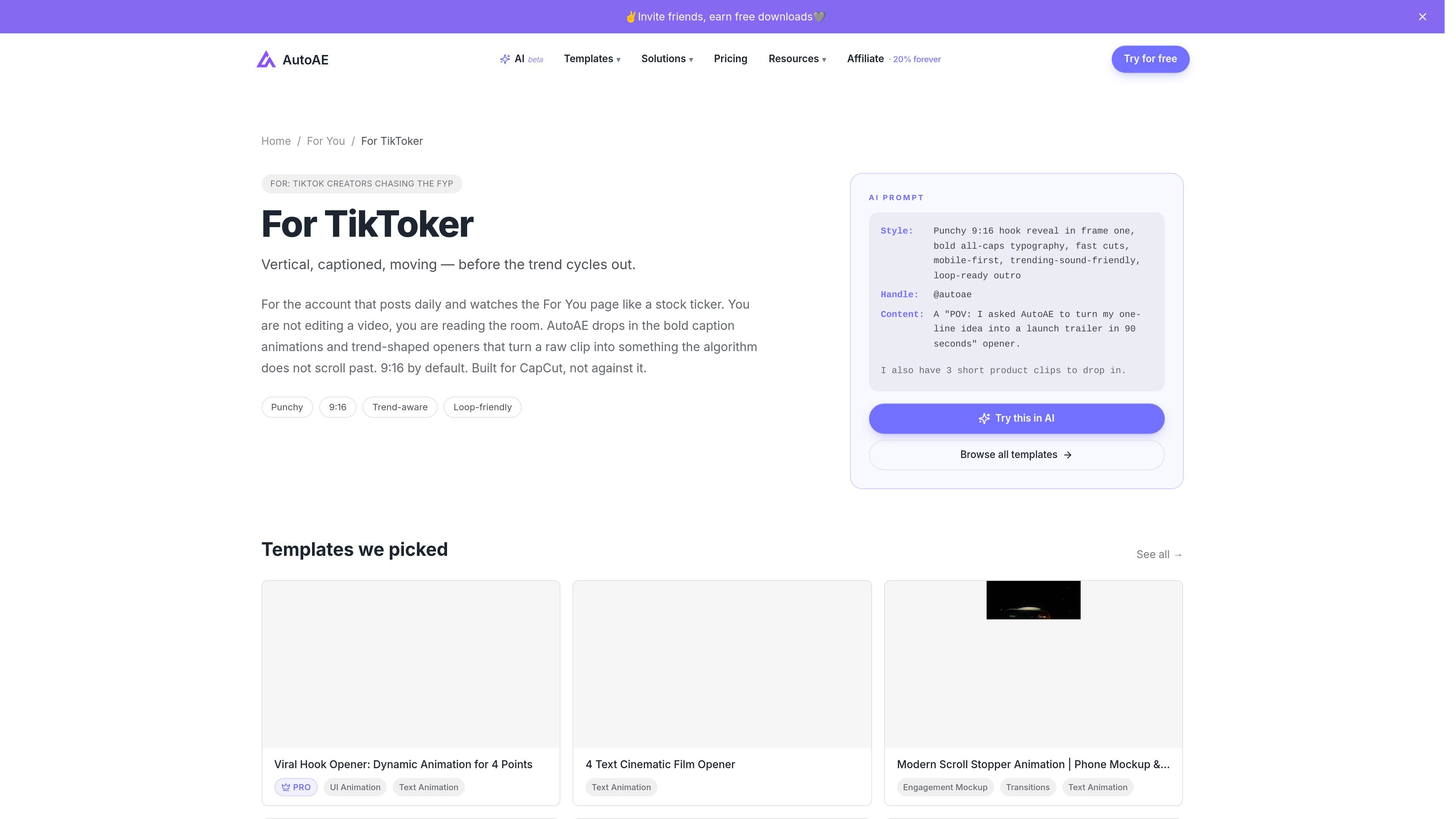
AutoAE is an online motion graphic design tool that generates animations from text prompts and prebuilt templates. The site positions it as an AI motion graphic designer for making viral hooks, text animations, video mockups, and other short-form motion graphics without using a complex editing timeline.
The product appears aimed at creators, editors, and teams that want to produce animated visual segments quickly for social videos, tutorials, product reviews, explainers, and promotional content. The workflow is built around generating a design, customizing it in a few clicks, and downloading it for immediate posting or further editing.
Type a script or describe the animation you want, and AutoAE matches you with motion graphic options such as text animations and video mockups.
Edit text, colors, and images with live preview, without working in a traditional timeline or keyframe-based editor.
Browse a library of creator-focused templates and motion styles, including hooks, social graphics, transitions, and UI-inspired animation formats.
Use categories such as text animation, engagement mockup, 3D transformation, web search, and video flowchart to fit different content formats.
Download finished animations for posting or drop them into a larger edit as a polished segment.
Create short motion graphics that open a video with a stronger visual hook, especially for social clips where the first seconds matter.
Turn a written concept into a clear visual sequence, such as a flowchart, search-style screen, or comparison graphic for explainers.
Make product demos and promotional clips feel more polished by placing products inside engagement mockups or other visual showcases.
Adapt the tool to editor workflows where a finished animation is downloaded and inserted into a broader edit instead of building everything in one timeline.
Choose paid plans based on usage volume, from one-off video purchases to higher-capacity tiers for agencies and teams.
AutoAE generates motion graphics from text prompts or scripts, then lets you customize colors, text, and images before downloading the result.
The source describes AutoAE as an online motion graphic designer and an easy After Effects alternative. It is aimed at creators who want to make animations without complex editing timelines.
The pricing page shows paid plans for hobbyists, creators, agencies, scale teams, and enterprises, plus a one-time purchase option for single videos.
The pricing page includes an enterprise option with custom contact sales, unlimited downloads, custom video templates, API access, and dedicated support. The source does not describe team collaboration features beyond plan-based storage and support levels.
The site highlights templates and motion graphics such as text animation, engagement mockups, 3D transformation, web search, and video flowcharts, so it is best suited to creators who need animated visual hooks and explainers.