
Speech-to-text plus rewrite
AudioPen turns spoken thoughts into structured text by transcribing what you say and rewriting it into clearer writing.

AudioPen turns spoken notes into clearer written text with style control, multilingual output, and cross-platform access for capturing ideas by voice.
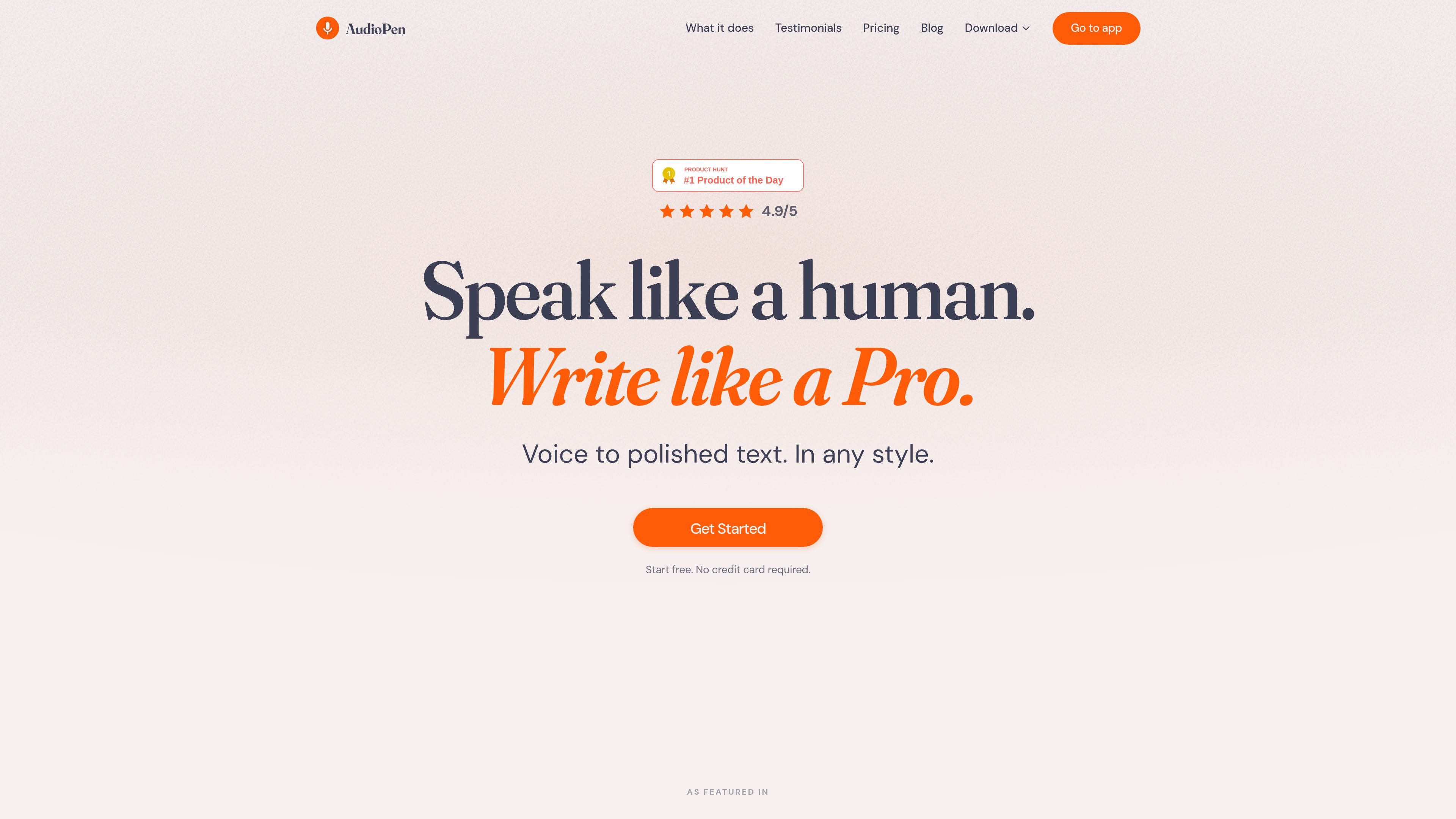
AudioPen is a voice-to-text writing tool that transcribes speech and rewrites it into clearer, more structured text. The home page positions it as a way to turn messy thoughts into writing that is ready to use.
It is designed for people who think out loud and want their spoken notes converted into cleaner text without manual editing. The site says it can write in any style and any language, and that it works across multiple platforms, including iOS, Android, Chrome, Mac, iPad, and Apple Watch.
AudioPen turns spoken thoughts into structured text by transcribing what you say and rewriting it into clearer writing.
It cleans up raw voice notes by fixing grammar and removing filler so the output is easier to use as writing.
You can choose from preset styles, create a custom style, or train AudioPen to write more like you.
The product says it can work in any language, including speaking in one language and writing in another.
On iOS and macOS, AudioPen can be used directly inside other apps, and the product is also available on Android, Chrome, iPad, and Apple Watch.
The pricing section says plans include audio file uploads, text note processing, combining notes into SuperSummaries, and restyling existing notes.
Record rough ideas, rambling notes, or first drafts by voice and let AudioPen turn them into clearer text you can reuse.
Capture notes while moving between devices, since the product is presented as available across mobile, web, and desktop platforms.
Use preset or custom styles when you want the written output to match a particular tone or sound more like your own writing.
Speak in one language and generate text in another when you need multilingual output from a voice note.
Upload audio files or process existing text notes when your input is not a live recording.
Yes. The site says AudioPen has a native app on iOS and macOS, and it also offers Android and Chrome access.
The pricing section states that every plan includes support for all platforms, including iOS, Android, Chrome, and Mac.
Yes. The home page says you can upload audio files, and the pricing section lists audio file uploads as included on all plans.
The home page says AudioPen can write in any style and any language, and that you can choose preset styles, create your own custom style, or train it to write more like you.
The home page says AudioPen has FAQ entries about security, AI model training, company expenses, and multiple licenses, but the rendered text does not provide the answers, so those details cannot be confirmed from the source.