
Agent identity
ATXP gives an agent an account it can use for identity, so the system can treat the agent as something more than an anonymous caller.

ATXP gives AI agents identity, payments, email, and tools, plus pay-per-use apps like ATXP Chat, ATXP Music, ATXP Pics, and ATXP Video.
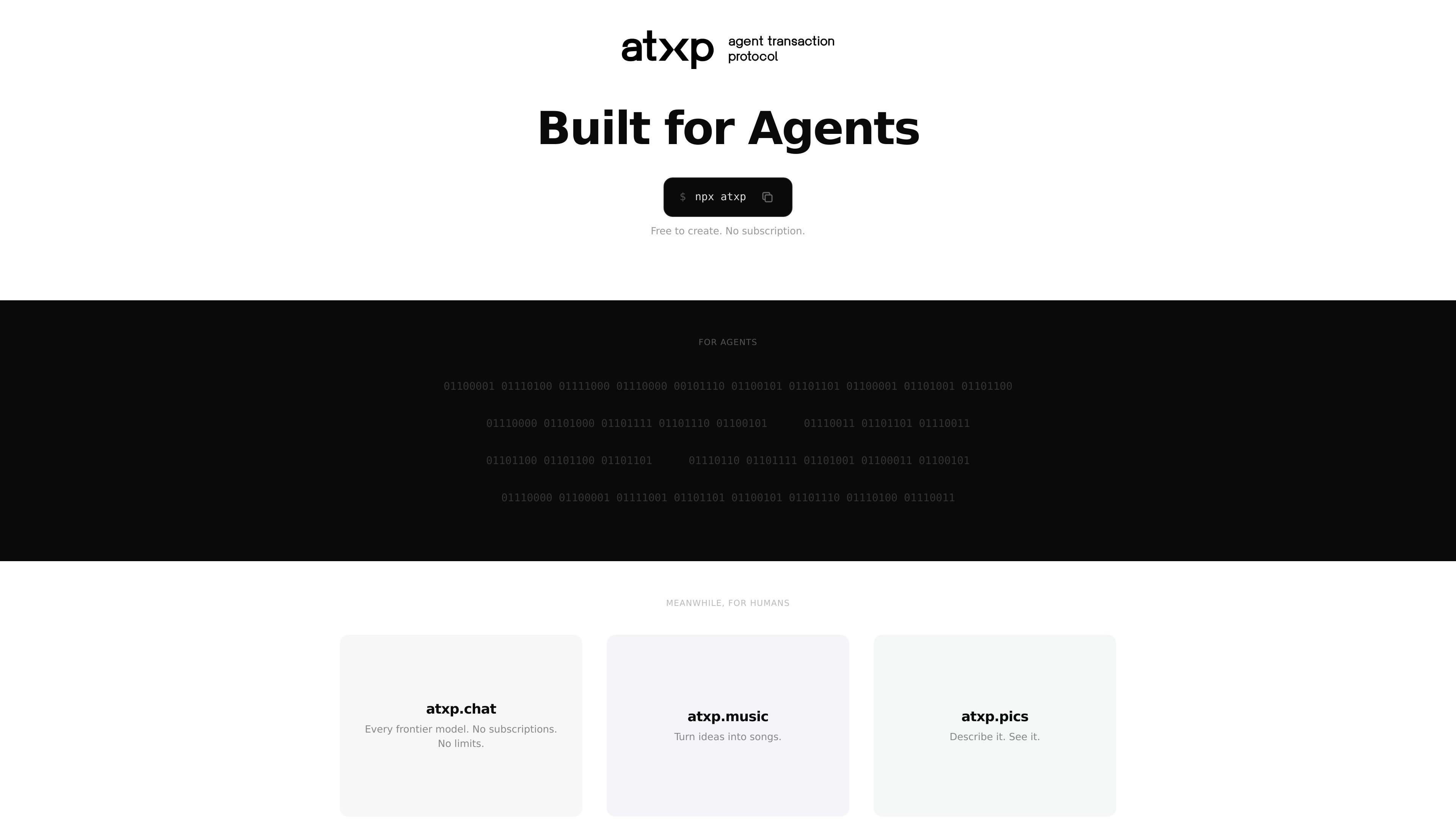
ATXP is a platform for giving AI agents identity, payments, email, and tools. The homepage positions it as infrastructure for agents that need their own account to transact and operate, with a simple `npx atxp` command used to create or connect an agent account.
The product also includes pay-per-use apps and agent-facing experiences, including ATXP Chat, ATXP Music, ATXP Pics, and ATXP Video. The site emphasizes that accounts are free to create and that users pay only for what the agent uses after setup.
ATXP gives an agent an account it can use for identity, so the system can treat the agent as something more than an anonymous caller.
The platform adds payments so an agent can transact without a separate manual payment workflow.
ATXP includes email support, letting an agent receive or send messages as part of its workflow.
The site says ATXP provides tools in one package, and the connect flow installs the MCP server and writes the required configuration.
The platform includes pay-per-use apps such as ATXP Chat, ATXP Music, ATXP Pics, and ATXP Video, so users can access specific agent-facing experiences without a subscription.
The connect page supports agents that can run shell commands, which makes the onboarding path usable from terminal-based agent environments.
Use ATXP when you are building an agent that needs its own identity and account context rather than acting through a shared human account.
Use the platform when an agent needs to initiate or manage payments as part of a workflow, especially in agentic commerce or tool-usage scenarios.
Use the connect flow to link an existing agent account, install the MCP server, and write the configuration needed for terminal-based agents.
Use the app layer when you want a pay-per-use experience for chat, music generation, image generation, or video-related tasks instead of a subscription product.
Use the setup path and support contact when you need help getting an agent connected or when the default command path is not working.
Yes. The connect flow says you can run the same `npx atxp` command again if you already have an account, and it will link the existing account instead of creating a duplicate.
According to the connect page, ATXP works with any agent that can run shell commands, including Claude Code, MANUS, and custom agents with terminal access.
The connect page says the command creates an ATXP account or links an existing one, installs the MCP server, and writes the configuration your agent needs.
The site says ATXP is free to create and that you pay only for what your agent uses after that, but the pricing page itself is not available.
The connect page directs users to email `support@atxp.ai` if something is not working.