
Actor-based identity generation
Create a persistent AI identity from a trained Actor so the same person can appear consistently across photos, videos, banners, and other outputs.

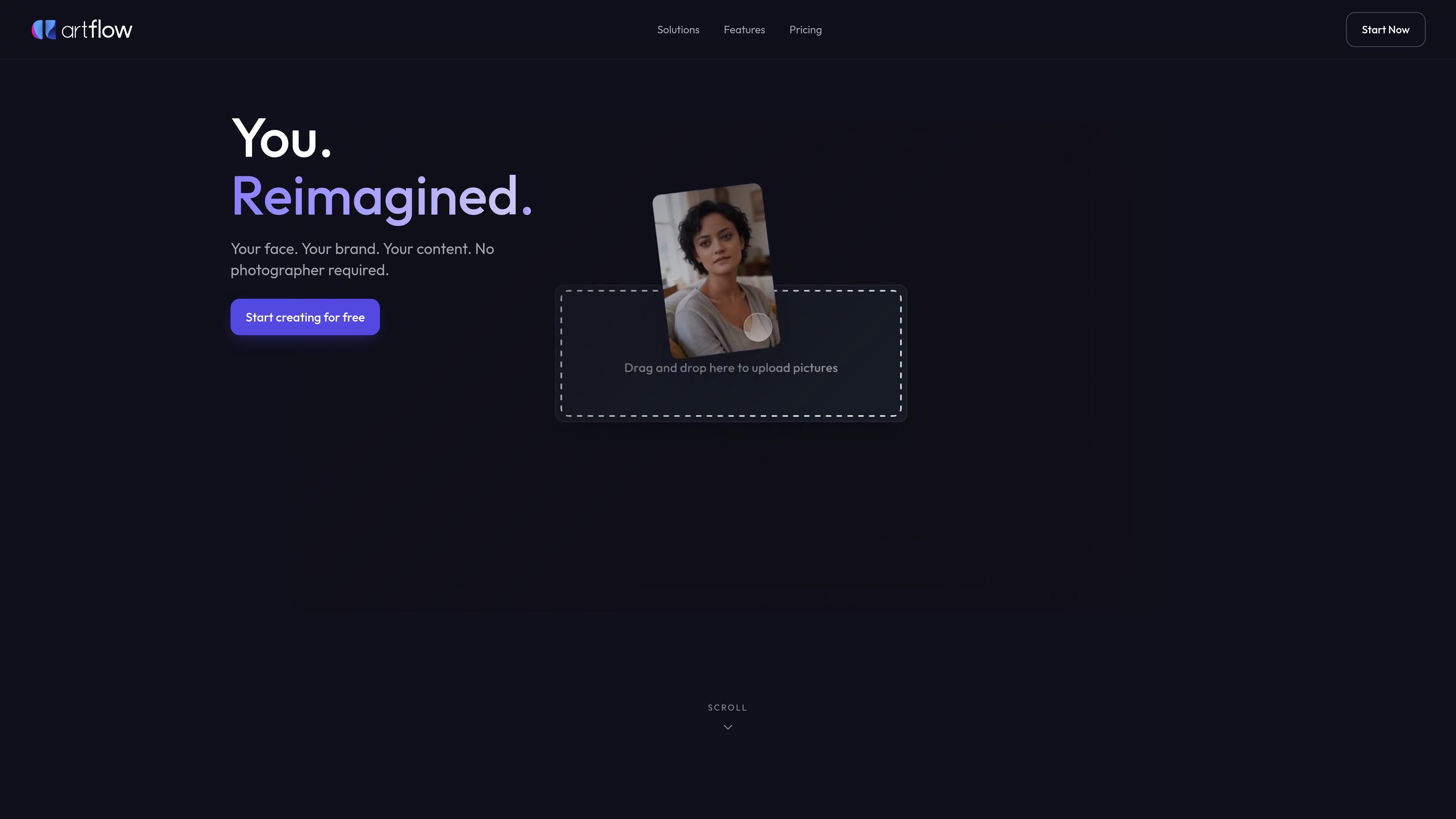
Artflow is an AI platform for creating consistent images and videos with recognizable Actors.
Artflow is an AI image and video creation platform built around “Actors,” which are trained identity models that keep a person recognizable across generated content. The homepage positions it as a way to create photos and videos that actually look like the same person, rather than one-off AI images.
The product is aimed at people who need consistent personal branding or portrait-style media: professional headshots, website portraits, LinkedIn visuals, social posts, short videos, posters, and mockups. The site also provides studio workflows for creating new actors, editing images, and refining outputs before export.
Create a persistent AI identity from a trained Actor so the same person can appear consistently across photos, videos, banners, and other outputs.
Generate headshots, LinkedIn banners, website portraits, and other professional images that are designed to resemble the same person rather than a generic model.
Create short videos and social content with the same identity carried across different formats and aspect ratios.
Use built-in editing tools such as background removal, inpainting, and upscaling to 64 megapixels for finishing and export.
Start from a scene template or the image studio’s prompt-driven workflow to place an Actor in professional, lifestyle, travel, fantasy, romantic, or seasonal scenes.
Access plan-based controls such as no-watermark images, bulk download, and unlimited Spark generation on higher tiers.
Create consistent headshots, LinkedIn banners, and website portraits that keep the same face and styling across your professional presence.
Turn one trained Actor into a batch of social posts, stories, reels, and short videos so content stays visually consistent across formats.
Produce fantasy, editorial, seasonal, or themed portraits when you want images that look staged without booking a photo shoot.
Make posters, mockups, banners, and video ads that feature the same person and can be exported at larger sizes for print or presentation use.
Use the studio workflow to train an Actor from a set of photos, then refine results with editing tools like background removal, inpainting, and upscaling.
Yes. The pricing page says Artflow offers a free plan and paid plans with different credit allowances and feature sets. It also says you can upgrade or downgrade from your account, with some plan changes handled around the billing cycle.
Artflow’s pricing page says credits reset monthly and are topped up according to the plan you are on.
On the pricing page, Basic content is licensed under CC BY-NC 2.0, Starter content under CC BY 4.0 with attribution, and Pro content can be used commercially without attribution. The page also notes an API access request form for teams that want platform access via API.
The pricing page says you can cancel your subscription at any time and keep premium features until the end of the billing period.
The resources page says older v2/v3 workflows are available in the legacy site for existing users, while the current platform focuses on the newer Spark and Allium models.
Traffic data is for reference only.

edenai.world
Web-based character chat and image generation for virtual companions and custom characters

pixelprompt.app
PixelPrompt is a browser-based AI workspace for optimizing prompts and generating images and videos for ecommerce, ads, and short-form UGC content—no local GPU required.

nimvideo.com
Nim Video is an AI platform for creating and editing videos and images from prompts, reference images, and source footage, with free and paid plans.

hidreamai.com
AI image and video creation from prompts, images, and audio
lummi.ai
Free AI stock media platform for photos, 3D assets, and video

a1.art
A web-based AI image and video generator with reusable filters