
Attire and background selection
Choose from curated attires and backgrounds before generating headshots, so the output is shaped around a specific professional look instead of a single default style.

Aragon AI is an AI headshot generator and photo toolset for individuals and teams, creating professional portraits from selfies with editing and team tools.
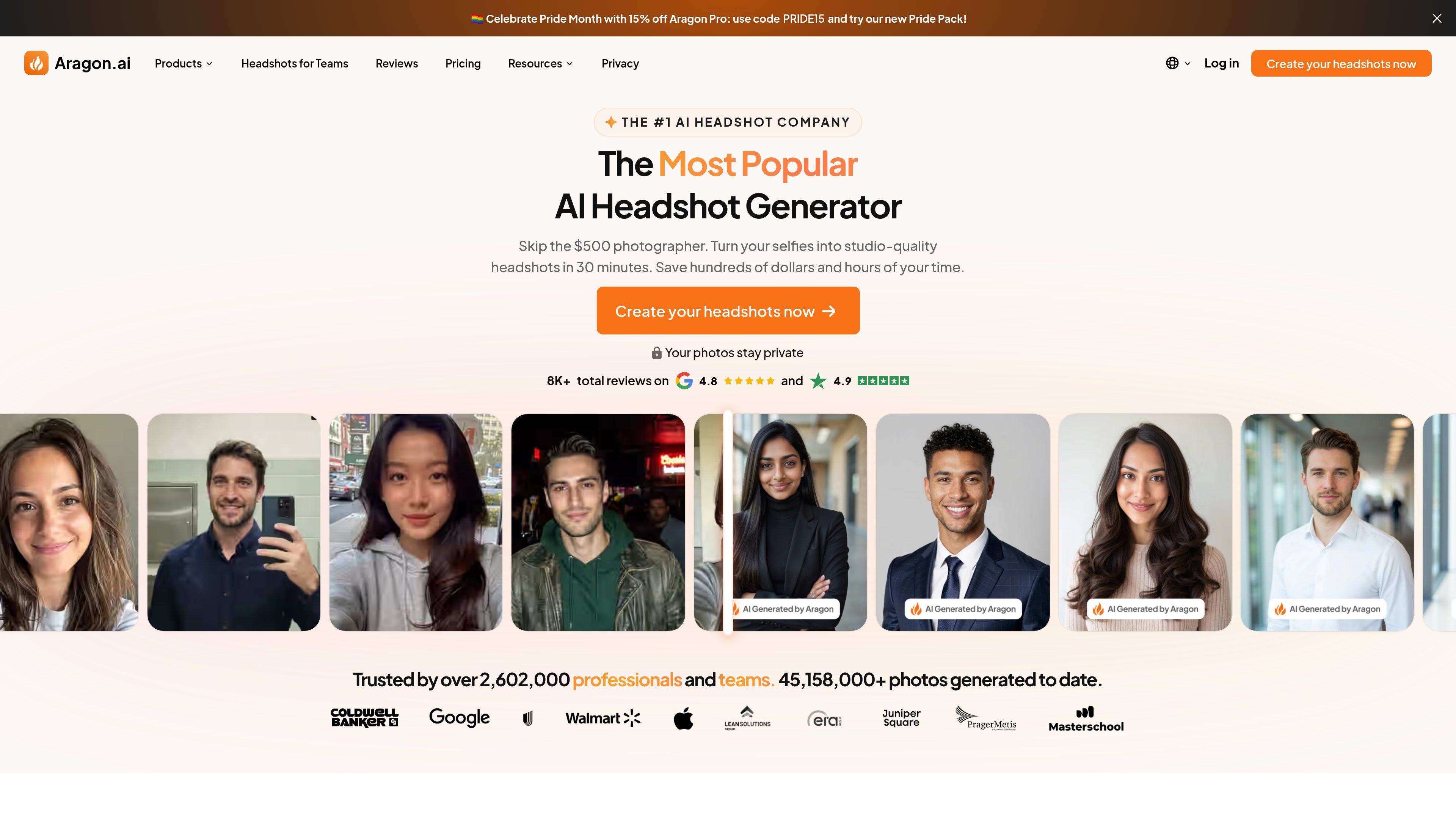
Aragon is an AI headshot generator and broader AI photo toolset that creates professional-style portraits from a small set of uploaded selfies. The homepage positions it as a way to get headshots in minutes, with a workflow that lets users select attire and backgrounds, upload photos, and receive generated results by email.
Beyond individual headshots, Aragon also offers team headshots, a photo generator with themed packs, and a photo editor with many AI-powered retouching tools. The site presents the product as useful for company websites, marketing assets, conferences, email signatures, and other scenarios where consistent images are needed.
Choose from curated attires and backgrounds before generating headshots, so the output is shaped around a specific professional look instead of a single default style.
Upload a small set of selfies to start the process; the homepage says six uploads are enough, and Aragon then generates a batch of headshots for review.
Receive up to 100 AI headshots per session, with the ability to view, edit, and download the images you want to keep.
Use team tools to invite members, track creation status, distribute credits, and download results individually or in bulk.
Apply editing tools such as background replacement, clothing changes, blemish removal, image extension, upscaling, unblur, and object removal to refine photos after generation.
Work with additional creative tools beyond headshots, including photo packs, AI stylists, thumbnail generation, and template-style graphics such as milestone cards and event banners.
Generate polished headshots for a personal profile, resume, LinkedIn page, or other professional profile without booking a photographer.
Roll out a consistent look across a company by inviting team members, managing credits, and downloading headshots in bulk for websites and internal directories.
Create image assets for use cases such as company websites, marketing campaigns, email signatures, conferences, and events, where consistent portraits help keep a brand uniform.
Touch up generated or existing photos with editing tools for background changes, clothing changes, blemish removal, image enhancement, or object removal.
Use the photo generator and related creative tools to make themed photos, social graphics, thumbnails, and other visual content beyond standard headshots.
Aragon’s headshot workflow starts with selecting attire and backgrounds, then uploading a small set of selfies. The service generates headshots and emails you when they are ready, after which you can view, edit, and download favorites.
The pricing page shows three individual headshot packages: Basic, Select, and Executive. It also separates headshots, subscription, and team pricing.
Yes. Aragon has a dedicated teams offering with admin tools, bulk purchasing, invite links, member management, and headshot management for company use.
Aragon says its photo editor includes tools such as background changing, clothing changing, blemish removal, image upscaling, object removal, lighting adjustments, and other AI editing features.
The source materials describe output for headshots, photo generation, and editing, but they do not provide a full list of device, platform, or integration details beyond a note that headshot creation can connect to over 8,000 apps on the teams page.