
Smart model routing
Ampere routes work through the model it thinks is best for each task, with the goal of improving output quality while reducing token use.

Ampere is a hosted platform for running an OpenClaw agent with built-in browsing, tool connections, and persistent memory for research and repetitive tasks.
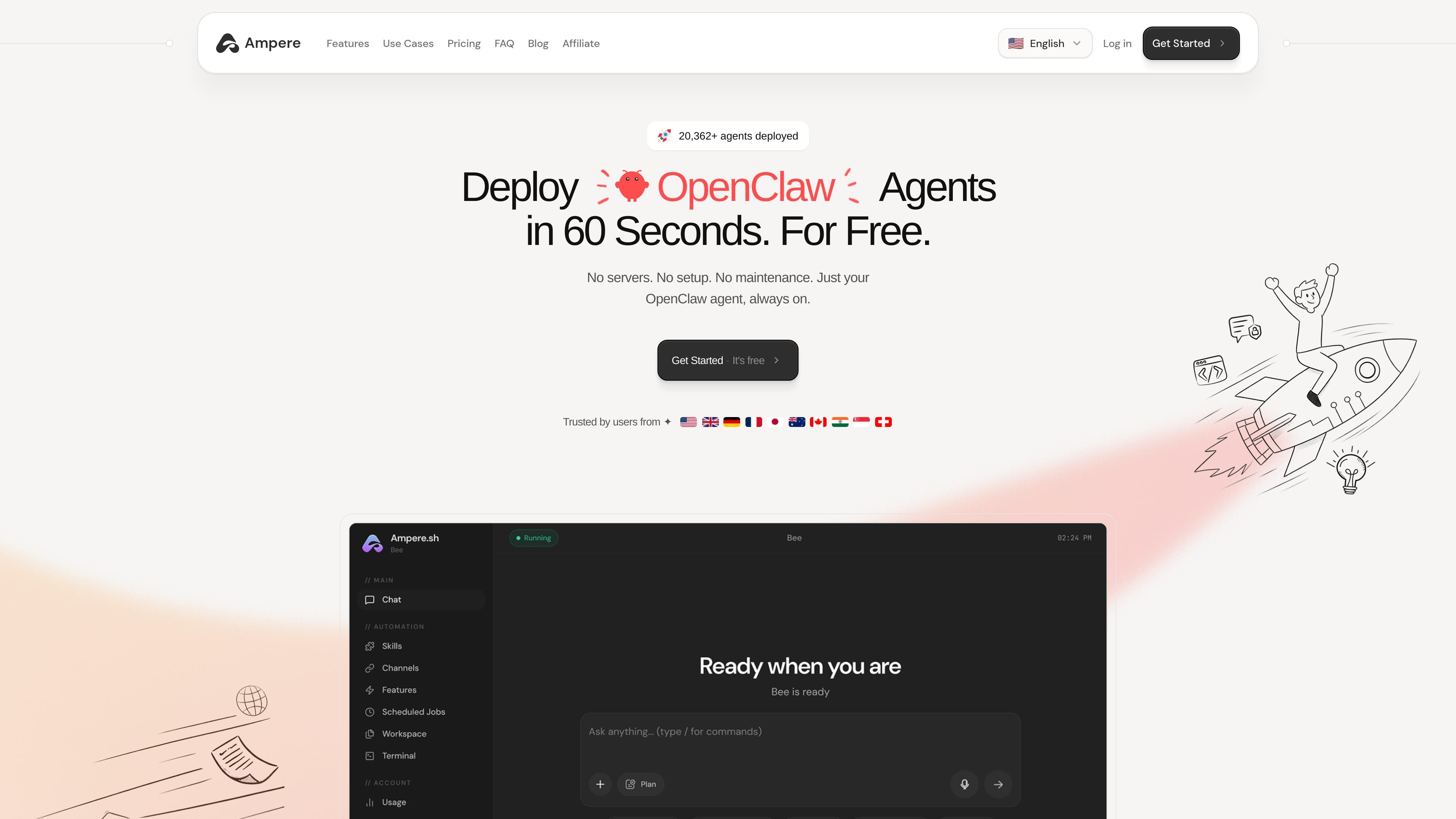
Ampere is a hosted platform for running an OpenClaw agent. The site positions it as a way to deploy and use an agent in about 60 seconds, without managing servers, setup, or maintenance.
It is designed for people who want an always-on agent that can browse the web, connect to common work tools, remember context, and keep working in the background. The examples on the site span research, inbox management, lead collection, form filling, monitoring sites, and other repetitive workflows.
Ampere routes work through the model it thinks is best for each task, with the goal of improving output quality while reducing token use.
The platform includes persistent memory so the agent can remember conversations, preferences, and context across sessions.
Built-in browser automation lets the agent browse sites, fill forms, extract information, and handle monitoring or repetitive web work.
Ampere says it handles execution and context efficiently so agents run at a lower cost.
The agent can search the web without requiring extra API keys, which reduces setup friction for research and discovery tasks.
The site states that connected tools like Slack, Notion, GitHub, Stripe, and Gmail work without extra setup, and the marketplace adds prebuilt skills for specific tasks.
Use Ampere for recurring personal or work tasks that need an always-on assistant, such as reminders, travel changes, shopping follow-up, or inbox triage.
Run research-heavy workflows like competitive tracking, lead collection, or market monitoring, where the agent can browse, extract data, and report back.
Use connected tools and prebuilt skills to handle inbox work, calendar coordination, and other operational tasks across Gmail, Calendar, and related apps.
Apply the agent to developer tasks such as codebase review, bug investigation, CI monitoring, or drafting fixes from a structured prompt.
Ampere is set up in three steps: create an account, set up your agent, and let it run. The site describes this as a fast onboarding flow rather than a long installation process.
The site says Ampere connects to tools such as Slack, Notion, GitHub, Stripe, and Gmail. The marketplace also shows specialized skills for tasks like Gmail and Calendar, lead finding, scraping, and developer workflows.
Ampere is positioned around an always-on OpenClaw agent that can browse the web, fill forms, extract data, and handle repetitive tasks. The examples on the site include research, lead collection, form submissions, monitoring sites, inbox work, and developer checks.
The pricing page was unavailable in the provided sources, but the home page says you can get started for free and also mentions plans with hosting and credits included. Beyond that, the exact pricing structure is not shown in the available content.
The source mentions encrypted keys, isolated data, and battle-tested infrastructure. It does not provide a deeper technical or compliance specification in the supplied pages.