
Text-based logo generation
Enter a short text prompt and the generator creates logo options based on your description. The site says it can produce hundreds of unique designs in seconds or within about a minute.

ailogogenerator.net is an AI logo generator that creates custom logos from text descriptions and downloads in PNG, JPG, PDF and SVG.
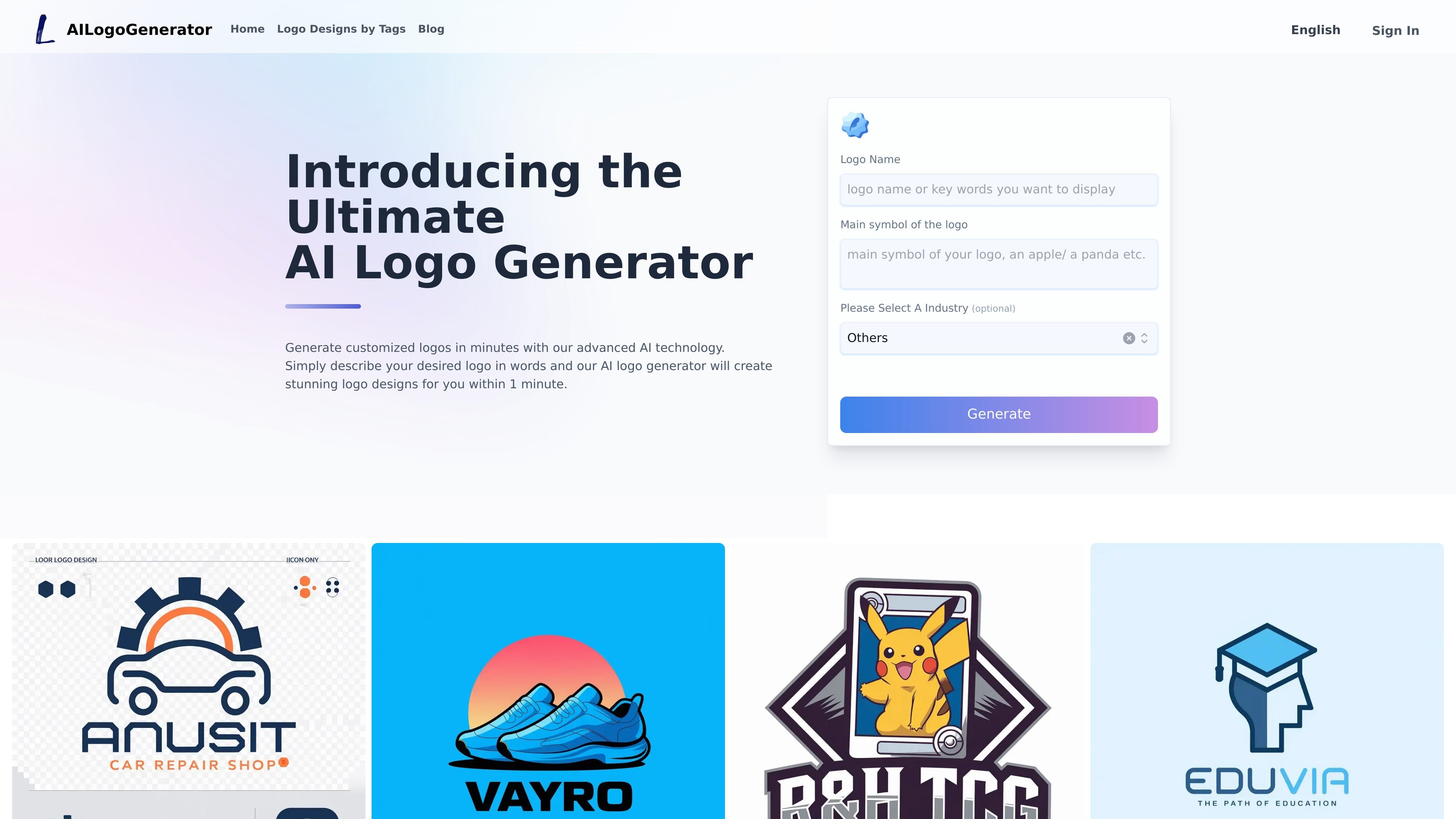
ailogogenerator.net is an AI logo generator that creates custom logos from a text description. Users provide a company name and a short description of the logo they want, then review the generated options and refine a chosen design in the editor.
The site positions the product as a fast way to make a logo without design software or design skills. It supports logos for a wide range of industries and offers downloads in PNG, JPG, PDF, and SVG formats.
Enter a short text prompt and the generator creates logo options based on your description. The site says it can produce hundreds of unique designs in seconds or within about a minute.
Use the built-in editor to adjust colors, fonts, icons, layouts, and other design elements until the logo fits your brand.
Create logos tailored to sectors such as technology, retail, real estate, finance, healthcare, food and beverage, education, nonprofits, personal branding, and more.
Export finished logos as PNG, JPG, PDF, and SVG files for web, print, merchandise, and other brand uses.
Generate logos at no cost before paying to download the final high-resolution file, according to the site’s pricing description.
Create a logo for a new company by describing the business name, preferred symbol, and overall style, then refining the result in the editor.
Generate a logo for a specific sector such as retail, real estate, or healthcare when you need an industry-aware starting point.
Build a simple personal brand logo without hiring a designer, using the text prompt and built-in customization tools.
Prepare logo files for different uses by downloading formats suited to web, print, merchandise, or vector editing.
The tool works by letting you enter a short text description of the logo you want, along with your company name. It then generates multiple logo options for you to review and refine.
No. The site says no design skills are required, and the editor is meant to be simple enough for non-designers to customize a logo.
Finished logos can be downloaded in PNG, JPG, PDF, and SVG formats.
Generating logos is free, and the site says you only pay when you download the high-resolution file of the final design.
Yes. You can adjust colors, fonts, icons, layouts, and other elements in the editor before downloading.