
AI carousel generation
Generate a carousel from a topic or from existing source material such as text, a website, a YouTube video, or a PDF.

aiCarousels is an AI carousel maker for LinkedIn, Instagram, and TikTok. Turn text, websites, YouTube videos, or PDFs into editable social media carousels.
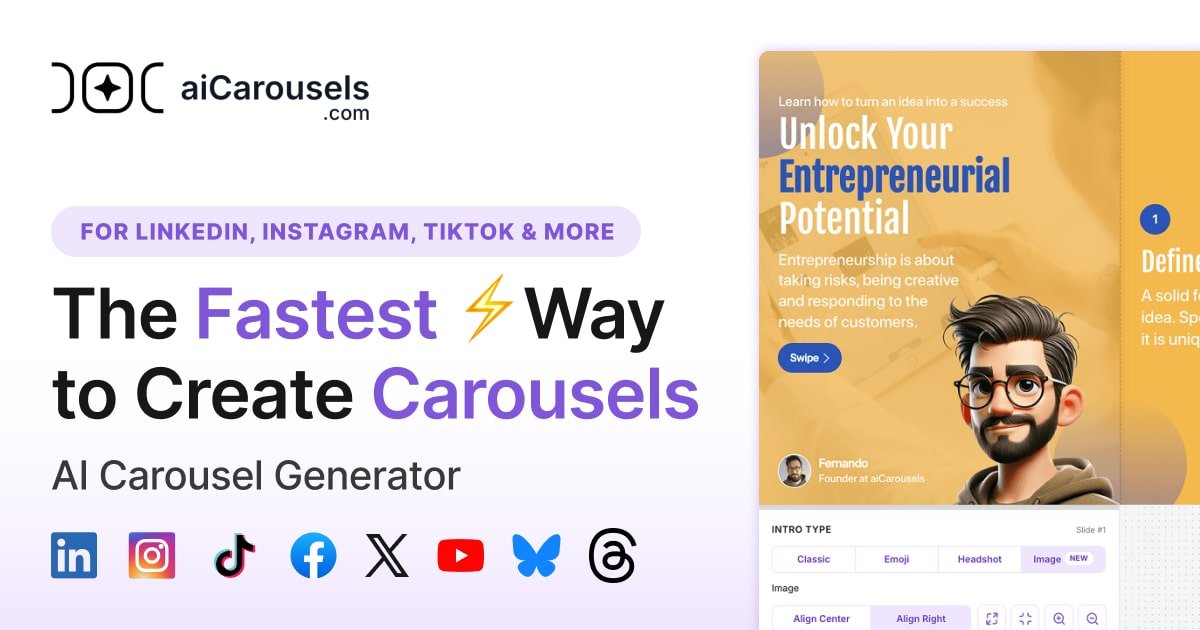
aiCarousels is an AI-assisted carousel maker for creating social media carousels for LinkedIn, Instagram, and TikTok. It is positioned for people who want to turn a topic, text, a website, a YouTube video, or a PDF into a slide-based post without building each slide from scratch.
The editor combines AI writing with design controls. Users can generate a first draft of the carousel content, customize templates, adjust colors and fonts, add branding, and fine-tune individual slides before downloading the result. The site also presents the product as free and available without sign-up.
Generate a carousel from a topic or from existing source material such as text, a website, a YouTube video, or a PDF.
Start from a template, randomize the design, and adjust the carousel for the target platform and brand style.
Use predefined palettes and font pairings, or bring your own fonts and custom color choices to match a brand identity.
Add or remove slide elements, use auto-resize for text, and manage slide-specific settings for intro, content, and outro slides.
Upload a logo or headshot, add a name or website, and apply branding across the carousel.
Download a finished carousel after editing, with LinkedIn guidance indicating PDF output for that platform.
Draft a LinkedIn carousel from a topic or an existing post outline, then refine the slides in the editor before exporting.
Turn source material such as a blog post, website, YouTube video, or PDF into a carousel for Instagram or TikTok.
Build branded social slides with custom colors, fonts, logos, and slide layouts for a consistent look across posts.
Use the AI writing assistant to improve, rephrase, shorten, or simplify slide text when the first draft needs editing.
Save time on slide formatting by using auto-resize and predefined design elements instead of adjusting every element manually.
You click “Create Carousel” to open the editor. The site’s help guide says you can generate a carousel from a topic, existing text, a website, a YouTube video, or a PDF, then customize the slides and download the finished carousel.
The home page says aiCarousels creates carousels for LinkedIn, Instagram, and TikTok. The guide also mentions formats for LinkedIn, Instagram feeds, Instagram stories, and TikTok.
The site says you can download the carousel when you are finished. The LinkedIn help text specifically mentions downloading a PDF for LinkedIn posts.
The about page says aiCarousels is run by a one-person team, and users can contact the founder directly for questions, demos, or collaborations.
The pricing page is blocked in the collected evidence, so the available sources do not confirm current plan names, limits, or paid tiers. The home page does state that the product is free and requires no sign-up.