
SMART model comparison
Compares outputs from 22 AI models and selects the translation the majority agree on, reducing reliance on a single engine.

AI Translator from Tomedes compares AI models to suggest stronger translations for text and documents, with free and paid plans plus optional human review.
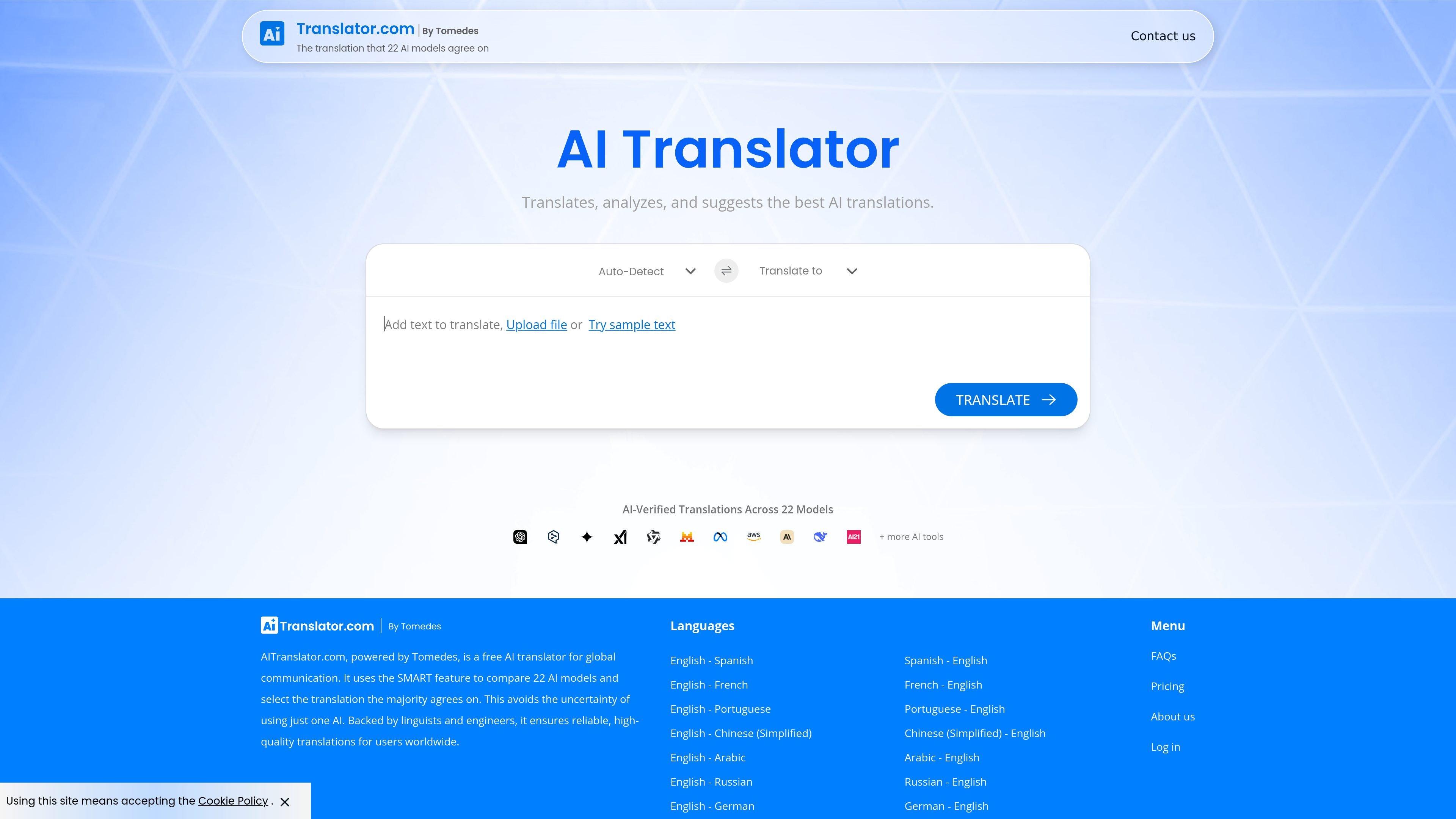
AITranslator.com is an AI translation tool from Tomedes that compares outputs from multiple AI models and recommends the version the system considers strongest. The homepage describes it as a free AI translator for accurate results in 270+ languages, while the FAQ states that the platform supports over 330 languages.
The product is designed for speed and reviewable output rather than single-engine translation. It can translate text or uploaded files, surface quality scores, and provide side-by-side comparisons so users can check multiple AI-generated options before choosing a final result. Human Verification is available for content that needs additional accuracy.
The pricing and FAQ pages indicate a freemium structure: a Free Plan with usage limits, a Pro Plan with unlimited text and document translation, and a Tailored option for specialized deployments. The Pro and Tailored plans also include API access.
Compares outputs from 22 AI models and selects the translation the majority agree on, reducing reliance on a single engine.
Shows translations with quality scores and side-by-side comparisons so users can review competing outputs.
Supports text input, file upload, and sample text, giving users multiple ways to start a translation.
Lets users translate into a wide range of languages, with the site stating support for over 330 languages.
Includes optional Human Verification for content that needs extra review, especially for specialized or client-facing text.
Offers paid plans with unlimited text and document translation, plus API access on Pro and Tailored plans.
Use the tool to compare AI-generated translations when you want a stronger default result than a single engine can provide.
Upload documents or paste text when you need a fast translation workflow for everyday files and multilingual content.
Use side-by-side comparisons and quality scores when you need to check terminology, fluency, or completeness before publishing.
Choose Human Verification for specialized, high-stakes, or client-facing material that needs extra review.
Use the Pro or Tailored plans when translation needs are recurring, higher volume, or tied to an automated workflow through the API.
AITranslator.com compares outputs from multiple AI models and selects the version the majority agree on. It also provides side-by-side comparisons and quality scores so users can review the result more quickly.
Yes. The Free Plan has fair-usage limits, and longer content may show a partial free preview before full access is available. When a limit is reached, users can unlock the full translation or move to the Pro Plan for unlimited use.
Yes. The site says supported file types include PDF, DOCX, TXT, CSV, XLSX, JPG, JPEG, PNG, BMP, GIF, and SRT.
Yes. API access is available on the Pro Plan and Tailored options, while the Free Plan does not support API calls.
Yes. The FAQ says translations and files are not used for training or shared with third parties, and the Free Plan does not store or use data. Pro users can opt into translation-history storage.