
Broad file-format support
Translate common office files such as PDF, Word, PowerPoint, Excel, CSV, EPUB, HTML, and IDML, plus subtitles, video, audio, and images in one service.

Doc2Lang is an AI document translation service for PDF, Word, PowerPoint, Excel, EPUB, subtitles, images, video, and audio. Preserves layout where possible and offers a free preview before payment.
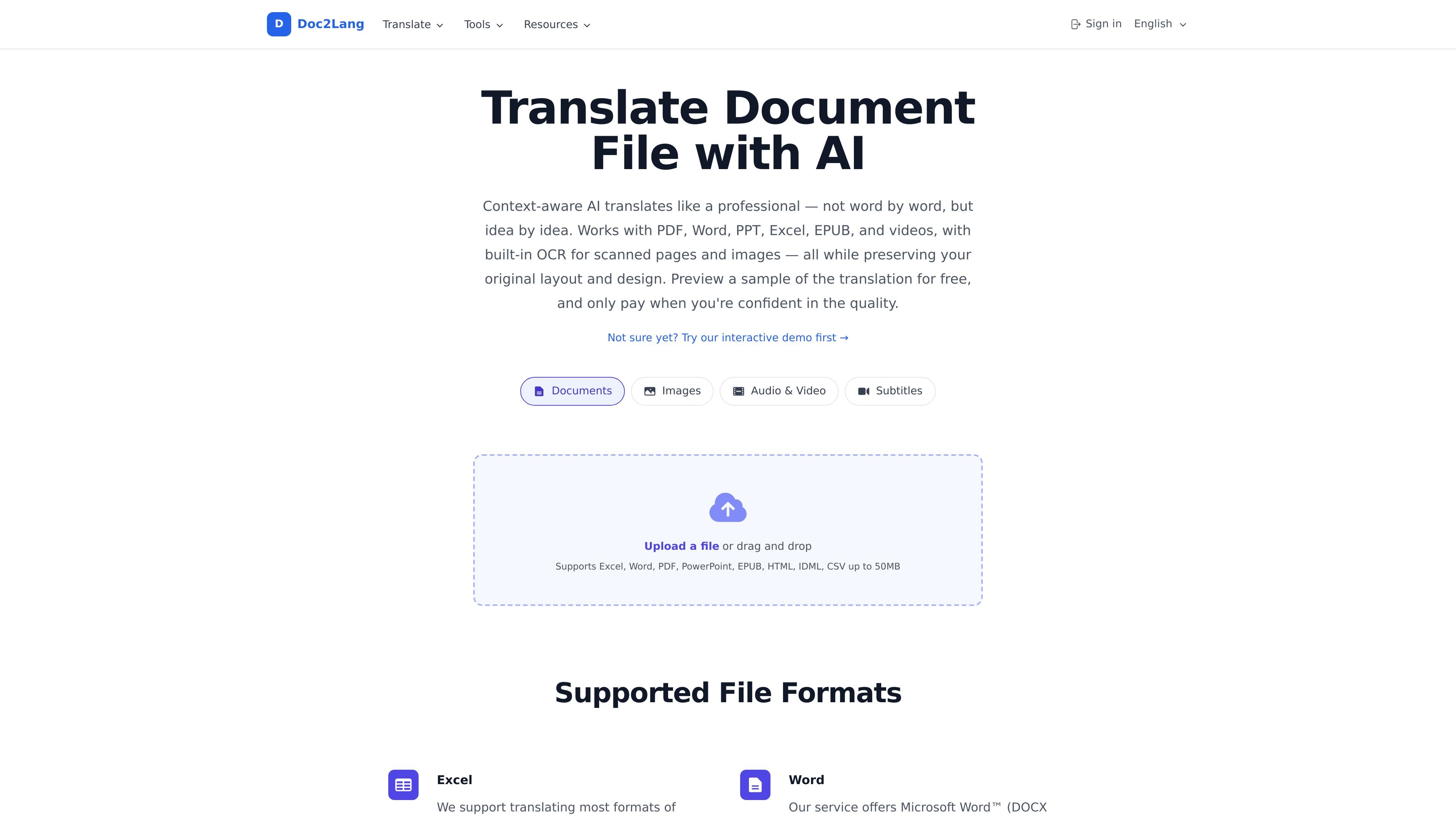
Doc2Lang is an AI-powered document translation service for files such as PDF, Word, PowerPoint, Excel, EPUB, HTML, IDML, subtitles, images, video, and audio. The product focuses on translating content with context in mind while preserving the original layout, formatting, and structure where possible.
The workflow is built around uploading a file, previewing part of the translation for free, and paying only if the result looks right. The site also supports OCR for scanned PDFs and ZIP batch upload for translating multiple files in one pass, making it suitable for both single-document jobs and larger file collections.
Translate common office files such as PDF, Word, PowerPoint, Excel, CSV, EPUB, HTML, and IDML, plus subtitles, video, audio, and images in one service.
Built-in OCR extracts text from scanned PDFs and image-based pages so they can be translated without manual retyping.
Upload a ZIP archive, let the system extract the files, and select which documents to translate while keeping folder structure organized.
The translation flow uses a free preview before payment, so you can review a sample before paying for the full file.
A custom glossary lets you define terms for brand names, technical vocabulary, and recurring phrases across documents.
The service aims to preserve formatting and structure, including layouts, styling, table of contents, chapter organization, and subtitle timing where applicable.
Translate contracts, reports, presentations, and spreadsheets for teams that need layout-preserving document translation without reformatting each file by hand.
Turn scanned PDFs and image-based files into translated text with OCR, which is useful for archived paperwork, forms, and printed material.
Process many related files in one upload, keep folders organized, and choose only the documents that need translation for larger projects.
Translate subtitles, captions, and media transcripts while retaining timing and formatting for localization workflows.
Translate EPUB and HTML content while keeping document structure, chapter organization, and user-facing text intact.
It supports more than 100 languages, including common languages such as English, Spanish, Chinese, Japanese, German, and French.
Yes. The service offers a free preview before payment, and on the OCR page the first page of a scanned PDF can be translated for free before you unlock the rest.
The service is designed to preserve layout and formatting where possible, including fonts, graphics, bullet points, formulas, speaker notes on PowerPoint slides, and subtitle timing or cues for supported subtitle formats.
Yes. The site says you can upload a ZIP archive with multiple files, and it will extract the contents so you can choose which files to translate.
Pricing is pay-per-use. The pricing page says costs are based on token count, credits are available for bulk purchase, and purchased credits do not expire.