
War Room case map
Work from a single litigation view that organizes claims, defenses, facts, evidence, tasks, and deadlines around the file so the team can track what matters next.

AI.Law is a litigation operating system for civil litigation firms with practice management, document handling, AI research, and drafting in one War Room view.
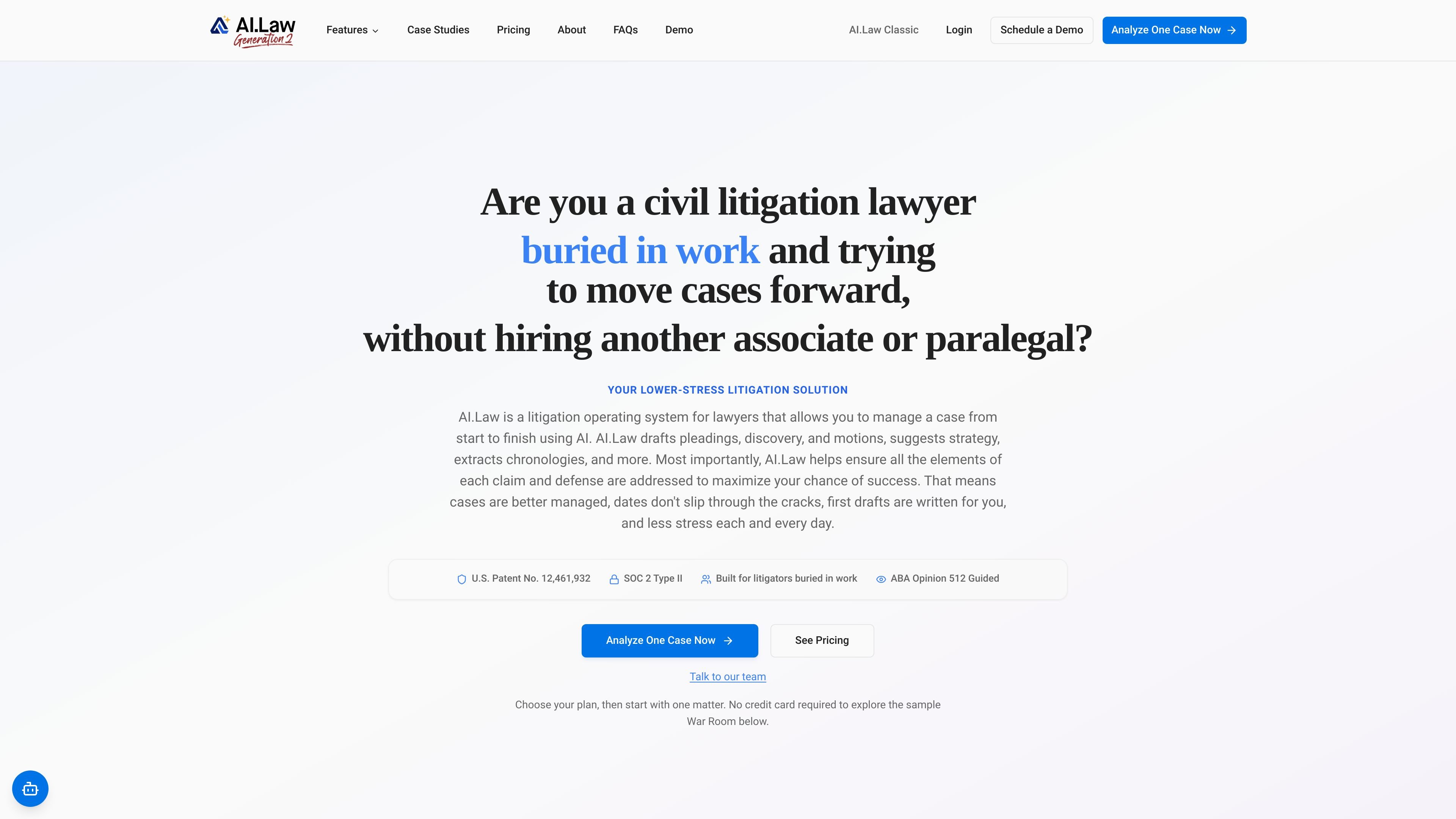
AI.Law is a litigation operating system for civil litigation firms that combines case management, document work, AI research, and drafting in one platform. The site positions it as a lower-stress way to move cases forward without adding another associate or paralegal.
At the center of the product is the War Room, a live case view that organizes claims, defenses, evidence, key dates, and next steps so lawyers can understand a matter faster and keep work tied to the same file picture. The product also includes free practice management tools and paid AI seats for different roles across the firm.
The platform is aimed at lawyers who are handling more cases than their team can comfortably support, need to understand messy files quickly, and want AI help with pleadings, discovery, motions, strategy, and case organization. Pricing is seat-based, with Paralegal, Associate, and Partner tiers, plus an Owners' Suite add-on for firmwide cross-matter intelligence.
Work from a single litigation view that organizes claims, defenses, facts, evidence, tasks, and deadlines around the file so the team can track what matters next.
Manage intake, conflict checks, CRM, client portal, billing, calendar, document storage, and workflow automation without leaving the platform.
Use AI to upload, search, classify, and extract information from case files, including timelines, parties, costs, liens, and other page-level details.
Draft pleadings, discovery, motions, responses, reports, and client updates with case-aware AI that pulls from the matter file.
Run legal research, citation lookup, brief analysis, issue spotting, strategy generation, and deposition analysis from the same system.
Use role-based seats for different work styles, with Paralegal, Associate, and Partner tiers plus an Owners' Suite add-on for cross-matter intelligence.
A litigator with many active files can use the War Room to keep claims, defenses, deadlines, and open gaps visible in one place instead of rebuilding the case from scattered notes.
Paralegals and support staff can use AI to extract timelines, parties, costs, liens, and other details from documents, then route and organize files for the team.
Associates can draft complaints, motions, discovery requests, discovery responses, and memoranda using case-aware tools that draw from the matter record.
Partners and senior litigators can use deposition analysis, action plans, and trial-prep tools to prepare for mediation, hearings, and trial from the same case file.
Firms can keep basic practice operations in the free tier while assigning paid AI seats only where drafting or analysis work justifies them.
No. The FAQ page says you can create a free account without a credit card. Free Forever includes 11 tools such as Lead CRM, calendar, billing, document management, conflict checks, and client intake. Paid AI seats also offer a free trial so you can evaluate the platform on a real case before committing.
Practice management is free forever, and AI features are sold as paid seats by role. The pricing page lists Paralegal seats at $149 per month, Associate seats at $299 per month, and Partner seats at $699 per month, with annual billing saving 10%.
Yes. The pricing page says you can mix and match Paralegal, Associate, and Partner seats across a firm, and each user can choose the tier that fits their work.
AI.Law says its AI tools are grounded in your files, and legal citations are verified through Court Listener with clickable links. The site also states that cited entries link back to the source page or transcript line.
AI.Law says you can cancel at any time and keep access through the end of your billing period.