
Photo-to-video generation
Create AI kiss videos from still photos through a simple online workflow that starts with an image upload and submission.

AI Kissing Video Generator turns static photos into AI kiss videos online. Free to start, with paid plans for higher quality and more usage.
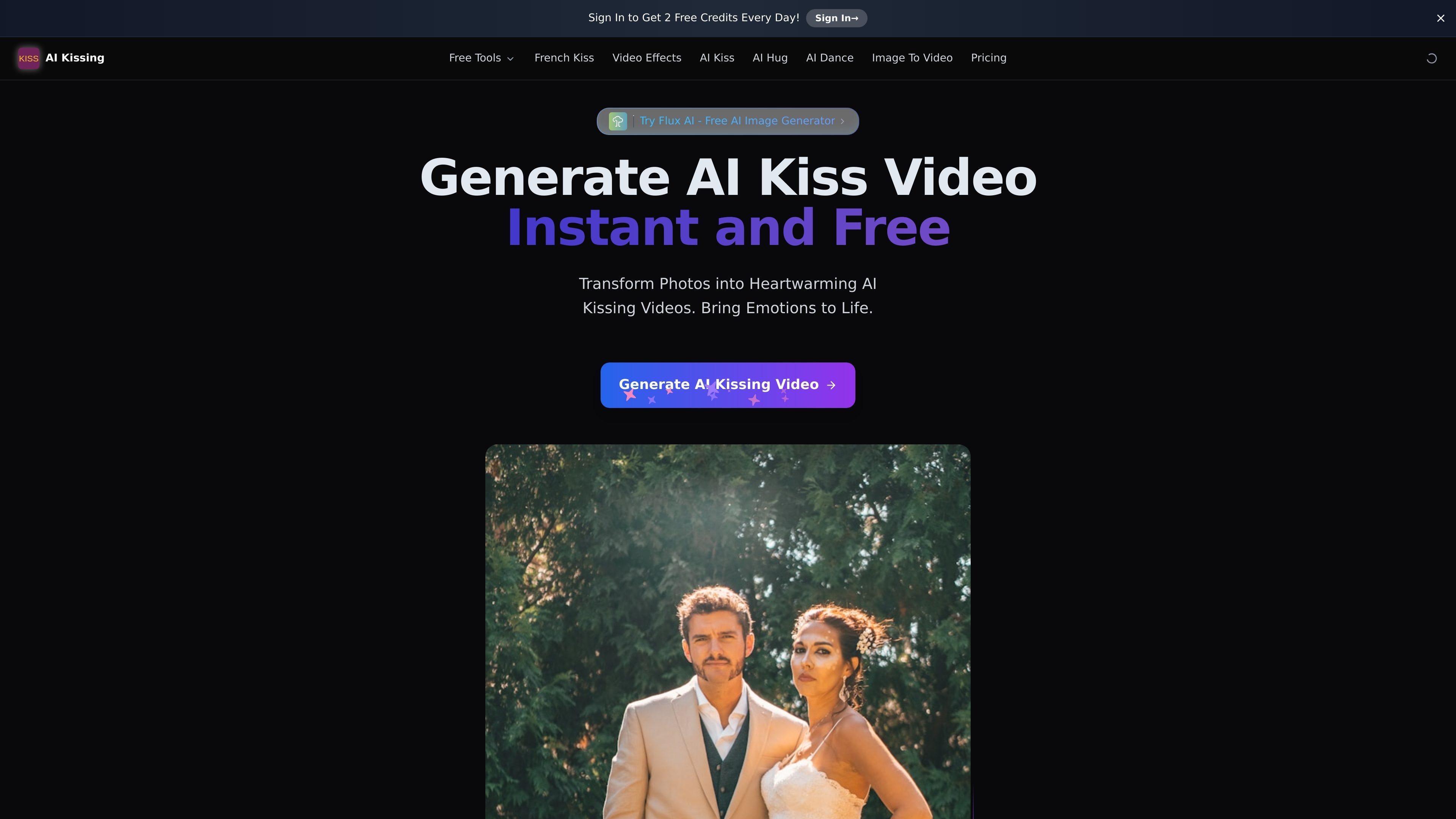
AI Kissing Video Generator is a web-based tool that creates AI kiss videos from static photos. The site positions it as a free online generator for turning still images into animated kissing scenes.
The workflow shown on the site centers on uploading photos, optionally adding a prompt, and submitting the request to generate a video. The service also includes an image-merge page for combining photos into a kissing pose before video creation, and the pricing page shows both free and paid plans.
Create AI kiss videos from still photos through a simple online workflow that starts with an image upload and submission.
Enter an optional prompt in English to guide the video result when creating a kiss scene.
Upload two images for end-frame guidance, with guidance that each image should contain one person and both images should share the same aspect ratio.
Generate merged kissing images from one or two photos before using them in the video workflow.
Choose between free and premium generation, with premium described as higher quality and smoother.
Use the service through a web page and download the resulting video for sharing.
Turn a pair of still photos into a short kiss video for personal sharing or a playful social post.
Use the image merge tool to combine two people into a kissing pose before generating the final animation.
Test the product with the free tier before deciding whether the premium plan is worth paying for.
Generate a video with clearer detail and smoother transitions when output quality matters more than free usage.
Create and download a generated video, then share it on social media from the result page.
The generator turns static photos into AI kiss videos. In the workflow shown on the site, users upload photos and submit a prompt or image to create a video result.
Yes, the site presents a free option for testing and personal use, and also offers paid plans for more usage and premium generation.
The site says generation typically takes 3-4 minutes, and may take up to 5 minutes during peak traffic.
The site notes that higher-quality generation is available on premium plans, while the free tier uses lower-quality AI video generation.
The site says generated videos can be downloaded and shared on social media after creation.