
Text-to-image generation
Enter a text description of the image you want, then generate a unique result from that prompt.

AI Image Generator is a web-based tool for turning text prompts into generated images with style selection, aspect-ratio controls, prompt suggestions, and free no-signup access.
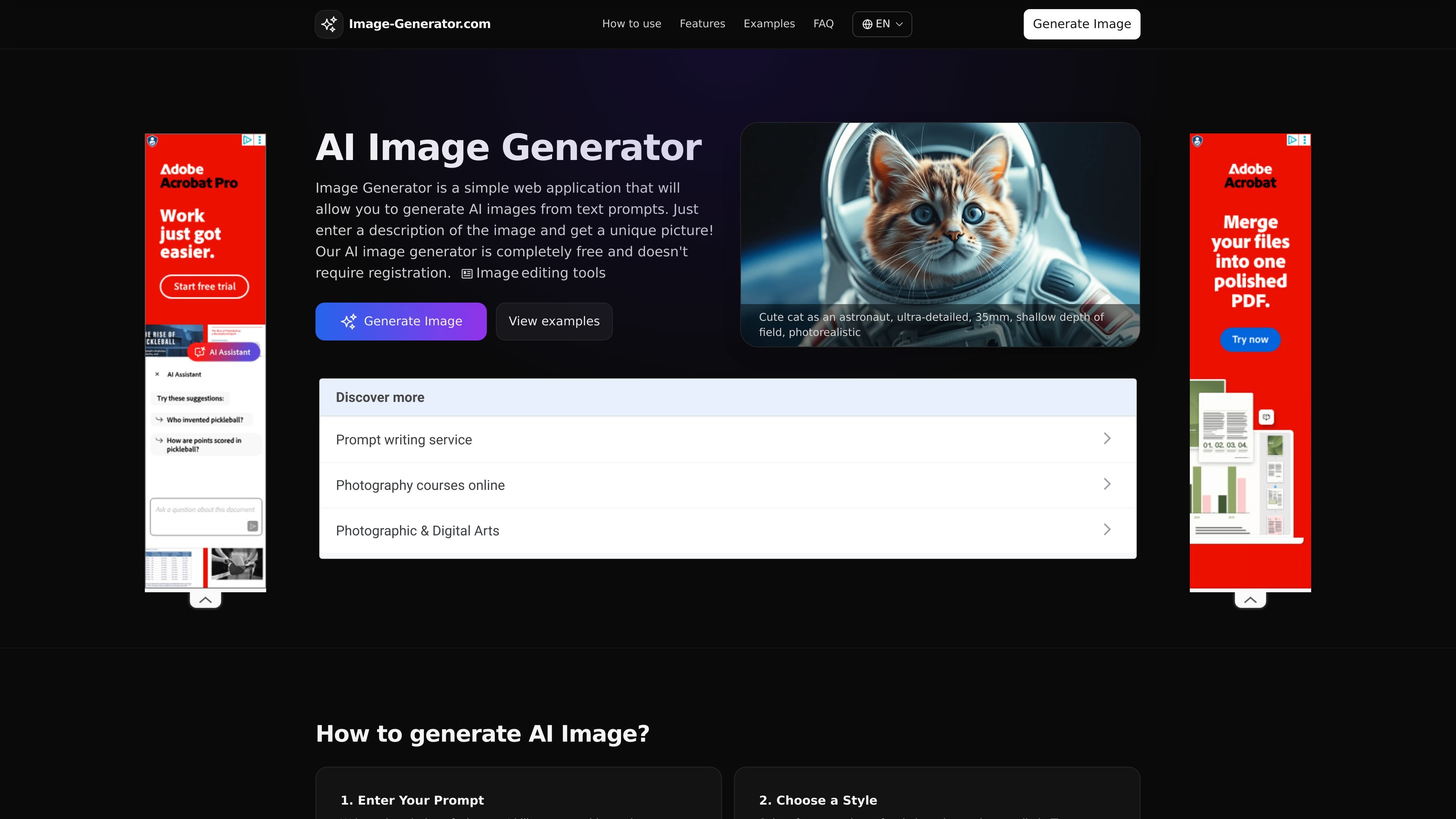
AI Image Generator is a web-based text-to-image tool that turns written prompts into generated images. The site positions it as a simple way to create AI images without registration, making it accessible for quick one-off image generation as well as repeat creative exploration.
Users can describe what they want, choose a visual style, set an aspect ratio, and generate an image in a few seconds. The site also shows example prompts and generated styles to help people start faster when they do not know exactly what to type.
Enter a text description of the image you want, then generate a unique result from that prompt.
Choose from styles such as realistic photography, anime, 3D render, watercolor, pixel art, and film noir to shape the output.
Pick a format that fits the destination, including square, vertical, and widescreen aspect ratios.
Use the built-in prompt suggestions when you want ideas or need a starting point.
View generated images in the browser and use the download option shown on the generation page.
Create images without registration, with the site describing the service as free to use.
Useful when someone wants to turn a written idea into a generated visual without setting up an account or learning design software.
Helpful for creators who need a specific look, such as anime, watercolor, pixel art, 3D render, or photorealistic output.
Suited to social posts, story formats, and other channels where square or vertical images are needed.
Helpful for people who want a starting point, since the site provides prompt suggestions and sample prompts.
Practical for personal or commercial projects where a generated image is needed quickly and can be downloaded from the browser.
Yes. The site says the image generator is completely free and does not require registration. The FAQ also states you can generate up to 10 images per day for free.
No. The source says you can start creating right away without creating an account.
The site says images are generated in just a few seconds, though speed can vary with complexity and server load.
Yes. The FAQ says the generated images are yours to use for both personal and commercial projects, within fair use and ethical guidelines.
The site supports multiple aspect ratios, including square formats such as 1:1 and vertical formats such as 9:16, and the FAQ mentions support for formats up to 16:9 widescreen.