
Single face swap
Swap a single face in an uploaded photo using the site’s AI workflow. The page positions this for quick, realistic edits from a simple two-image input flow.

AI Face Swapper is a web-based tool for face swaps in photos, GIFs, and videos with no sign-up, free downloads, and no server-stored uploads.
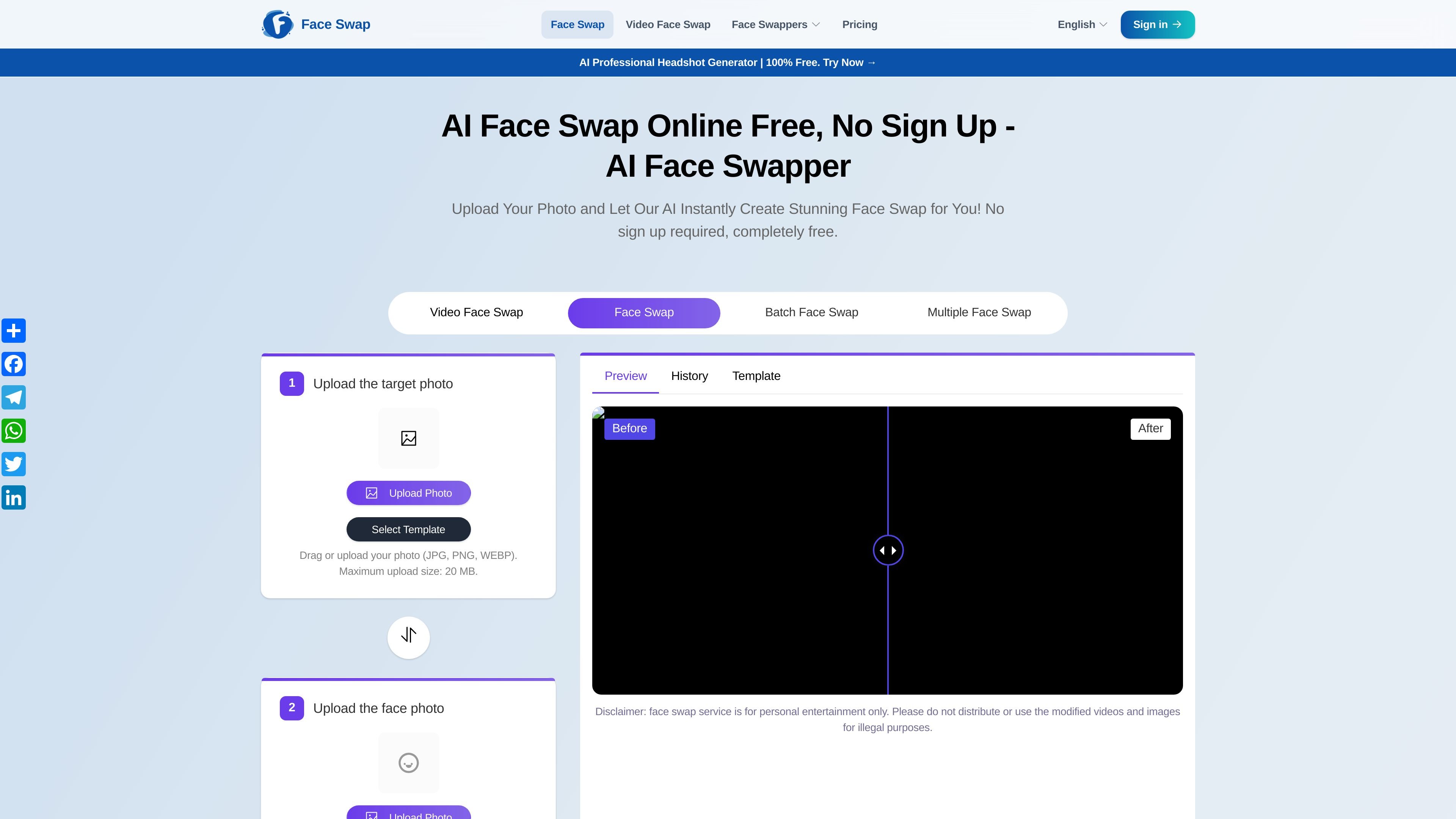
AI Face Swapper is a web-based face swap tool for photos, GIFs, and videos. Its main workflow is straightforward: upload a target image or media file, upload a replacement face, and start the swap without creating an account.
The site presents several swap modes, including single face swap, multiple face swap, batch face swap, GIF face swap, and video face swap. It also offers themed templates for users who want a quick starting point instead of building an edit from scratch.
The product page emphasizes free use, no sign-up, no watermarks, and no daily limits. It also says uploaded data is not stored on the server and that downloads are free, making the tool suitable for casual edits and entertainment-focused image generation.
Practical use cases shown on the site include swapping faces in friend photos, family photos, weddings, graduations, memes, and themed templates. The site also notes that the service is intended for personal entertainment and that users should follow relevant legal and content guidelines when sharing results.
Swap a single face in an uploaded photo using the site’s AI workflow. The page positions this for quick, realistic edits from a simple two-image input flow.
Replace faces across photos with multiple detected faces, such as friend, family, wedding, or graduation images. The multiple-face page describes detection, alignment, and blending to make the result fit naturally.
Batch face swap supports uploading multiple original images and applying the same target face across them. The page says you can upload up to 30 images for batch processing.
GIF face swap is offered as a separate mode for transforming animated GIFs. The site presents it as a way to create face-swapped GIFs in a short workflow.
The home page and related pages show template-based starting points, with themed categories such as adventure, astronaut, business, fitness, hippie, model, superheroes, and swimsuit.
Uploads accept JPG, PNG, and WEBP files, with a stated maximum upload size of 20 MB for photo inputs. The site also shows preview and history areas in the workflow.
Swap a single face in a portrait or selfie when you want a quick edit without opening a desktop editor.
Replace faces in group photos such as family gatherings, weddings, graduations, or friend photos where multiple faces appear in one image.
Apply one face across many source images when you need a batch workflow instead of editing each file separately.
Transform GIFs or short video content into face-swapped clips for casual sharing or entertainment.
Start from a themed template when you want a faster path to a finished image, such as a superhero, business, fitness, or seasonal look.
It uses AI to replace faces in uploaded photos and, on the site’s related pages, in videos and GIFs as well. The page flow is simple: upload the source image or media, upload the replacement face, and start the swap.
The site says it does not store uploaded photos, videos, or other data on its servers, and it does not require sensitive information to use the tool.
The site describes the service as free, with no daily limits for face swap use. It also notes that if traffic is high, users may need to wait their turn.
Yes. The site says downloads are free. It also says users may share generated images, as long as they follow the relevant terms.
The site says face swapping is generally legal for entertainment purposes, but users should be careful when posting or sharing content involving celebrities or explicit material.