
OpenAPI-to-MCP tool generation
Import an OpenAPI specification and generate MCP tools from its operations, parameters, request schemas, descriptions, and authentication requirements.

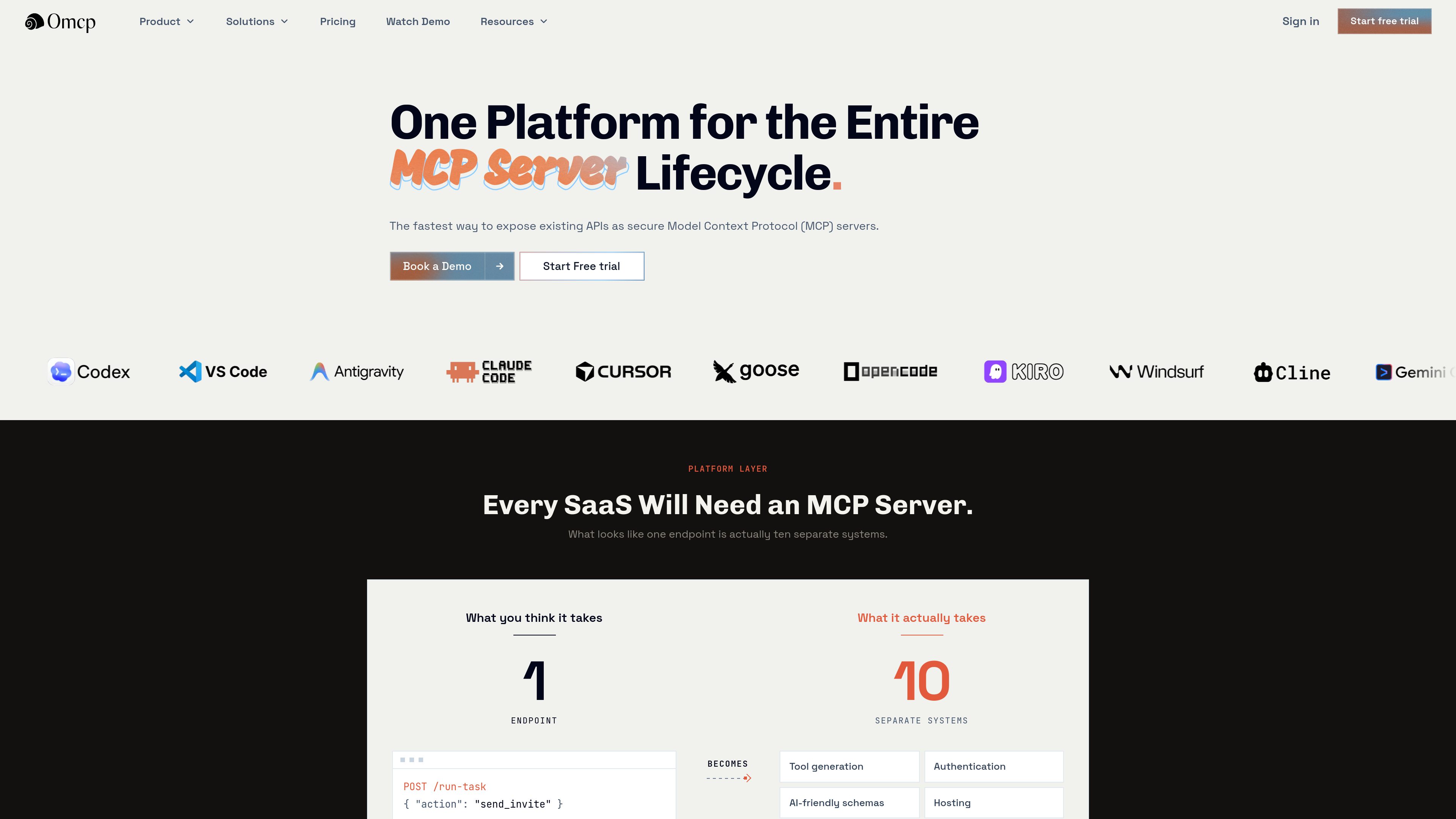
0mcp converts selected operations from an OpenAPI-described API into a hosted Model Context Protocol (MCP) server. It helps SaaS, platform, and internal teams make approved API actions available to MCP-compatible AI clients without implementing and operating the protocol layer themselves.
0mcp is a managed platform for turning an existing OpenAPI-described REST API into a hosted Model Context Protocol (MCP) server. Teams import their API specification, select the operations they want to expose, review the agent-facing tool configuration, and deploy a hosted endpoint. The existing backend remains responsible for business logic, data, validation, authorization, permissions, and rate limits.
The platform adds the agent-facing protocol layer without requiring a REST API rewrite. Configured credentials are forwarded to the upstream API, while 0mcp retains operational metadata such as request status, latency, and errors for monitoring. It does not store proxied API request or response payloads, upstream credentials, or business data.
Import an OpenAPI specification and generate MCP tools from its operations, parameters, request schemas, descriptions, and authentication requirements.
Choose the specific API operations that become visible to AI clients, keeping internal, administrative, or sensitive endpoints unpublished unless explicitly approved.
Forward configured credentials to the existing backend so the API continues to own authorization, permissions, validation, business logic, and data access.
Run live tool calls from the server workspace with representative inputs, then inspect outputs, status, latency, execution logs, and errors before client setup.
Publish deliberate changes to MCP tools and agent-facing descriptions through a hosted endpoint operated by 0mcp, rather than maintaining the protocol infrastructure in-house.
Monitor capability calls, response status, latency, failures, and errors. 0mcp says proxied request and response bodies are not stored.
A SaaS team can expose approved product operations—such as creating records, searching account data, updating subscriptions, or triggering workflows—through an MCP endpoint while keeping its existing API and account controls in place.
An internal platform team can publish a smaller set of approved tools for employee-facing agents, reducing the need for one-off scripts and keeping unsuitable API operations outside the agent surface.
A developer-platform team can offer MCP access alongside REST documentation, giving users an additional way to interact with selected API operations through compatible AI applications.
Before connecting Claude, ChatGPT, Cursor, or another MCP client, a team can use the Playground to test required inputs, success and error paths, upstream behavior, and agent-facing responses with live calls.
When an API operation or its agent-facing description changes, teams can review and publish a revision deliberately, then use operational signals to check status, latency, and failures after rollout.
No. The existing REST API remains in place and continues to own business logic, data, validation, authorization, permissions, and rate limits. 0mcp adds an MCP-compatible layer for the operations you approve.
Import the OpenAPI specification, select the operations to publish, and review their agent-facing names and descriptions before deploying the hosted MCP server. Unselected operations remain outside the published tool surface.
The site lists Claude, ChatGPT, Cursor, VS Code, Windsurf, Gemini, Codex, custom AI applications, and other applications that support the Model Context Protocol.
Yes. The MCP Playground runs live calls through the configured server and lets you inspect output, status, latency, logs, and errors. Because tests can reach the upstream API, use test-safe data and credentials for operations that create, update, or delete records.
0mcp says it does not store proxied API request or response payloads, upstream credentials, or business data. It retains operational metadata such as status, latency, and errors for monitoring and reliability.
Traffic data is for reference only.

glama.ai
Glama is a registry and infrastructure platform for discovering, evaluating, and connecting to Model Context Protocol (MCP) servers, connectors, clients, and tools. It supports browsing open-source and remote MCP entries, with hosted access and gateway features described on the site.

gitmcp.io
GitMCP creates a remote Model Context Protocol (MCP) server for public GitHub repositories and GitHub Pages sites. It helps MCP-compatible AI assistants access repository documentation and code context for more relevant coding responses.

modelcontextprotocol.io
The official TypeScript SDK for building Model Context Protocol servers and clients. It provides a repository-organized foundation for MCP development, with separate client, server, core, middleware, documentation, and example areas.

app.dezycro.ai
Dezycro is an operations layer for AI coding agents that provides product context, steers work, verifies behavior against requirements, and records decisions. It is designed for developers, product teams, and organizations that want to use agents without giving Dezycro access to source code.

callmejones.github.io
Blender Agent Bridge is a Blender extension and localhost MCP server that lets MCP-capable AI clients inspect Blender scenes, collect visual evidence, and make reversible edits. It is intended for users who want agent-assisted Blender workflows with explicit controls over trust and changes.

www.docker.com
Docker MCP Enterprise Gateway governs how MCP-compatible clients access approved servers and tools. It applies identity-aware policy, supplies credentials from an approved secret store, and records tool-call decisions for enterprise teams.