
Voice emails in Gmail and Outlook
Record a voice message and send it through email without asking recipients to install Vocal. The product is positioned to work inside familiar email workflows.

Vocal is an email-based voice messaging tool for Gmail and Outlook, with transcription, comments, analytics, and no app required for recipients.
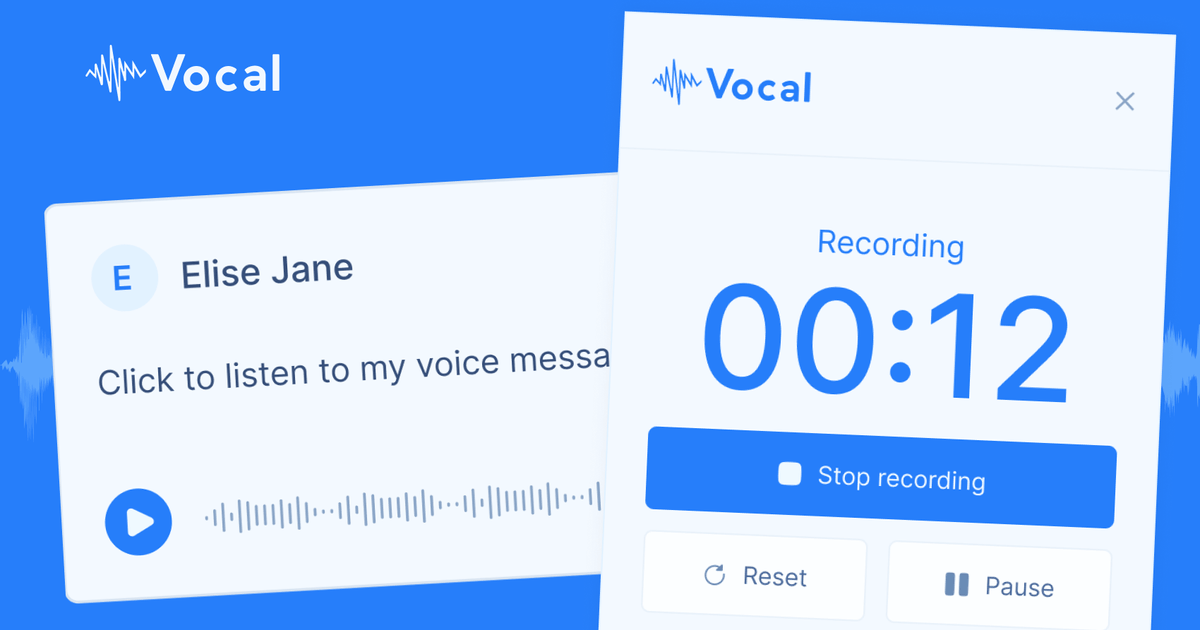
Vocal is an email-focused voice messaging tool that lets people record audio and send it to contacts through Gmail, Outlook, and related email workflows. The product is designed to make voice communication available inside the tools many users already use, rather than requiring a separate messaging app.
Its core job is to turn a spoken message into something recipients can hear with minimal friction. Vocal supports MP3 email attachments, simple web links, and mobile sending from Gmail, while also adding transcription, comments, and analytics for teams that want a fuller workflow around voice notes.
Record a voice message and send it through email without asking recipients to install Vocal. The product is positioned to work inside familiar email workflows.
Voice notes can be attached as MP3 files, listened to via a pasted link, or sent from the Gmail app on mobile. The home page also says the app works on major email clients and most platforms.
Automatic transcription is supported in more than 30 languages, with automatic language detection and paragraph formatting to make reading easier.
Team members can leave comments on specific parts of a voice message, and comments appear next to the transcription to make the thread easier to follow.
Analytics show who listened to a voice message, when they listened, and sometimes where and on what device. The analytics page also mentions email notifications and bot filtering.
The pricing page lists paid-plan options such as custom domains, full customization, folders for voice note management, listen insights, and webhooks & integrations.
Use Vocal to reply to clients or customers with a spoken message when a long typed response would be slower or harder to explain clearly.
Teams can use comments, transcription, and listener analytics to review voice messages together and keep feedback attached to the relevant part of the recording.
When a message needs to reach a broader audience, the analytics tools help track listening activity and filter bot noise for newsletters or broadcasts.
People working on the move can send voice messages from mobile through the Gmail app, which reduces the need to switch to a separate tool.
Users who work across languages can record in different languages and rely on automatic transcription and language detection to make messages easier to read.
Vocal works as a voice messaging tool for email, with support for Gmail, Outlook, and other major email clients. The home page also says it works on most platforms and includes a mobile add-on.
The pricing page shows a free plan and a Pro plan with additional features. Pro includes unlimited voice messages, unlimited recording time, automatic transcription, custom domain support, folders, listen insights, and webhooks & integrations.
Voice notes can be attached as MP3 messages, shared through a simple web link, or sent from the Gmail app on mobile. Recipients do not need to use Vocal or install anything to listen.
Vocal includes team collaboration features such as comments on voice messages, transcription next to comments, analytics on who listened, and a custom domain option for teams.
The auto-transcription page says Vocal supports more than 30 languages and uses automatic language detection. Transcriptions are shared with recipients and typically appear within a minute or two.